Set access rules
A2A policies match the source agent, target agent, and requested skill. No matching rule means allow; the first matching ALLOW or DENY rule decides.
The DVARA A2A Gateway is part of DVARA’s AI governance platform. Set rules for agent-to-agent calls, check sensitive data, and ask for approval before selected handoffs proceed.
A support agent needs help from a billing agent. Register the billing agent in the workspace, then define which calls should proceed, be denied, or wait for a person.
A2A policies match the source agent, target agent, and requested skill. No matching rule means allow; the first matching ALLOW or DENY rule decides.
Configure target agents or skill patterns that need approval. A matching call waits before reaching the peer. By default, no decision within 300 seconds means deny.
Calls resolve to active peers in the caller’s workspace. Choose stored credentials or let the caller provide its own delegated token.
Skill-based policy and approval rules need the caller to send the skill. Test both allowed and denied handoffs before relying on those rules.
Configure A2A access and approvals →PII detection is on by default with LOG, which leaves content unchanged. Configure BLOCK to reject detected sensitive data in outgoing message text, or REDACT to remove it.
Successful replies are checked too. BLOCK withholds a reply containing detected PII; REDACT and TOKENIZE remove newly detected response values irreversibly. These checks do not undo an action the peer has already taken.
Choose your PII settings →With A2A persistence configured, inspect recorded calls by source, target, skill, workspace, session, status, and latency. Use the separate A2A audit view for recorded governance events.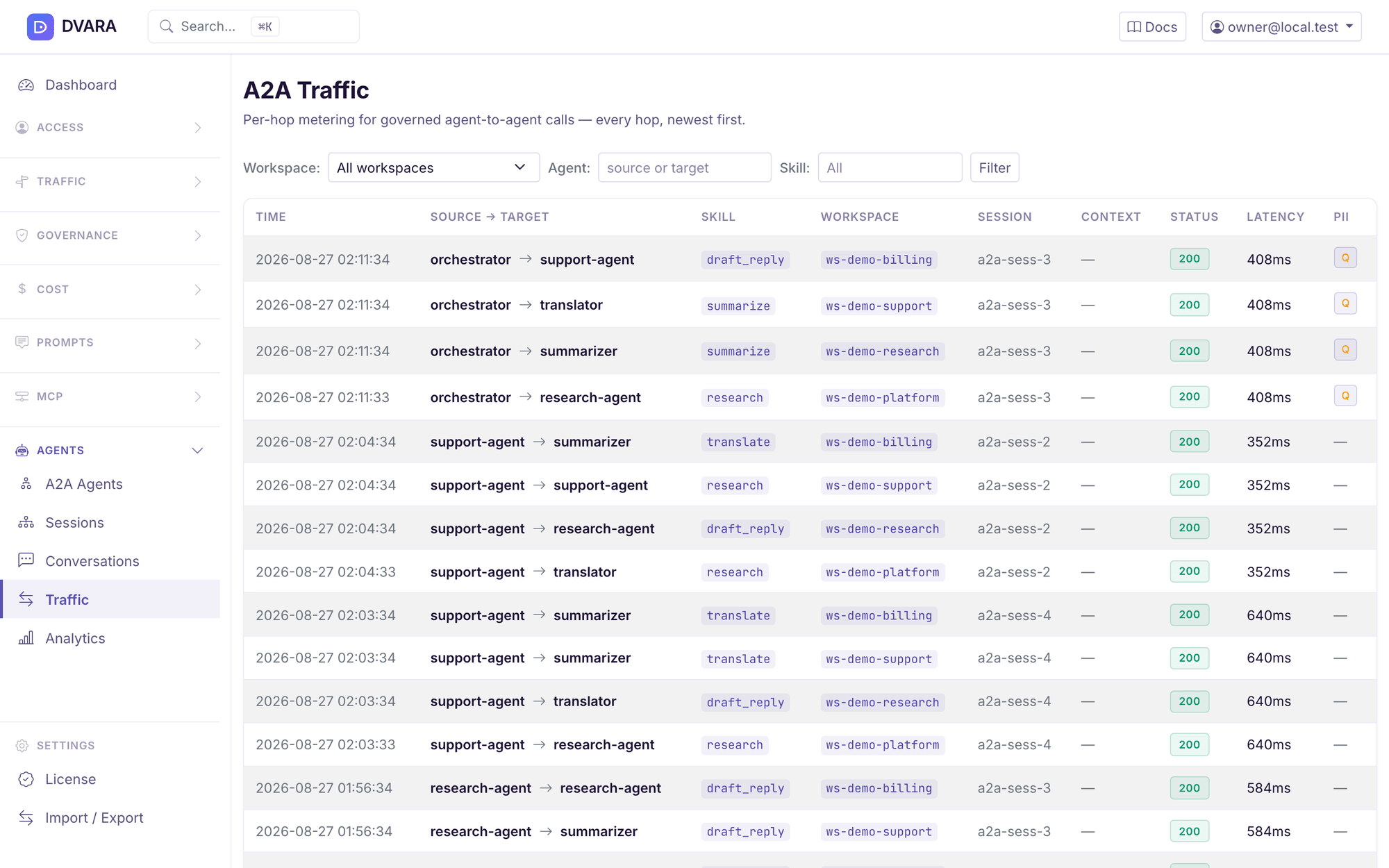
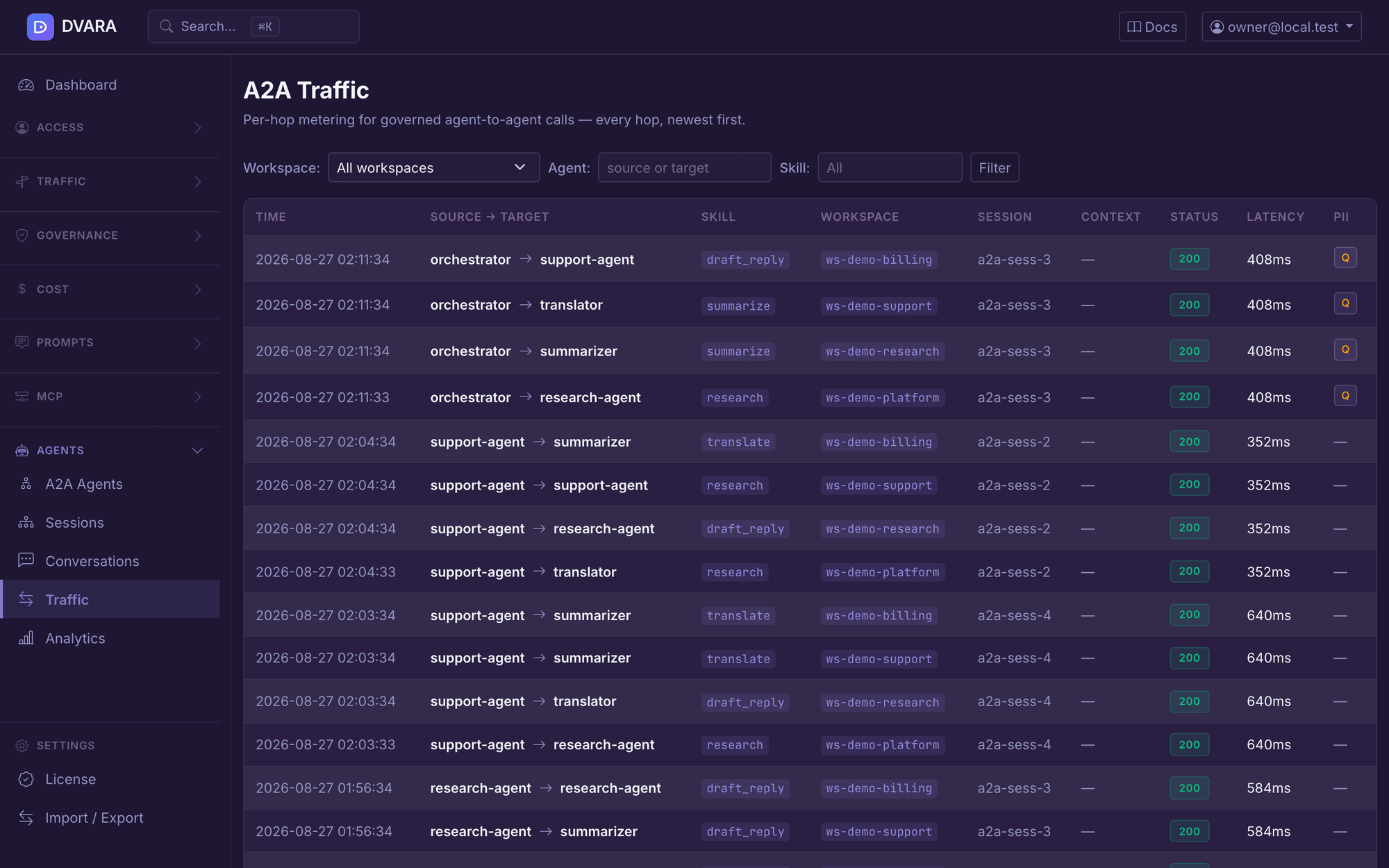
The hop audit starts after authentication and peer resolution. Invalid credentials and unknown peers do not create a governed-hop record. Audit and traffic writes are best-effort, so a storage failure can leave gaps.
The A2A Gateway runs inside the Enterprise Gateway. It is not included in DVARA Open Source. See Pricing for activation and production terms.
Register one peer, configure its credentials, then send an allowed call and a denied call through DVARA. Review the response and recorded activity before adding more agents.
Follow the A2A setup guide →No. Your application or agent framework chooses the next agent. The DVARA A2A Gateway checks the handoff sent through it; it does not orchestrate the workflow.
No. A2A policy allows a call when no rule matches. The first matching ALLOW or DENY rule decides. Add explicit deny rules where needed and test them before sending production traffic. Skill-specific rules require the caller to include the skill in its request metadata.
In stored mode, DVARA resolves the registered peer’s configured credential. In delegated mode, the caller supplies its upstream token. Delegated mode forwards that token; it does not perform an OAuth consent or token-exchange flow.
Yes. Configure a trusted public key for the peer and enable a2a.discovery.require-signed-cards. This setting is off by default. A signature that fails verification against a pinned key is rejected even when the setting is off.
A call made directly to a peer does not pass through DVARA. Use network restrictions and peer access controls when all handoffs must use the gateway. Response checks can withhold content, but cannot undo work the peer has already performed.
Connect a peer, set a rule, and inspect the result.