License & Operations
Not included in DVARA Open Source.
This page covers operational surfaces in the DVARA Flightdeck: providers, personal access tokens, guardrail plugin management, license monitoring, and health probes.
Up to 1.9.0 /providers redirected to /credentials. From 1.10.0 it is a page of its own; see
Add, turn on and remove providers below.
Add, turn on and remove providers
From 1.10.0 the platform owner manages the gateways' built-in providers on the Providers page (/providers, next to
Credentials), with no gateway restart.
- Add a provider of a built-in type and set where it points: a base URL, the region for Bedrock, or the API version for Azure OpenAI. You can link a credential. No key is stored on this page: the gateway reads the key through the credential chain, as for any provider.
- Turn it on or off, or remove it. A provider turned off or removed stops serving, and its models get
no_provider. - A base URL at a loopback, link-local or cloud metadata address is refused.
The list also shows each provider the gateway's environment registers, as Env and read only, with its health and who changed it last. When the environment registers the same type as a provider set here, the page shows a banner: the environment wins.
The rows reach every gateway on the config bundle, usually within seconds. /actuator/gateway-status reports the
providers built from it as managedProviders. The route form suggests the providers the gateway reports. Every
change is audited: PROVIDER_CREATED, PROVIDER_UPDATED (with a field diff), PROVIDER_ENABLED,
PROVIDER_DISABLED and PROVIDER_DELETED.
Personal access tokens
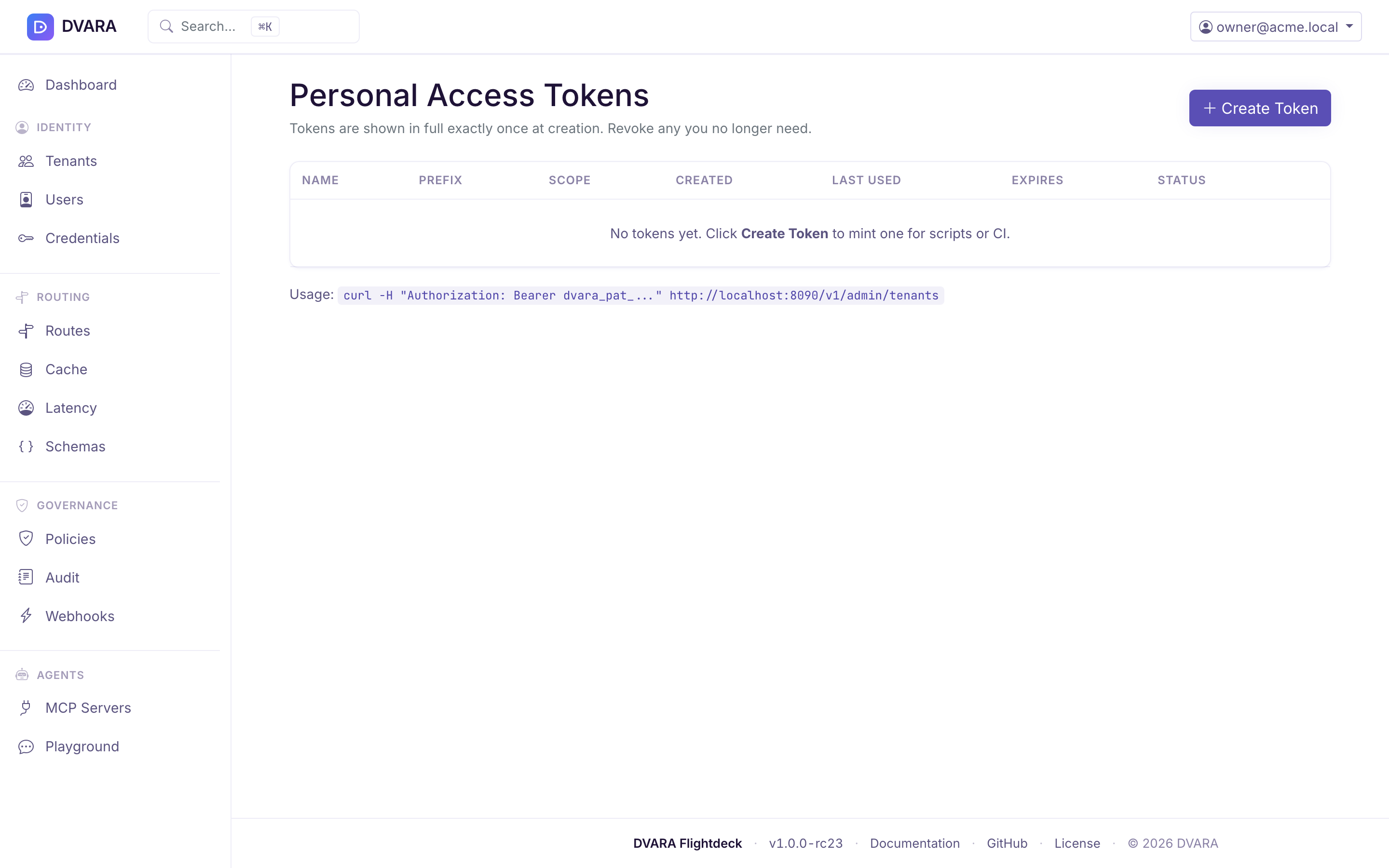
Open the user menu (top-right corner) and select Access Tokens to manage personal access tokens (PATs) for API automation.
PATs use the dvara_pat_ prefix followed by a random identifier. The raw token is displayed exactly once at creation — copy it immediately, as it cannot be retrieved again. Only a SHA-256 hash is stored.
Creating a token
Click Create Token, provide a name and optional expiry date. Scopes are set automatically from your current roles. The new token appears in a one-time alert with a Copy button.
Token table
| Column | Description |
|---|---|
| Name | Human-readable label |
| Prefix | First 20 characters of the token (dvara_pat_ab...) |
| Created | Creation timestamp |
| Last Used | Last authentication timestamp, or "Never" |
| Expires | Expiry date, or "Never" |
| Status | Active, Expired, or Revoked |
Revoking a token
Click Revoke next to any active token. Revocation is permanent — revoked tokens cannot be reactivated. You can only see and revoke your own tokens.
Usage
A PAT authenticates a script to the DVARA Flightdeck as the user who minted it, carrying that
user's roles. It is not valid on the data plane — that uses a workspace gw_ API key.
The administrative REST API, /v1/admin/**, was removed in 1.7.0. From 1.10.0 one route
takes a token: an owner's token can run the GitOps import from a pipeline. See
Import from a pipeline.
PATs work across both Flightdeck role scopes. Every create and revoke emits a PAT_CREATED / PAT_REVOKED audit event.
Guardrail plugin management
Navigate to /guardrail-plugins in your browser. This page manages external guardrail plugin definitions — the webhook endpoints that run alongside built-in detectors in the composite guardrail chain.
RBAC: Requires owner or policy-admin role. Secret rotation requires owner.
Plugin list
The table shows all platform-global and workspace-scoped plugins with:
| Column | Description |
|---|---|
| Name | Plugin identifier |
| Scope | Platform badge (global) or workspace ID |
| URL | Webhook endpoint |
| Timeout | HTTP timeout in milliseconds |
| Fail Mode | OPEN (return empty on failure) or CLOSED (throw exception on failure) |
| Status | Enabled or Disabled |
| Updated | Last modification timestamp |
The table auto-refreshes every 10 seconds. Use the Workspace dropdown to filter by scope.

Creating a plugin
Click New Plugin and provide:
- Name — unique identifier
- URL — webhook endpoint
- HMAC Secret — signing secret for request authentication (encrypted with AES-256-GCM before storage)
- Timeout (ms) — HTTP call timeout (default 5000)
- Fail Mode —
OPENorCLOSED - Workspace — leave blank for platform-global, or select a workspace for workspace-scoped
DVARA_ENCRYPTION_MASTER_PASSWORD must be set for secret encryption. The form shows an error if it is not configured.
Rotating a secret
Click Rotate to replace the HMAC signing secret. The old secret is permanently replaced and the change takes effect across all pods on their next config-version poll (a few seconds).
Audit events
Every mutation emits a GUARDRAIL_PLUGIN_CREATED, GUARDRAIL_PLUGIN_UPDATED, GUARDRAIL_PLUGIN_ROTATED, or GUARDRAIL_PLUGIN_DELETED audit event.
For fleet-wide configuration transfer, see GitOps export and import. For guardrail plugin concepts, see ML & Plugin Guardrails.
License status
This is the runtime view. To request, apply, or renew a license, see Get and apply a license.
Open the user menu in the top-right and click License to open the license page (also reachable directly at /license). Only the owner role can set or replace the licence here.
The top of the page shows where the install stands: no licence, a valid licence with its licensee and expiry date, or an expired licence. Without a valid licence it also shows the workspace count against 3. With no licence at all it shows this month's governed calls against 100,000. From 1.8.6, with a valid licence, it shows this month's governed calls with no limit, and links to the monthly usage report.
With a licence stored, the page shows its details and runtime status:
- Licensee — name of the license holder
- License type —
TRIALorPRODUCTION - Expiry date — license expiration with days remaining
- Runtime status badge — color-coded:
VALID(green) — more than 30 days remainingEXPIRING_SOON(yellow) — ≤ 30 days remainingGRACE_PERIOD(orange) — expired, within 14-day grace periodDEGRADED(red) — expired beyond the 14-day grace period
- Renewal instructions — displayed when the license is expiring or expired
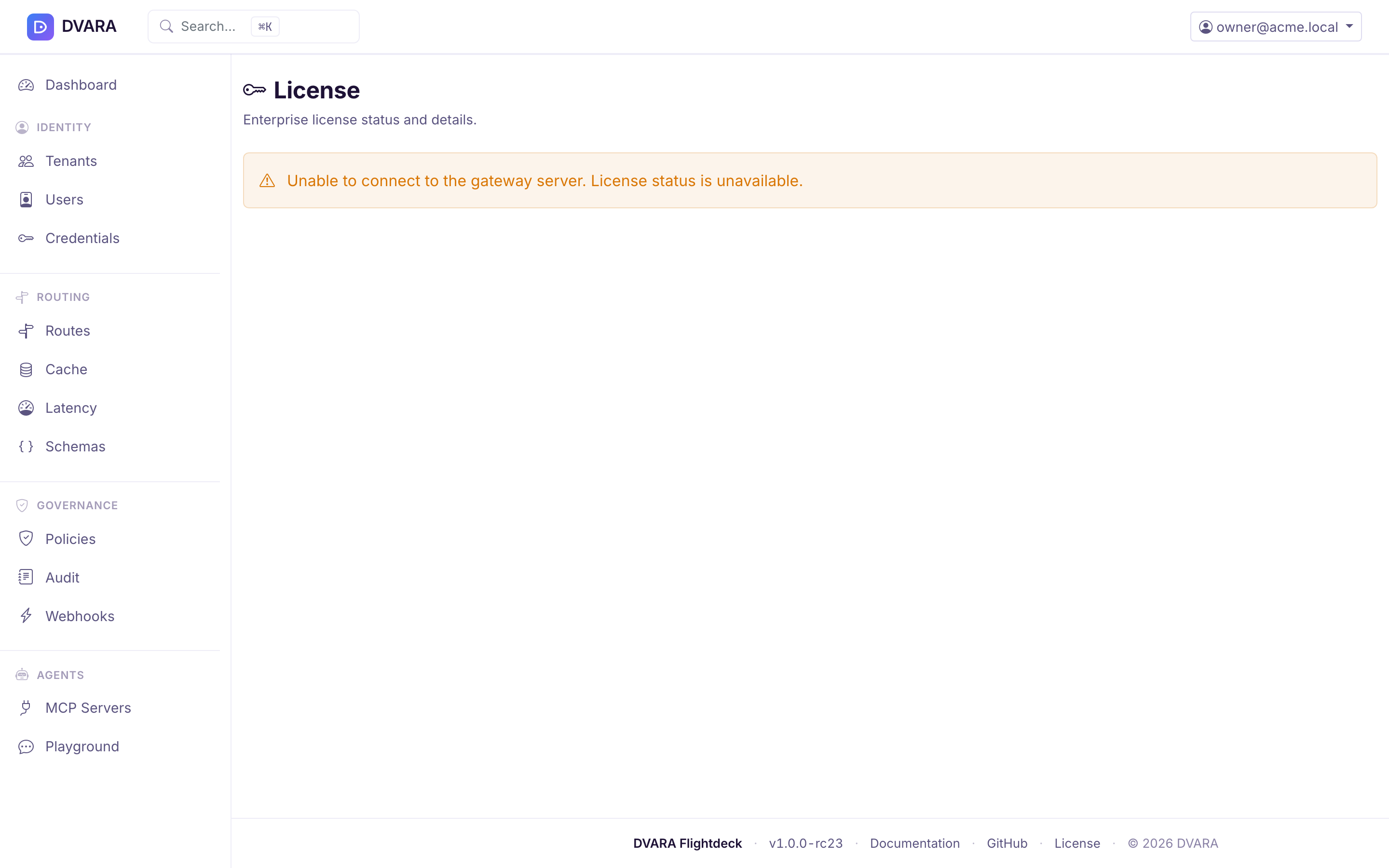
Flightdeck reads the licence from its own store, not from a Gateway, so the page works while a Gateway is unreachable. Saving a licence here takes effect in Flightdeck at once and on each Gateway pod with its next configuration bundle. No restart is needed. The Gateway reports the same state on its /actuator/license endpoint, which requires Authorization: Bearer $DVARA_ACTUATOR_API_KEY. The Open Source distribution does not expose this endpoint.
Flightdeck also shows the licence state on every page:
- Without a licence, a bar reads "Non-production licence". For platform roles it also shows the workspace count against 3 and this month's calls against 100,000, with a link to get a licence.
- Before expiry, owners see "Licence expires in N days" in Flightdeck from 30 days out.
- After expiry (from 1.8.3), every signed-in user sees a banner with the expiry date that says traffic is not affected.
What DEGRADED blocks: no traffic. From 1.8.2, /v1/*, /mcp/* and /a2a/* all keep serving after the grace period. An expired licence counts governed calls but never refuses one, keeps your existing workspaces, and refuses a new workspace above 3. From 1.8.3, compliance reports generated after the grace carry "Expired licence" in the footer. Until 1.8.2, DEGRADED refused /mcp/* and /a2a/* with 402 LICENSE_EXPIRED.
posture and license.status are different fieldsRead posture and status from /actuator/license. posture is DEVELOPMENT with no licence and PRODUCTION with one, valid or expired. status reports current licence health. Both follow the stored licence while the Gateway runs. A Gateway whose licence passed its grace therefore reports posture: PRODUCTION and status: DEGRADED, and serves every plane.
Health probes
The DVARA Flightdeck exposes health endpoints designed for Kubernetes probes:
| Endpoint | Purpose |
|---|---|
GET /actuator/health/liveness | Kubernetes liveness probe |
GET /actuator/health/readiness | Kubernetes readiness probe (application state and database connectivity) |
The readiness probe checks Flightdeck's application state and database connectivity. It does not include the Gateway connection. A disconnected Gateway appears in Flightdeck's System Status and live operational panels while Flightdeck remains ready for control-plane work.
See Check System Status and recover from errors for Gateway and provider states, correlation IDs, safe support evidence, and deployment-specific recovery steps.
The Helm chart wires these up automatically:
livenessProbe:
  httpGet:
    path: /actuator/health/liveness
    port: http
readinessProbe:
  httpGet:
    path: /actuator/health/readiness
    port: http
startupProbe:
  httpGet:
    path: /actuator/health/liveness
    port: http
Audit event stream
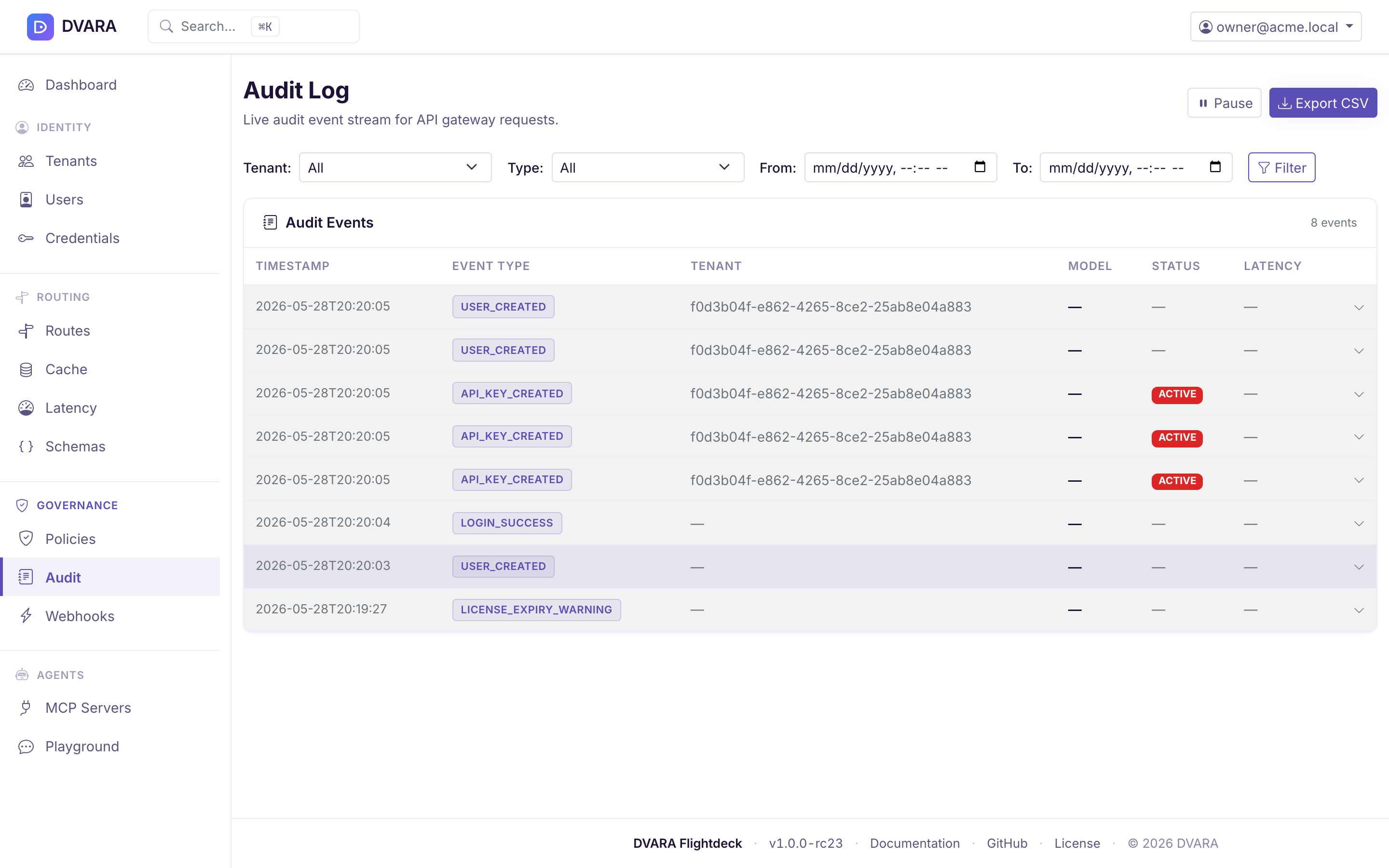
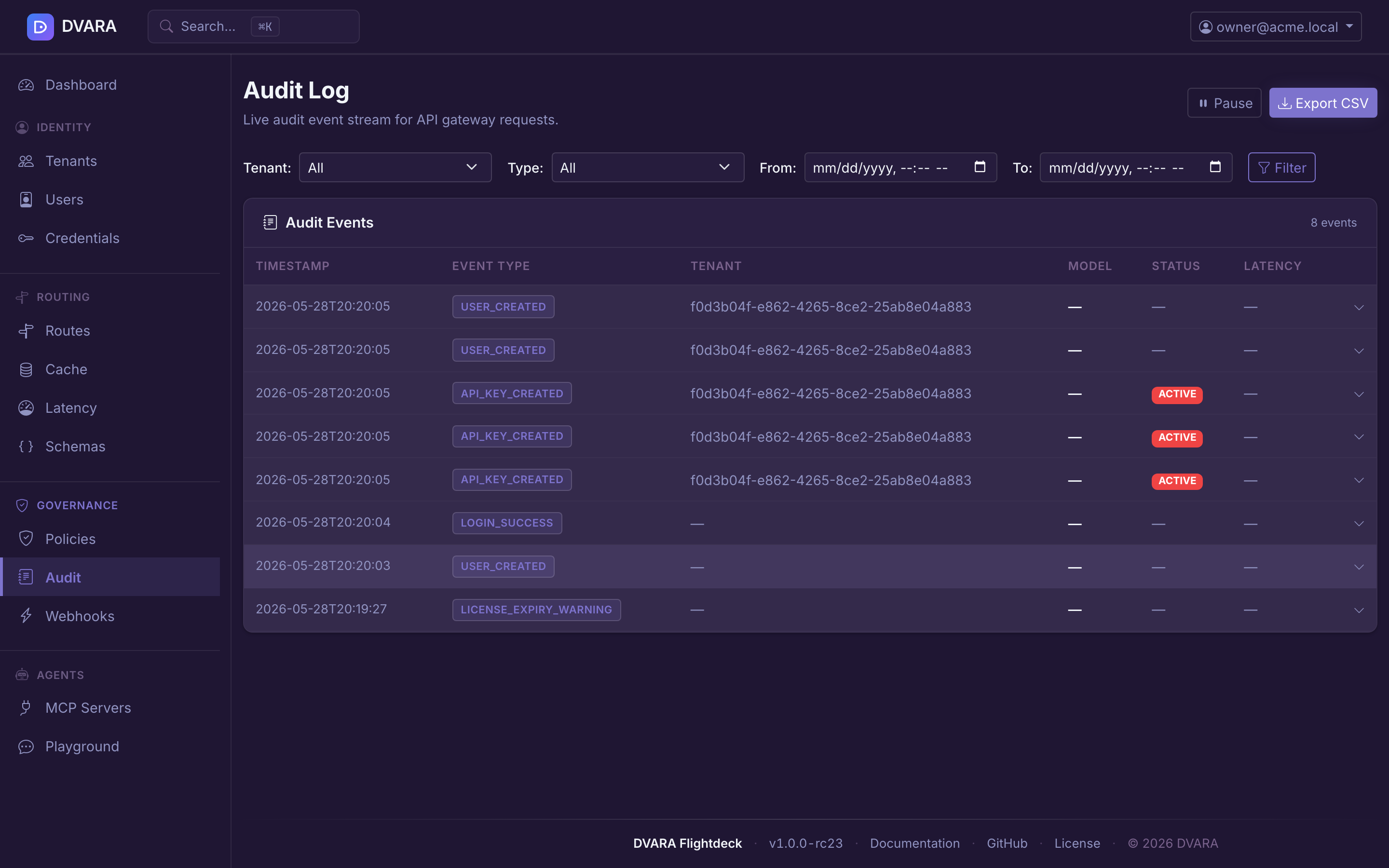
The sidebar's Governance → Audit page (documented in more detail under Governance) is the third operational surface. It exposes every append-only event written to the audit chain — policy decisions, authentication events, config imports, license transitions, and more — with a live-polling table (3-second refresh), click-to-expand event detail, and CSV / JSON exports (/audit/export, CSV by default and JSON with ?format=json). An export needs approval from a second authorized user before the original requester can download it.
From 1.8.4 a From or To date the page cannot read, such as not-a-date or 08/17/2026, is refused on that field. The message stays under the field, and the table lists nothing and says why, including on its 3-second refresh. Before 1.8.4 the page dropped the date and listed every row. The audit export already refused an unreadable date with a 400.