Prompt Playground
Not included in DVARA Open Source.
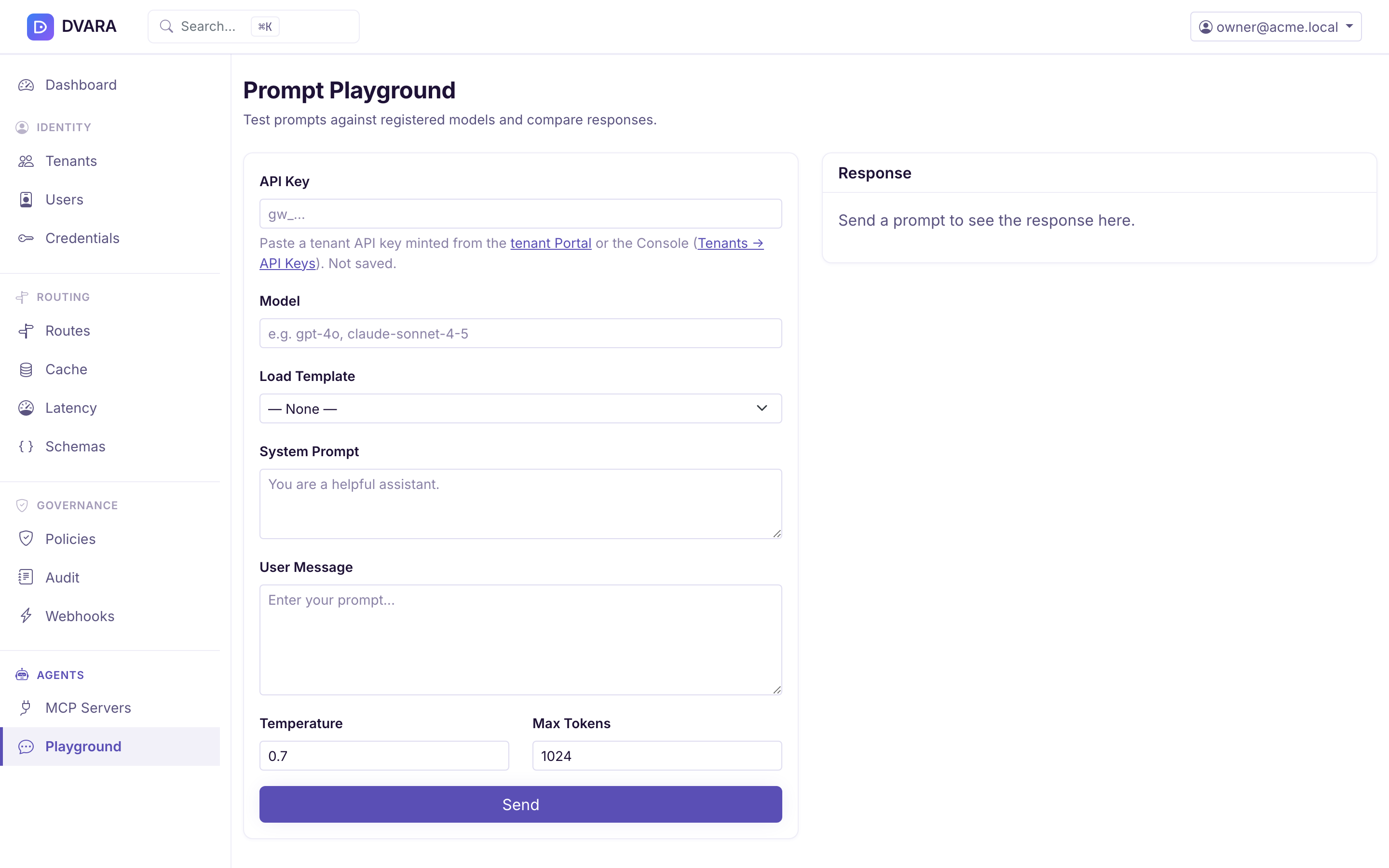
Open Playground in the sidebar or navigate to /playground. The playground
is enabled by default and removed when
dvara.flightdeck.playground.enabled=false. Use it to send a synchronous Chat
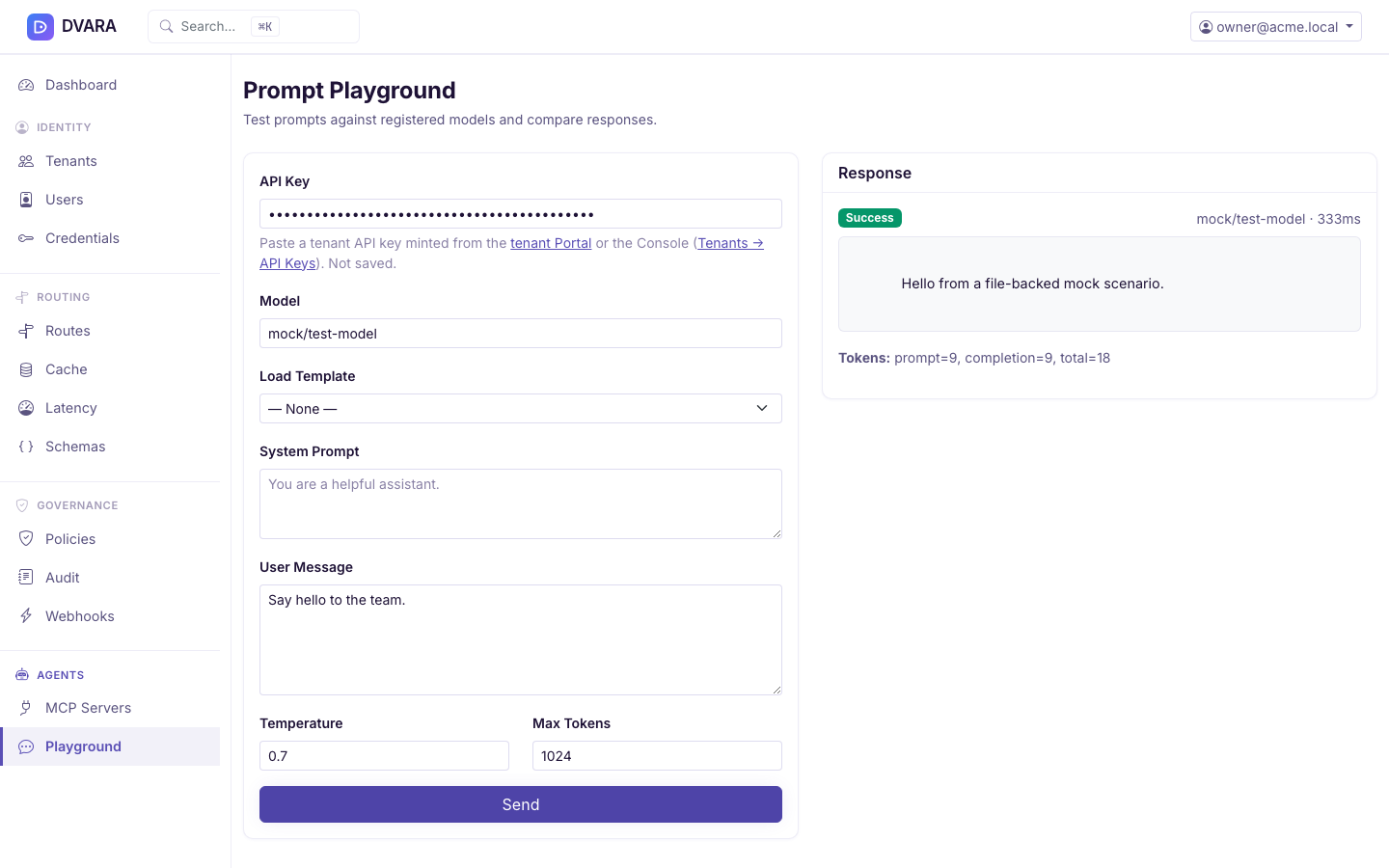
Completions request, load an active prompt template, and inspect the returned
text, usage, and Flightdeck-measured latency without writing a client.
Each Send requires a workspace API key (gw_…) in the API Key field. The
key is not saved in local storage or on the Flightdeck server, so a new browser
tab or reload clears it. Create a key from API Keys in workspace scope or
Workspaces → API Keys → Create key in platform scope. A key
with a nonempty scope list needs completions:write.
The form sends an ordinary synchronous /v1/chat/completions call. It runs the
policy, data, rate, budget, audit, usage, and cost controls that are available
in your distribution and enabled for that workspace. Controls that are off or
permissive by default do not become stricter because the call came from the
playground.
Configuration
The playground is enabled by default and can be disabled for production deployments:
| Property | Env var | Default | Description |
|---|---|---|---|
dvara.flightdeck.playground.enabled | DVARA_FLIGHTDECK_PLAYGROUND_ENABLED | true | Set false to disable the playground entirely |
When disabled, Flightdeck does not register the Playground pages, and direct requests return 404.
Access — who can use the playground
The playground has two surfaces, gated to different audiences:
| Scope | Roles | Use |
|---|---|---|
| Platform | owner | Ad-hoc verification across workspaces |
| Workspace | admin, developer | Daily prompt testing within the active workspace |
Workspace viewer is excluded from both — the playground sends billed /v1/chat/completions calls and viewer is a read-only role by contract. Platform policy-admin and billing-admin are excluded from Flightdeck's platform version — policy-admin writes policies (not prompts) and billing-admin watches costs.
The two surfaces are functionally identical: same form, same template loader, same per-request workspace API key paste (not persisted, no localStorage). The split is to give each audience a familiar layout — platform owners stay in Flightdeck; workspace developers land in Flightdeck next to their own keys, usage, and team.
Features
- Model field — enter the exact model identifier served by a registered provider
- Template loader — choose an active prompt template to populate the system prompt and user message fields
- System prompt editor — optional system message
- User message editor — the prompt to test
- Controls — adjustable temperature (0–2) and max tokens (1–128 K)
- Send — live request to the DVARA LLM Gateway. The response panel shows generated text, a copy action, the returned response ID and model when the provider supplies them, provider-reported prompt/completion/total tokens, and Flightdeck-measured wall-clock latency.
Side-by-side model evaluation
For a repeatable comparison, use the Eval pipeline with configured models and a golden-prompt corpus. The playground sends one model request at a time and does not provide a separate compare API.
For ad-hoc side-by-side without a corpus, open the playground in two browser tabs with different models — it's the same input form, run twice. Two tabs is cheaper than maintaining a separate compare API surface.