Configure PII redaction and guardrails
Data protection in your workspace is governed under one posture — every PII detection and every guardrail decision flows into your immutable audit trail. This page is the surface where you set that posture, and it is admin-only: developers and viewers cannot reach it.
Sign in as a tenant admin and confirm the gateway-connected indicator is green. Changes apply on the next data-plane request — there is no restart.
Choose what PII is detected, and what happens when it is
PII detection runs on every prompt before it reaches an upstream model, and on every response before it reaches your application. The choice you make on this page is what happens when something is found:
| Action | Behaviour |
|---|---|
BLOCK | The request or response is rejected. The caller sees an error; the upstream provider never sees the PII |
REDACT | The PII is replaced in-flight with an opaque token (a referenceable handle); the model sees the token, not the original value |
LOG | The PII passes through unchanged, but the detection is recorded in the audit trail |
Pick BLOCK for regulated categories that must never leave your perimeter (PCI, PHI). Pick REDACT when you want the model to still produce a useful response but with the sensitive value swapped out — your application can later detokenize it if it needs the original. Pick LOG when you are still calibrating and want to see what the detector is finding before you turn enforcement on.
Pick the Phileas filters that apply to your workspace
The in-process PII scanner — Phileas — recognises 17 standard filter types out of the box (SSN, credit card, phone, email, IP, passport, driver's licence, IBAN, MAC, URL, ZIP, bank routing number, VIN, bitcoin address, tracking number, currency, age). Enable the ones that match the data your workspace actually handles; leave the others off to reduce false-positive noise.
The page also lets you add custom regex patterns with a label of your choice. Use these for in-house identifiers (a customer reference number, an internal employee id, an account number format you mint yourself). Test every custom pattern against representative samples before you set the action to BLOCK.
Tune the guardrail action and risk threshold
Guardrails sit alongside PII and cover what the model is allowed to say or be told: prompt-injection attempts, jailbreak patterns, content categories, MCP-tool injection, and any external guardrail plugin your operator has wired up. The same three actions apply (BLOCK / FLAG / LOG), with one extra knob:
- Risk threshold — a number between
0.0and1.0. Detections below the threshold are ignored, so you don't get paged on low-confidence findings.0.7is a reasonable starting point; lower it if you are missing real cases, raise it if false positives outweigh true ones.
Detokenize a redacted value
When PII is in REDACT mode the original value is held in a tenant-scoped token store so your application can later recover it. The portal page has a small panel where, as an admin, you can paste a tokenised string and reveal what it contained.
The server resolves the token from the tenant-scoped store and returns the original value to your browser over the authenticated session — it is never logged. The audit trail records that you detokenized (the input length, the output length, whether anything changed, and your email as actor) — it never records the revealed text.
Use this sparingly. Every detokenize is reviewable, and a high rate is itself a signal worth investigating.
Purge every token in your workspace
The token store is bounded — it ages out tokens on its own retention schedule — but you can also drop everything in one step. This is a one-way operation: after a purge, any token that was outstanding can no longer be detokenized.
The purge form requires you to type your workspace name to enable the submit button. There is no "undo." Use it before handing off a workspace to a new owner or as part of a documented compliance retention cycle.
After purging, any tokenised PII that was still outstanding cannot be recovered. Applications that depend on detokenizing tokens issued before the purge will start to see opaque strings forever.
What every action writes to the audit trail
Every change on this page lands in the audit log with your email as the actor:
| Action | Audit event |
|---|---|
| Save the PII posture | TENANT_PII_CONFIG_UPDATED (carries the before/after for the PII keys only — never for unrelated metadata) |
| Save the guardrail posture | TENANT_GUARDRAIL_CONFIG_UPDATED (same shape, guardrail keys only) |
| Detokenize a value | PII_DETOKENIZE_REQUESTED (carries input_length, output_length, changed — never the revealed text) |
| Purge the token store | PII_TOKENS_PURGED (carries tokens_removed count) |
Data-plane detections write their own events (PII_DETECTED, PII_REDACTED, PII_OUTPUT_LEAK, GUARDRAIL_BLOCKED, GUARDRAIL_FLAGGED, ML_INJECTION_DETECTED, HALLUCINATION_DETECTED). Filter the audit log by event type to see what the detectors caught and what your posture did with it.
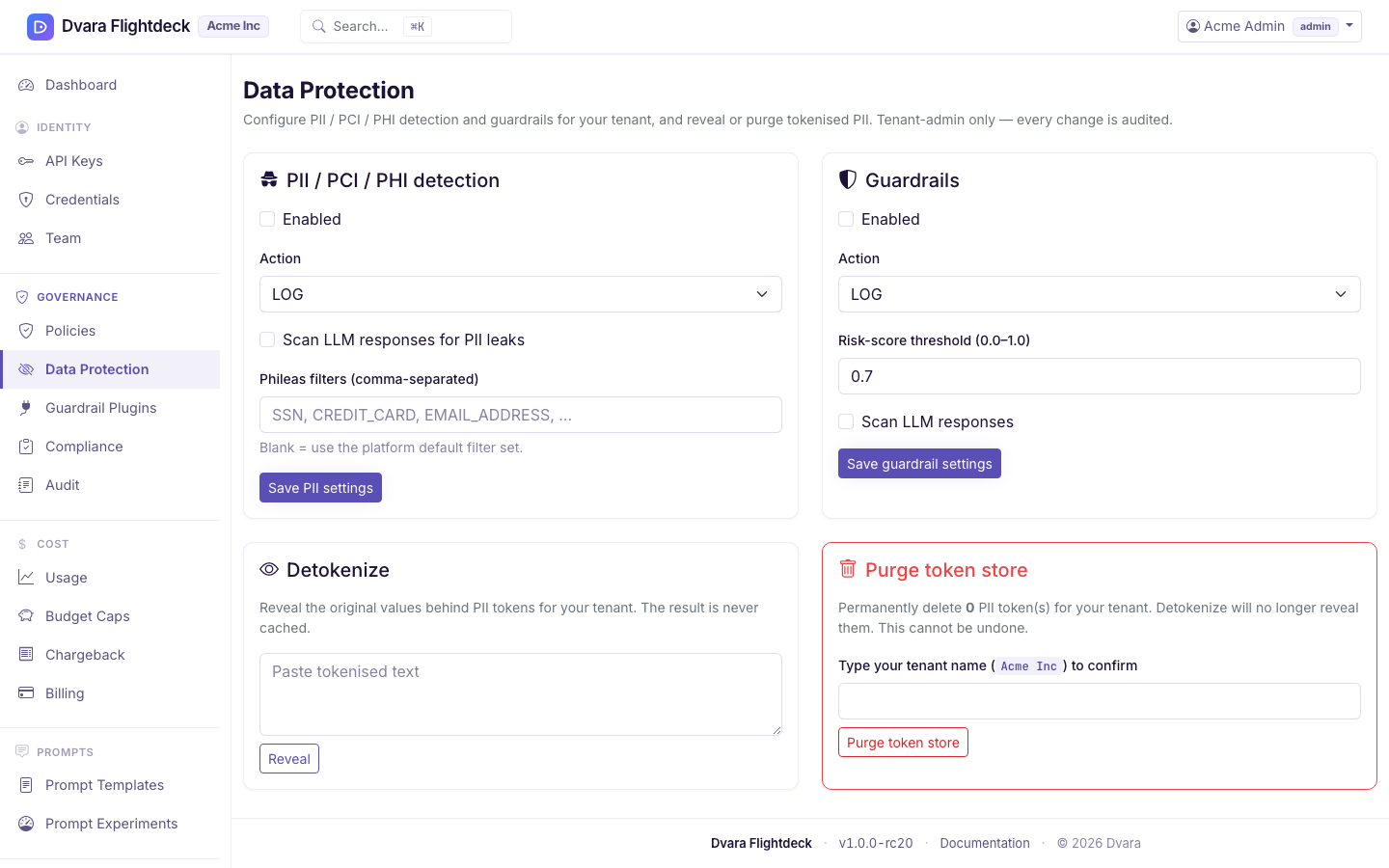
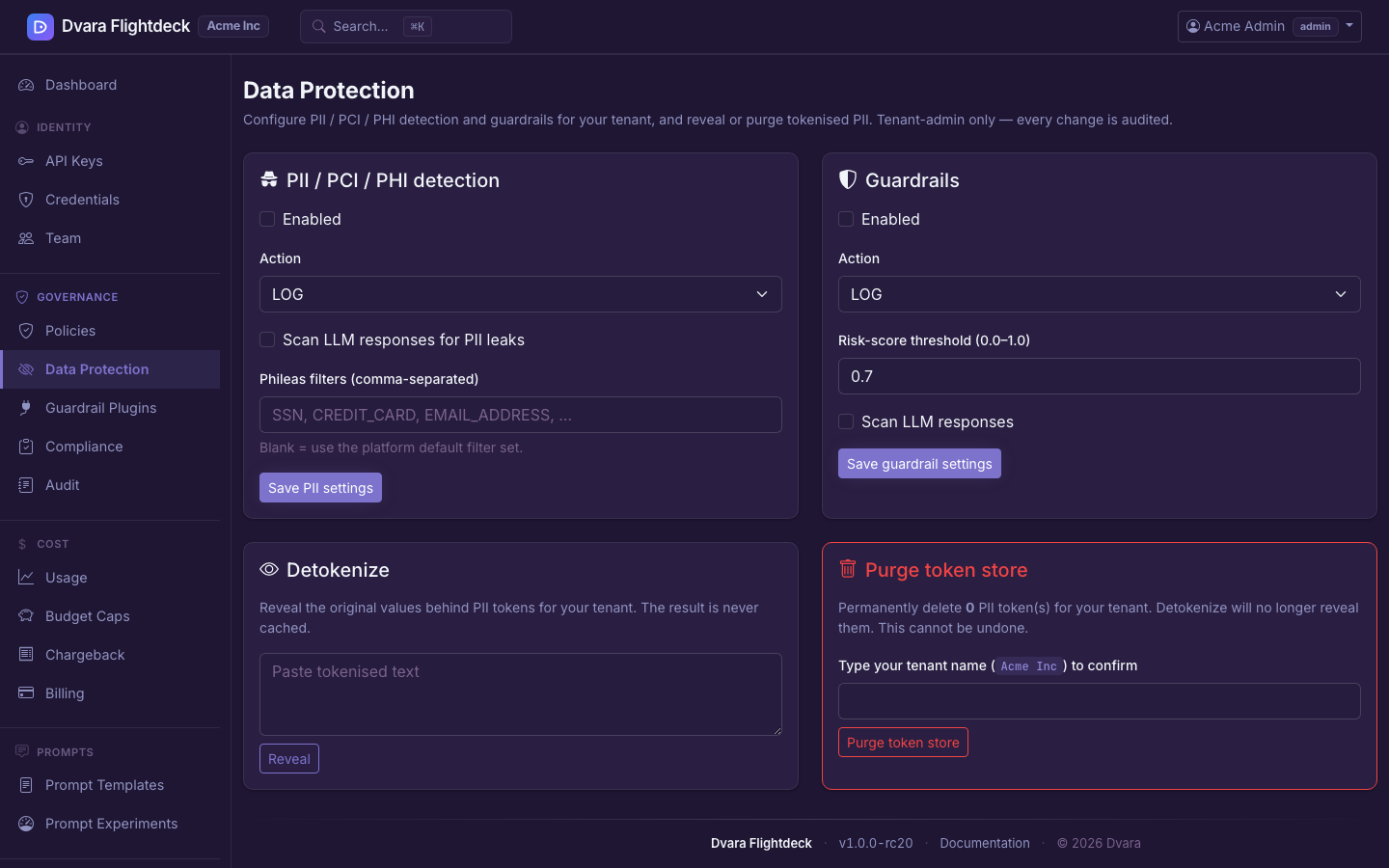
Figure 1. The Data Protection page — admin-only. PII action, Phileas filters, guardrail action and risk threshold, detokenize, and purge all live on one screen.