Version your prompts and run experiments
Prompts drift more than code does, and the audit trail is the difference between knowing why a model's behaviour changed and guessing. DVARA treats prompts the same way it treats policies: versioned, status-tracked, audited, and rollbackable. Experiments split traffic across variants so changes have evidence behind them, not vibes.
Sign in as a tenant admin or developer. Prompt management is portal-database-only, so the gateway-connected indicator does not gate this page — but experiment metrics are produced by the data plane in real time.
Author a prompt template
- Open Portal → Prompts → New template.
- Give it a name (e.g.
welcome-email), a one-line description, write the system prompt and the user template using{{placeholder}}syntax for variables, and submit. - The template lands as
DRAFT. Variables are extracted automatically from the placeholders — you don't list them by hand.
A minimal template:
name: welcome-email
system: |
  You are a friendly onboarding assistant for Acme. Be brief, warm, and accurate.
user: |
  Write a 3-sentence welcome message for {{customer_name}} who just signed up
  for the {{plan}} plan.
The two variables (customer_name, plan) are detected from the placeholders and listed in the template metadata.
Preview a render
The Preview panel takes a JSON object of variable values and shows you the rendered prompt without calling a model. Use it to verify the template substitutes correctly, especially when the prompt has many placeholders or conditional sections.
Preview is stateless — it does not store the request, it does not call a model, and it does not show in any caller's audit trail.
Ship from DRAFT to ACTIVE
A template that is still in DRAFT cannot be picked by your applications by name. To put a template into production, open it and change status to ACTIVE. The status change is audited.
Templates are addressed by id, not by name — there is no singleton constraint on the template name, and changing one template's status does not cascade to others. If you want to retire an old template, open it explicitly and set its status to ARCHIVED.
Roll back to a previous version
Every save creates a new version (your last 10 versions are kept). Open the template, click Versions, choose the version to restore, confirm. The current version is replaced with the chosen one and the rollback is audited with v<n> in the event detail.
Run an experiment across variants
An experiment is a controlled split between two or more prompt templates so you can compare them on real traffic. Open Portal → Prompt experiments → New experiment:
- Name the experiment (e.g.
welcome-tone-test). - Add two or more variants, each pointing at a template id you own. Variants pointing at another customer's templates are rejected at submit time.
- Assign weights to the variants — the percentages must sum to
100. - Submit. The experiment starts as
DRAFT. Change it toRUNNINGwhen you are ready to start splitting traffic.
While RUNNING, every call that references the experiment is randomly routed to a variant by weight. Switch to PAUSED to stop routing; switch to COMPLETED when the comparison is done. RESET clears the collected metrics without ending the experiment — useful between cohorts.
Read the experiment report
Open a running experiment and click Report. The view shows, per variant: total calls, error rate, average latency, average input and output tokens. Use the numbers to pick a winner before promoting it; do not promote based on a single screenshot of a few-hour window.
What every action writes to the audit trail
| Action | Audit event |
|---|---|
| Create a template | PROMPT_TEMPLATE_CREATED |
| Edit a template | PROMPT_TEMPLATE_UPDATED |
| Change template status | PROMPT_TEMPLATE_STATUS_CHANGED (carries the new status in detail) |
| Roll back to a previous version | PROMPT_TEMPLATE_ROLLED_BACK (carries v<n> in detail) |
| Delete a template | PROMPT_TEMPLATE_DELETED |
| Create an experiment | PROMPT_EXPERIMENT_CREATED |
| Edit an experiment | PROMPT_EXPERIMENT_UPDATED |
| Change experiment status | PROMPT_EXPERIMENT_STATUS_CHANGED |
| Reset experiment metrics | PROMPT_EXPERIMENT_RESET |
| Delete an experiment | PROMPT_EXPERIMENT_DELETED |
Preview rendering and report viewing are read-only and not audited.
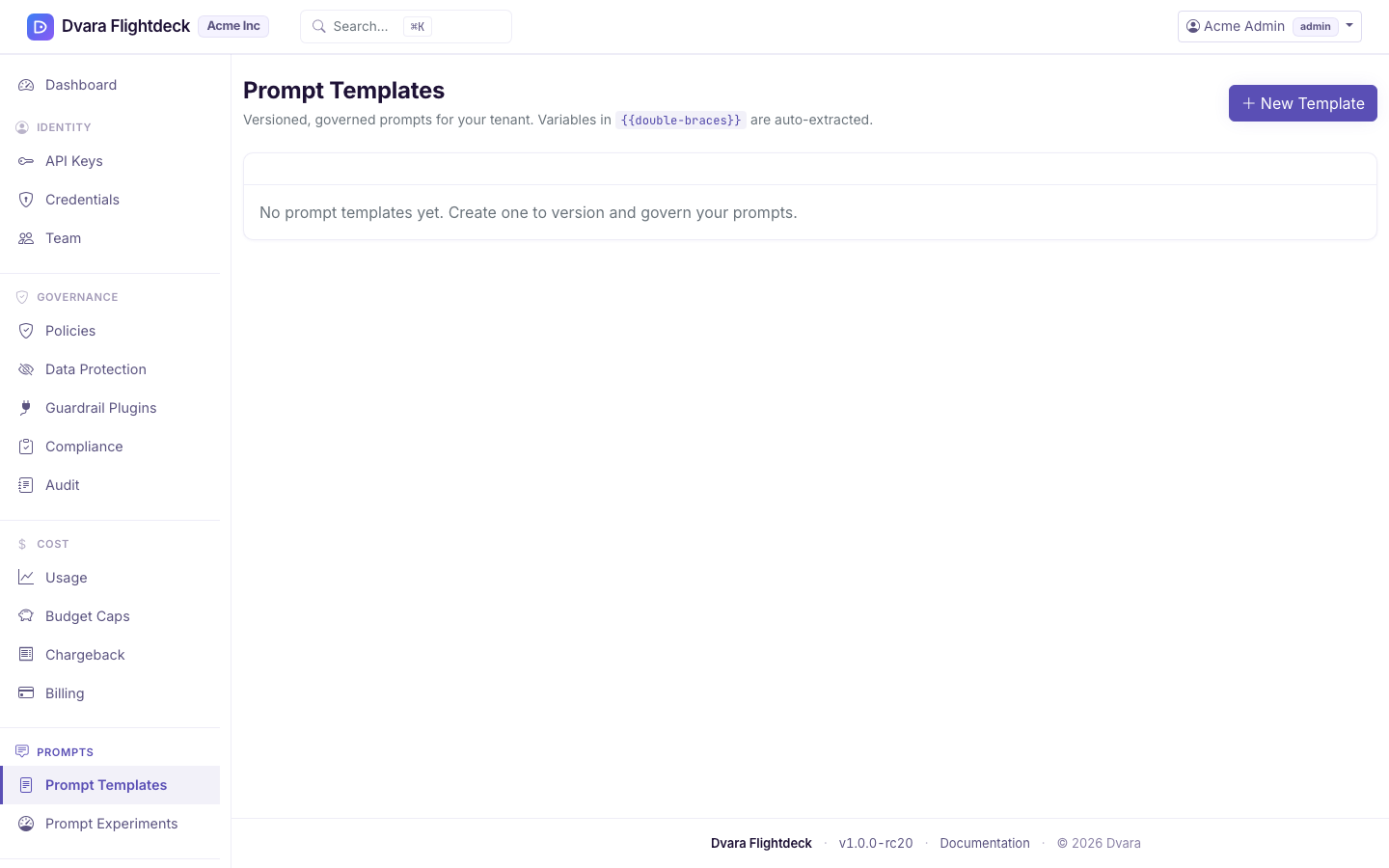
Figure 1. The Prompt templates page. Status and version columns make it easy to spot DRAFT versus ACTIVE versus ARCHIVED.
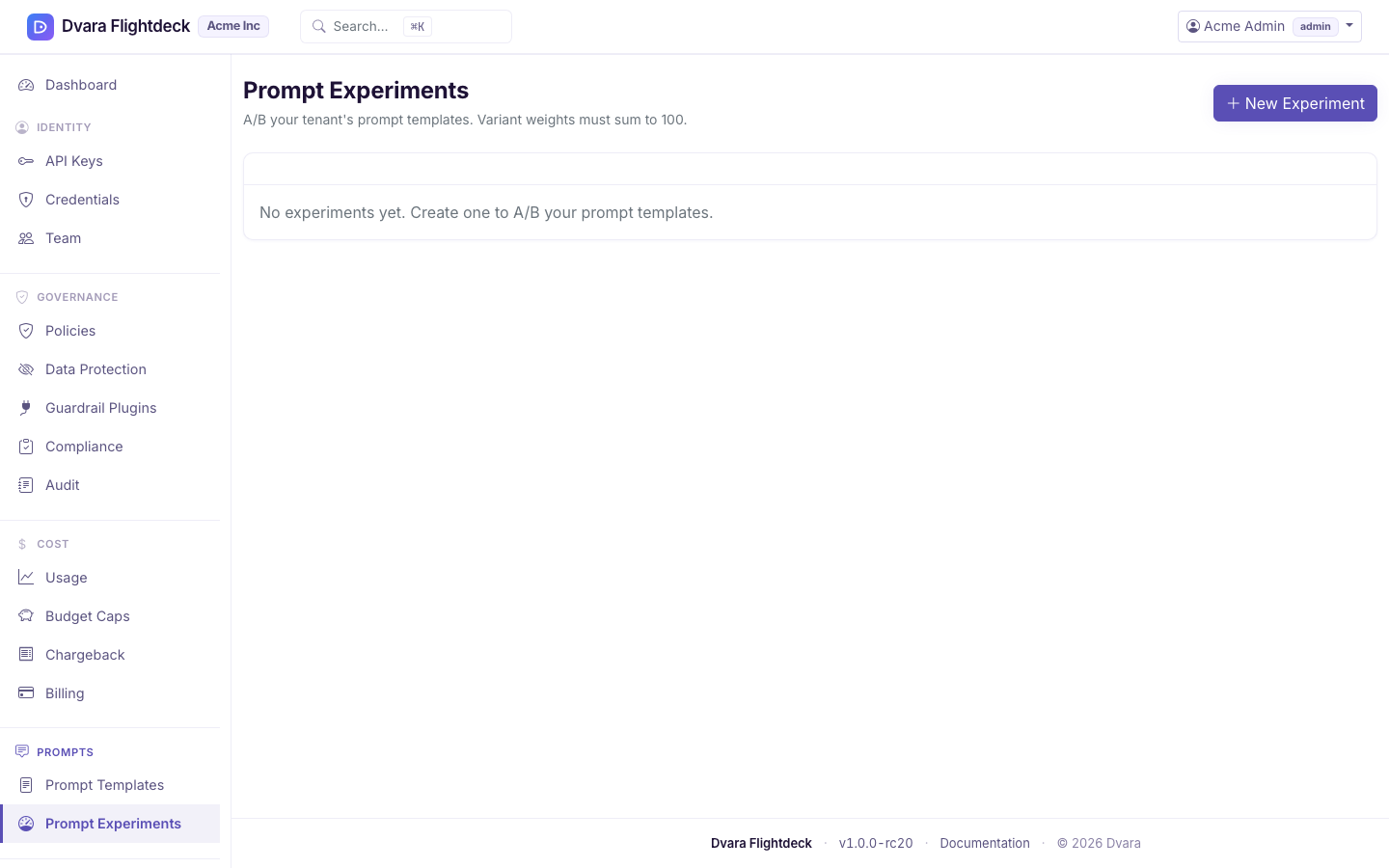
Figure 2. The Prompt experiments page. Each experiment splits traffic between variants by weight; the report rolls up metrics by variant.