Sign up and trial
Start a trial
- Go to dvarahq.com and choose a plan, or go straight to the signup form. With no plan selected you start on the free trial.
- Enter your work email, first name, company (last name is optional).
- We email you a setup link. Click it to confirm your email and set your password.
- Your workspace (tenant) is ready — sign in to the portal.
DVARA Cloud's signup form rejects throwaway / disposable email providers (Mailinator, temp-mail-style domains, etc.) so the trial pool stays signal-rich. Use a real work address; the email is the only thing that survives the lifecycle, so a typo or a burnable inbox is a recipe for a lost account.
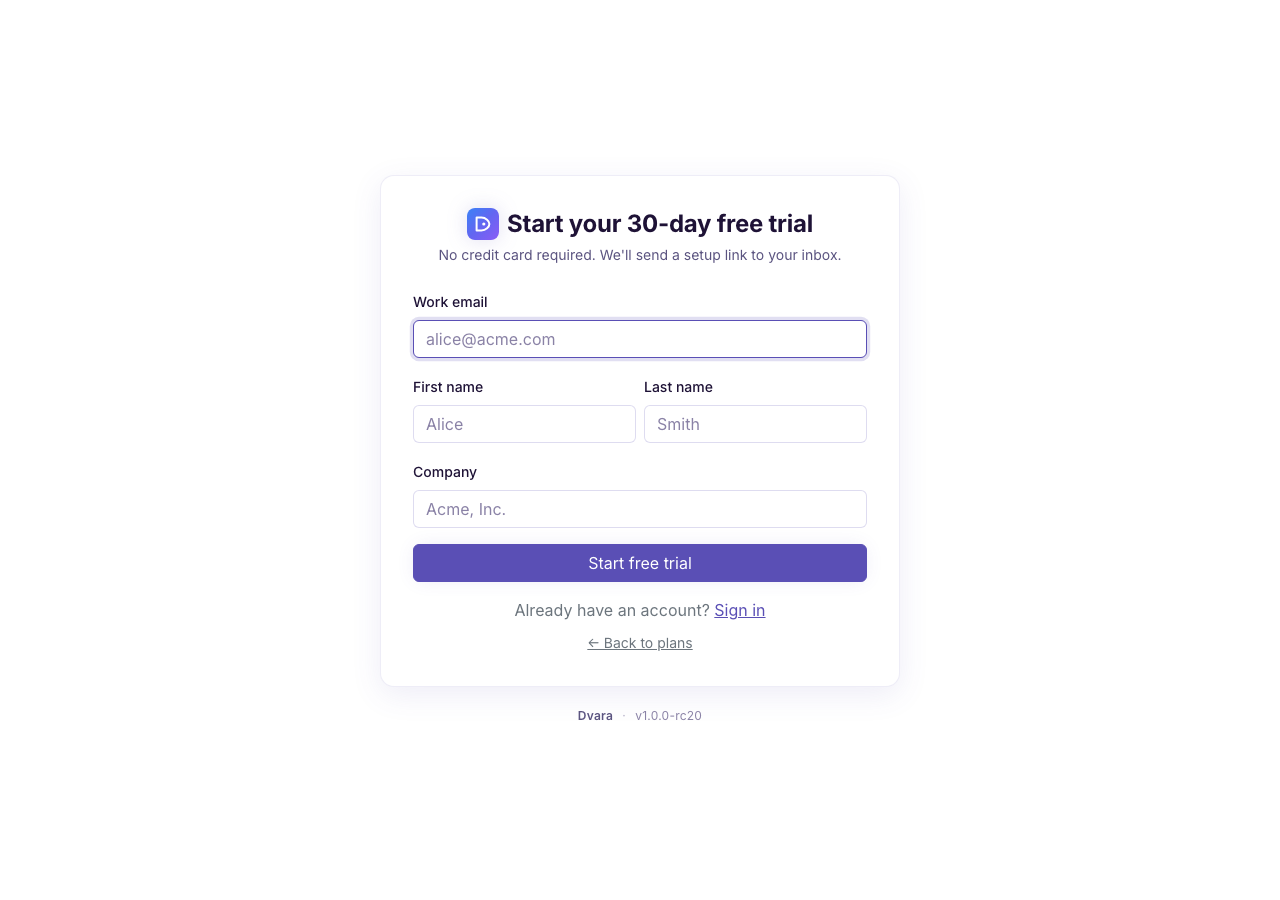
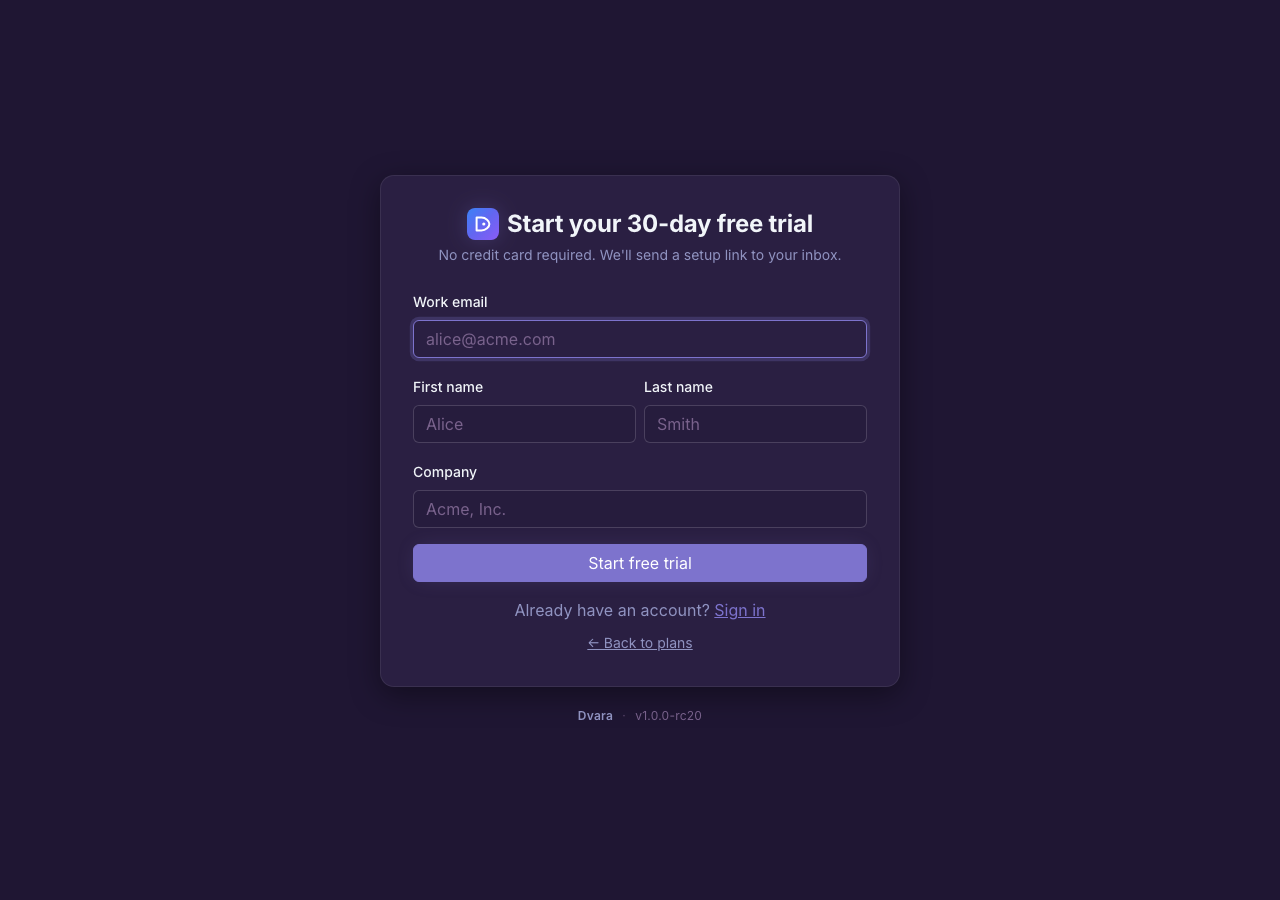
Figure 1. The signup form at dvarahq.com. With no plan selected you start the 30-day free trial.
Your workspace is created when you click the link in that email — not before. This keeps things clean: if you mistype an address or never confirm, nothing is provisioned. Check your inbox (and spam) for the setup link after signing up; the link is valid for 7 days.
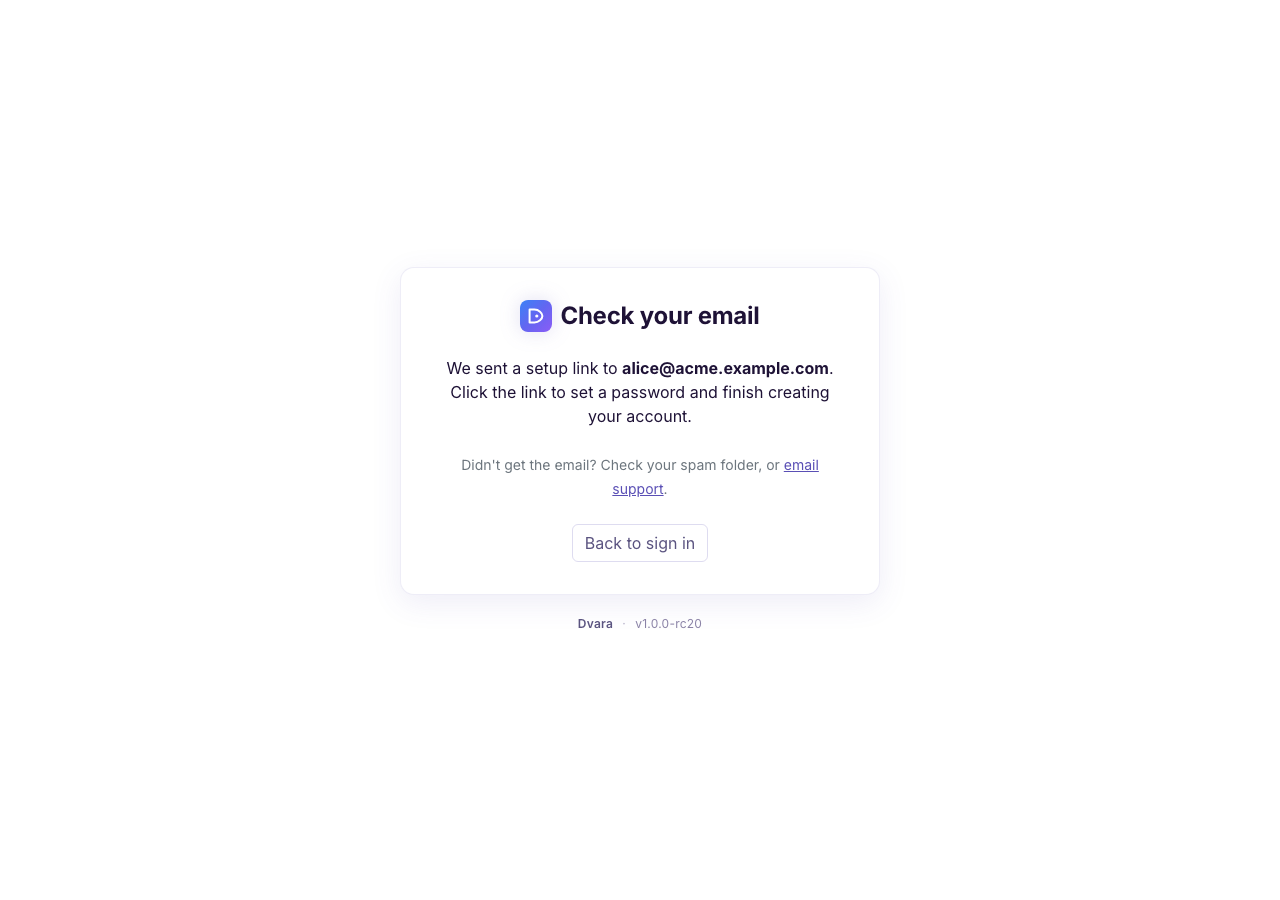
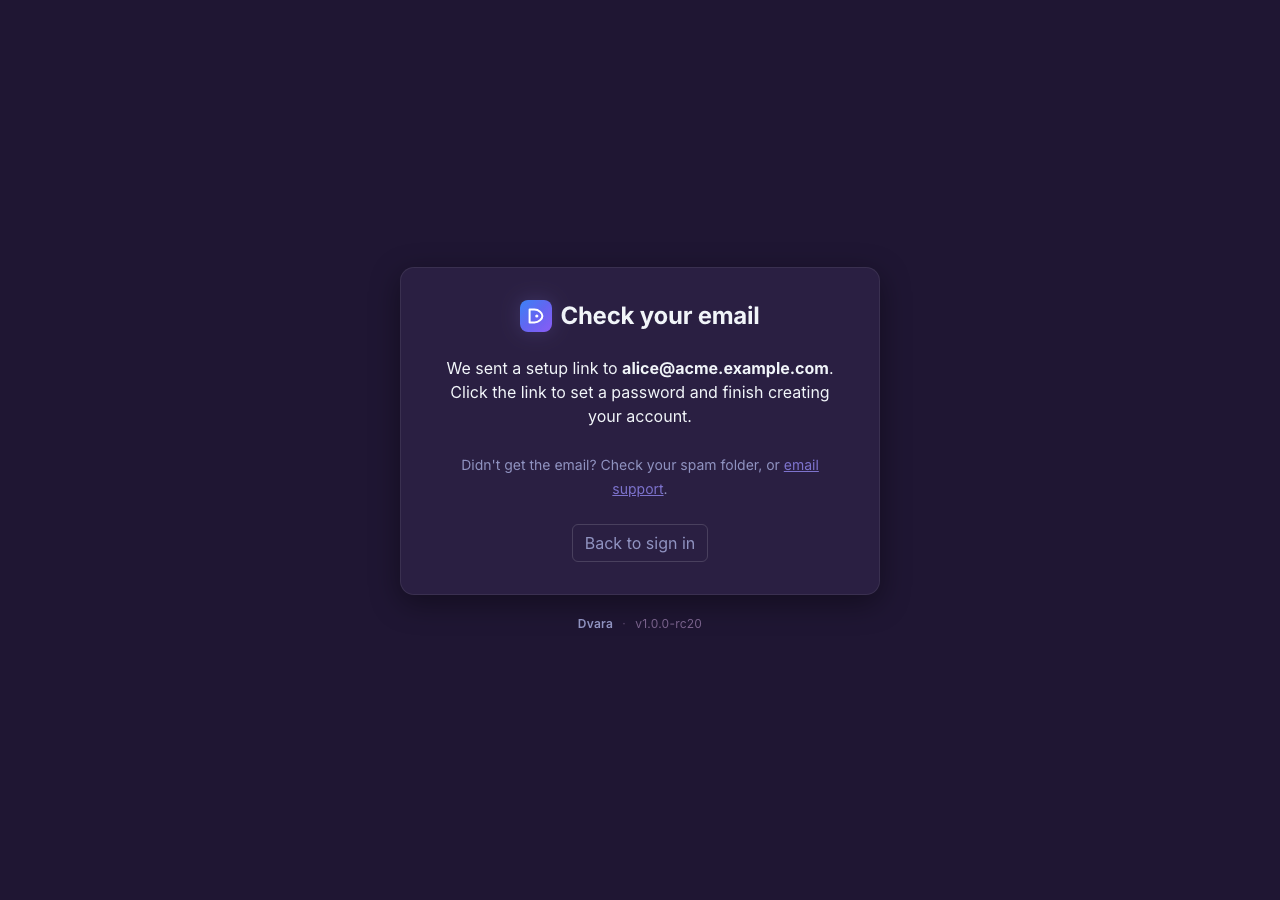
Figure 2. After submitting, you land here — the workspace is provisioned only when you click the emailed setup link.
Set your password
The setup link takes you to a one-time form to set your password. Once submitted, your workspace is provisioned and you're redirected to the sign-in page.
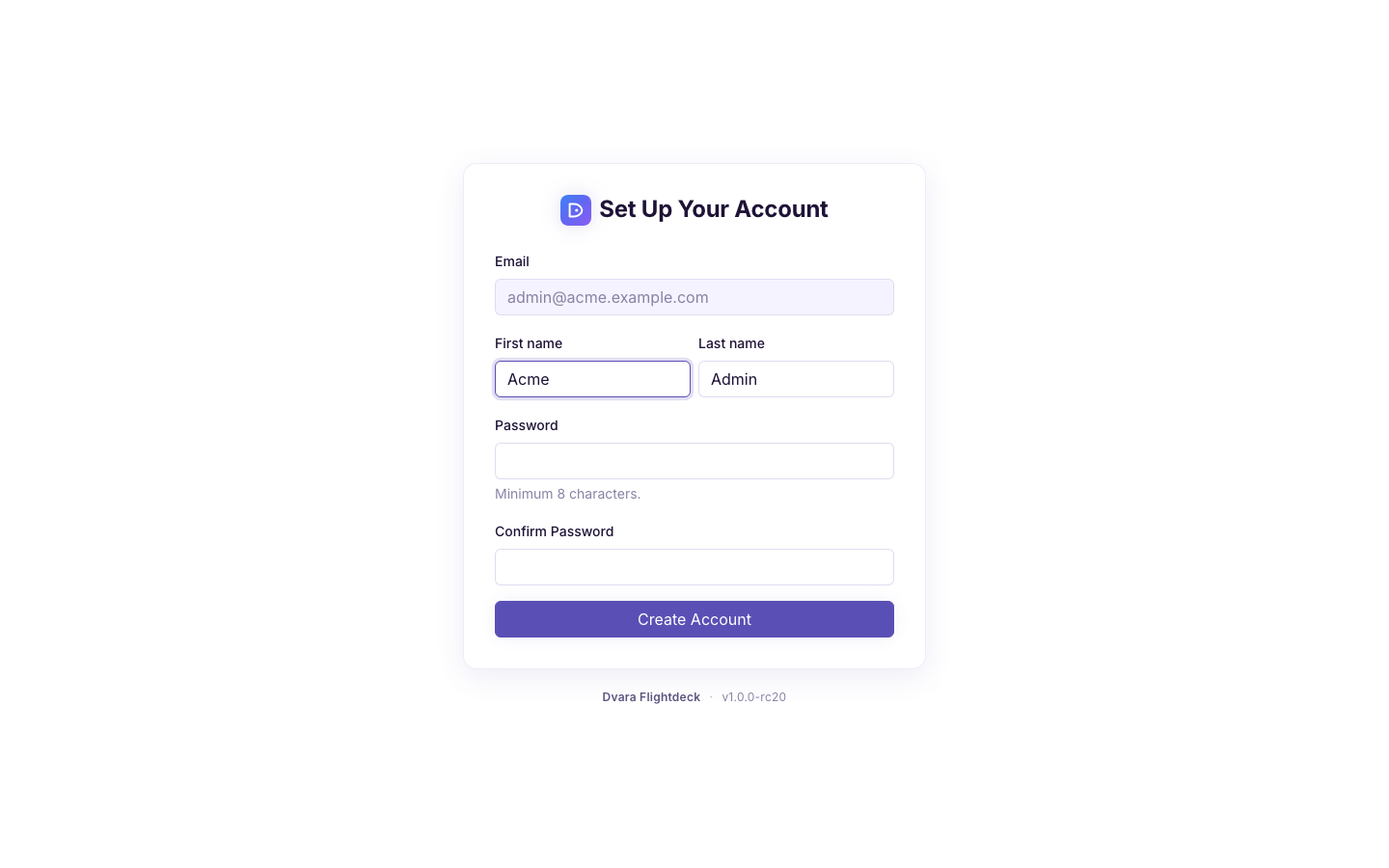
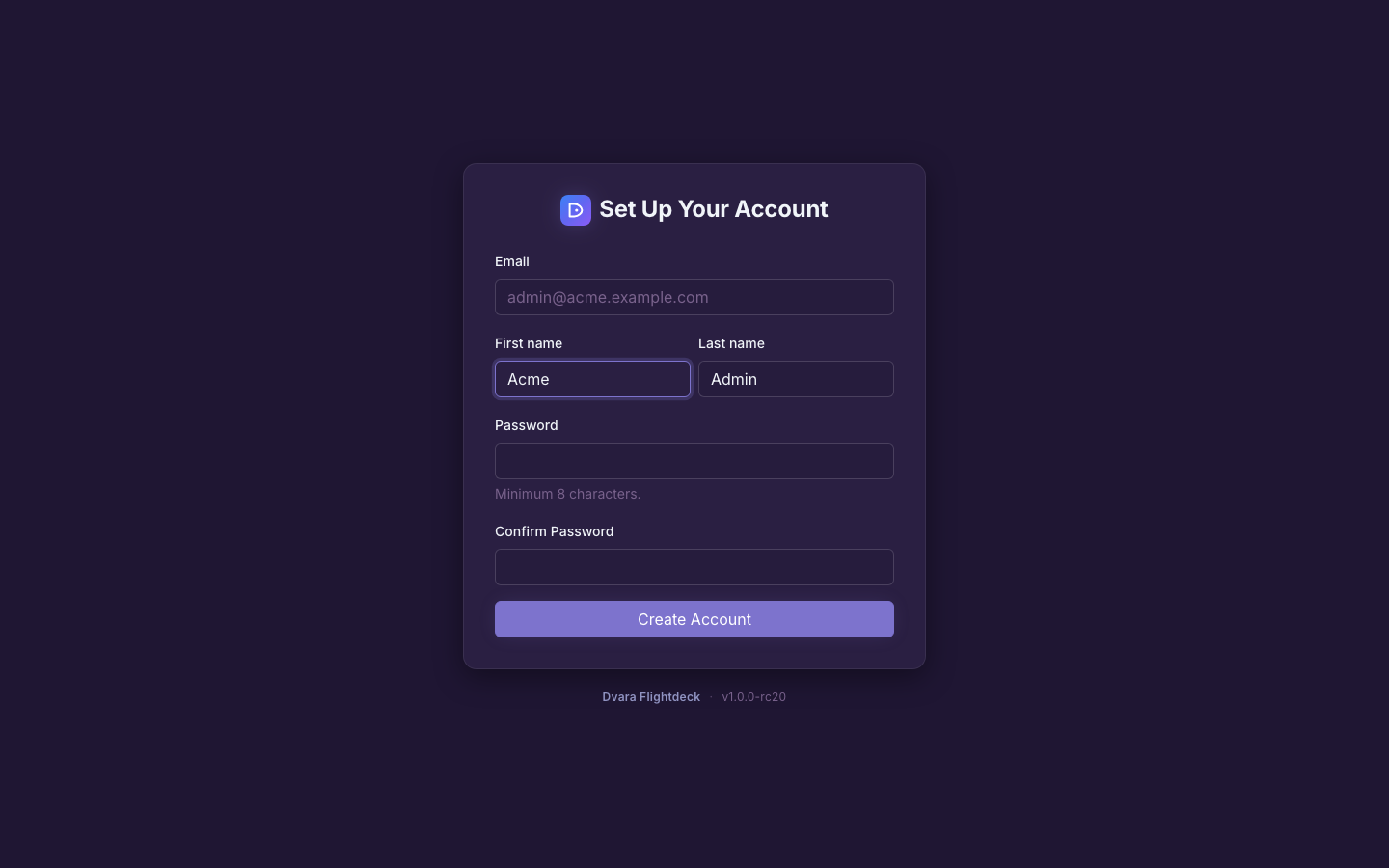
Figure 3. The password-setup form. The setup link is single-use and valid for 7 days.
Sign in to your workspace
Sign in with the email you used to sign up and the password you just set. You land in the DVARA Flightdeck portal scoped to your workspace.
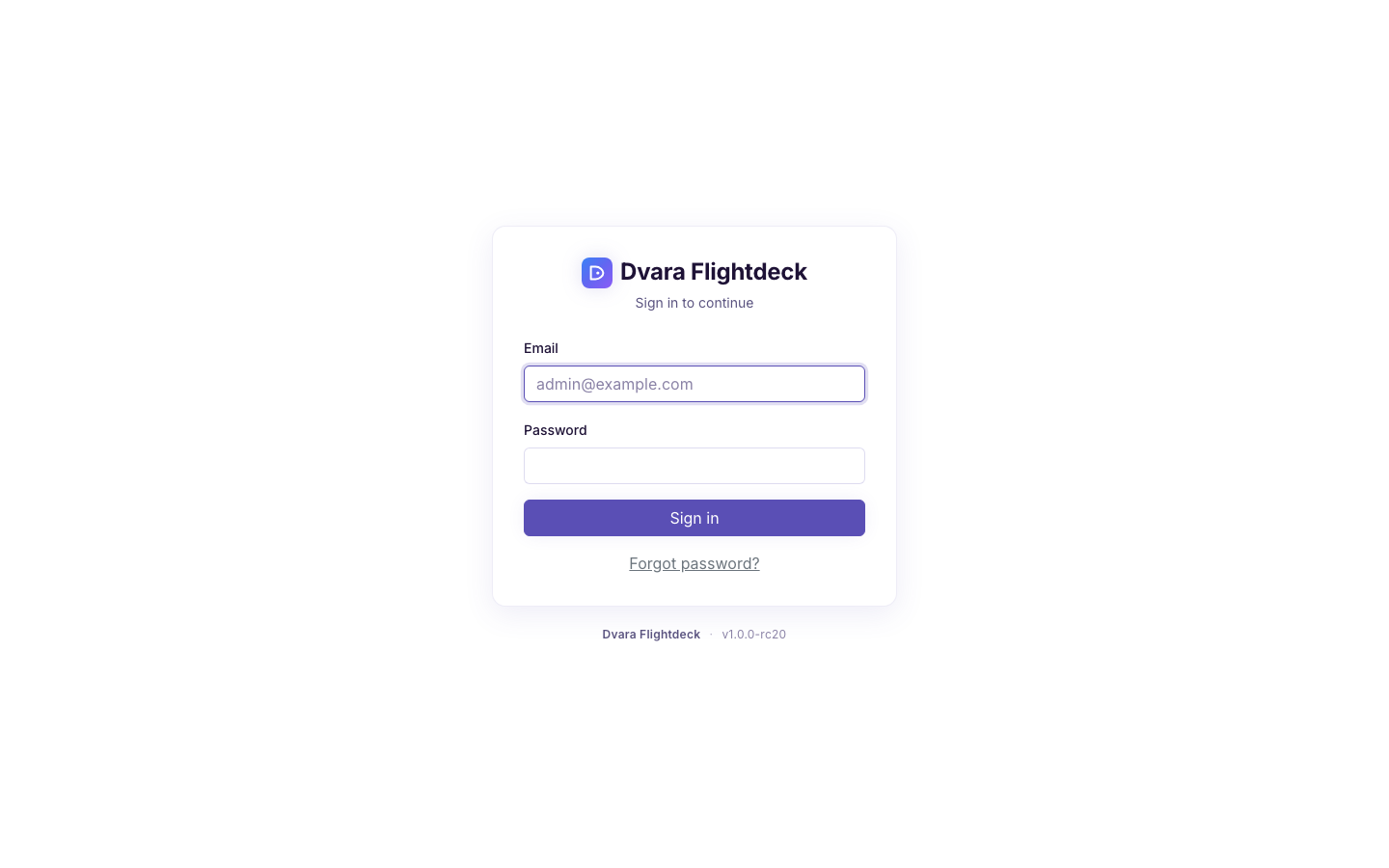
Figure 4. The sign-in form. Five consecutive failed attempts lock the account for 15 minutes; use Forgot password if you can't recall it.
What the trial includes
- 30 days, every governance capability unlocked.
- No credit card required.
- A single isolated workspace at the Solo-plan cap — current token, request, and retention limits are on the Plans & billing page (and on dvarahq.com/pricing). They follow the centralized Tier registry so the pricing surface is always authoritative.
Trial details
- One trial per company. A work-email signup (e.g.
alice@acme.com) blocks a second trial from the same domain (bob@acme.com) — ask your workspace admin to invite you (your coworker can't sign you in unless they've already added you to the workspace). Personal-email signups (Gmail, Outlook, iCloud, and other consumer providers) are deduplicated per address rather than per company, so each separate inbox gets its own trial. Either way, a repeat signup that hits the same dedup key lands on a "trial already started" page with a sign-in link. - After 30 days, continue on Solo at $59/mo or any paid tier. Your workspace, API keys, provider credentials, policies, and configuration carry over to the paid plan — no migration.
What to do next
You're in. The data plane is live and your workspace is empty. Three quick steps to a first call:
- Create your first API key — point any OpenAI SDK at the gateway with this key.
- Configure your provider credentials (BYOK) — attach your OpenAI, Anthropic, Azure, or any of the other supported provider keys. They stay encrypted in your tenant.
- Invite your team when you're ready to share access.
Then run your first request — see the Quickstart.