Author and promote tenant policies
Policy-as-Code is the governance lever that decides — per request, per model, per tenant — what calls are allowed, what is blocked, and what is downgraded. Your workspace owns its own policies; nothing you write here affects another customer's traffic, and the operator's platform-wide policies stay out of your way.
Sign in as a tenant admin or developer and confirm the gateway-connected indicator is green. Active and shadow policies take effect on the next data-plane request.
Draft a policy in YAML
- Open Portal → Policies → New policy.
- Give the policy a name (e.g.
block-pii-output), a one-line description, and write the rules in the YAML editor. The editor has syntax highlighting and validates structure as you type. - Submit. The policy starts as
DRAFT— it is saved and visible in the list, but it does not affect traffic.
The YAML is compiled at submit time, not when the policy is later activated. Unknown keys (condition: instead of conditions:, tenant: as a per-rule condition), unknown actions (action: warn or action: shadow instead of WARN_AGENT / DENY), and malformed YAML all fail the submit with 400 INVALID_POLICY_DSL and the compiler error pointing at the offending key or rule id. The policy is not saved, so a typo in the YAML never silently disables a rule.
Two distinctions worth keeping in mind while authoring:
tenant:is not a per-rule condition. Policies are tenant-scoped at the entity level — every policy you create here is automatically scoped to your workspace. There is noconditions: { tenant: X }syntax.SHADOWis not a per-rule action. It is a policy-lifecycle status — flip the whole policy fromDRAFTtoSHADOW(below) to observe its decisions on real traffic without blocking. Rules accept exactly two actions:DENYandWARN_AGENT(case-insensitive).
A minimal policy looks like this:
version: "1"
rules:
  - id: only-approved-models
    priority: 10
    conditions:
      model:
        allowlist: [gpt-4o, gpt-4o-mini, claude-sonnet-4-5]
    action: DENY
    deny_message: "Model not on the approved list"
Every rule has an id, a priority (lower number = higher precedence, default 100), a conditions block that matches request attributes (model, max_tokens, tools, data_residency, time_of_day, MCP server / tool / args, budget utilization), and exactly one action — DENY or WARN_AGENT. deny_message (for DENY) or warn_message (for WARN_AGENT) appears in the response. Conditions on model use allowlist or denylist. Rules evaluate in priority order; the first matching DENY returns immediately, while WARN_AGENT rules collect their warnings and continue.
When the closed-form conditions: aren't expressive enough — use expression:
For patterns that the closed-form matchers above can't compose — anything that needs OR, NOT, or arithmetic across fields — author the rule with an expression: field instead of conditions:. The value is a CEL (Common Expression Language) string that's compiled and type-checked at submit time. CEL is the same expression language Kubernetes admission policies, Envoy, Cilium, and gRPC use for the same problem class — sandboxed by construction (no I/O, no host calls, no loops), deterministic, and type-checked at compile.
version: "1"
rules:
  - id: gpt4o-outside-eu-or-large-requests
    expression: |
      request.model == "gpt-4o" &&
      (context.region != "EU" || request.message_count >= 50)
    action: DENY
    deny_message: "gpt-4o restricted outside EU or for >= 50 messages"
That same pattern in the closed-form conditions: would require three rules. With expression:, it's one.
Evaluation context (closed surface):
| Variable | Type | Meaning |
|---|---|---|
request.model | string | The requested model name |
request.tenant_id | string | The resolved tenant id (empty when absent) |
request.message_count | int | Count of messages on the request |
request.total_input_chars | int | Sum of message-content character lengths (coarse size proxy that doesn't expose the actual text) |
request.metadata[key] | map<string, string> | Per-request metadata |
context.region | string | The gateway pod's own region (empty when unset) |
context.tenant_region | string | The tenant's home region (empty when unset) |
budget.utilization_pct | int (0–100) | Tightest budget cap's utilization at evaluation time |
The Type column shows the runtime type. At the CEL type-checker level, every request.* / context.* / budget.* field is declared as Dyn — the v1 evaluation surface uses dynamic typing so the surface can evolve without breaking compiled policies. The practical consequence: when you call a CEL string method on one of these fields, cast first with string(...). request.model.startsWith("gpt") will fail at compile with "no matching overload for startsWith applied to Dyn"; string(request.model).startsWith("gpt") compiles. Equality (==, !=), comparison (<, >, in, indexing m["k"]) work without a cast.
Plus the CEL standard library: string methods in receiver form — s.startsWith(t), s.endsWith(t), s.contains(t), s.matches(regex) — list/map indexing, the in operator, comprehensions (xs.all(x, …), xs.exists(x, …)). Use the receiver form, not the free function form — Nessie CEL (the library this build uses) only registers receiver-style overloads for the string methods, so matches(s, regex) fails to compile and s.matches(regex) is the working shape.
Rules to author by:
expression:andconditions:are mutually exclusive on the same rule. Specifying both fails the submit withINVALID_POLICY_DSL. Specifying neither also fails — a matcher-less rule is almost certainly an authoring mistake.- Compile-time validation is strict. Bad CEL syntax, references to undeclared variables (
mystery_var.foo), and type mismatches all fail submit with the rule id + CEL diagnostic. Test in the dry-run panel first. - Cast
Dynfields before calling string methods.string(request.model).matches("^gpt-.*$"), notmatches(request.model, "^gpt-.*$"). See the note above the stdlib list. - Static conflict detection is skipped for CEL rules. Equivalence between two arbitrary CEL expressions is undecidable in general, so the conflict detector emits one "skipped — verify manually via dry-run" warning per CEL rule at promotion time. Non-CEL rules in the same policy still get checked the normal way.
- Temporal functions (
now(),hour(ts, tz)) are not in v1. For time-of-day deny windows, use the existing closed-formtime_of_day:matcher (underconditions:); a CEL temporal extension is on the roadmap.
Dry-run before you ship
The dry-run panel takes a single synthetic request and walks it through the policy you just drafted. It returns the decision (allowed: true | false, with any reason and the list of collected warnings), the rule that matched (if any), and the time taken to evaluate. Use it to verify that:
- the rule you expect to fire actually fires
- the rule you do not want to fire does not
- the decision is what you expect
The dry-run is stateless — it does not store the request, it does not call an upstream model, and it always runs against your own workspace.
Ship to SHADOW for safe observation
A SHADOW policy evaluates on real production traffic but does not block anything. Every divergence — every time the policy would have changed the outcome — is recorded with the would-be decision and a sample of the matching request. After a day or two of shadow data you can tell whether the policy is doing what you intend or generating false positives.
To ship to SHADOW: open the policy, change status from DRAFT to SHADOW, submit. It now evaluates alongside your active policies on every matching request, silently.
Promote SHADOW to ACTIVE
When the shadow data tells you the policy is right:
- Open the policy and click Promote.
- The promote dialog summarises the rule set one last time. Confirm.
- The policy flips to
ACTIVE. From the very next request, it is enforced; denials produce HTTP403with the rule'sdeny_message, andWARN_AGENTrules annotate the response with their collected warnings.
Promotion is reversible — set the status back to SHADOW or DRAFT at any time.
Roll back to a previous version
Every save creates a new version (your last 10 versions are kept). To roll back: open the policy, click Versions, pick the version you want to restore, and confirm. The current version is replaced with the chosen one, the version counter increments, and the change is audited.
What you cannot change from this page
By design, the portal will not let you:
- See or edit another customer's policies — they are simply not in the list.
- See or edit the operator's platform-wide policies — they apply to your workspace but are managed by whoever runs DVARA Cloud. If a platform policy is denying calls you think it should not, escalate to your operator; they have their own change-control around it.
- Stamp a different tenant id on a policy you create — every policy you author is automatically scoped to your own workspace.
What every action writes to the audit trail
Every mutation on this page lands in the audit log:
| Action | Audit event |
|---|---|
| Create a policy | POLICY_CREATED |
| Update a policy | POLICY_UPDATED |
| Change status | POLICY_STATUS_CHANGED (carries the new status in detail) |
| Promote SHADOW to ACTIVE | POLICY_PROMOTED |
| Roll back to a previous version | POLICY_ROLLED_BACK (carries v<n> in detail) |
| Delete a policy | POLICY_DELETED |
Data-plane decisions write their own events: POLICY_DENIED when an active policy blocks a call, POLICY_SHADOW_DENY when a shadow policy would have denied. Filter the audit log by these events to read what your policies have actually done.
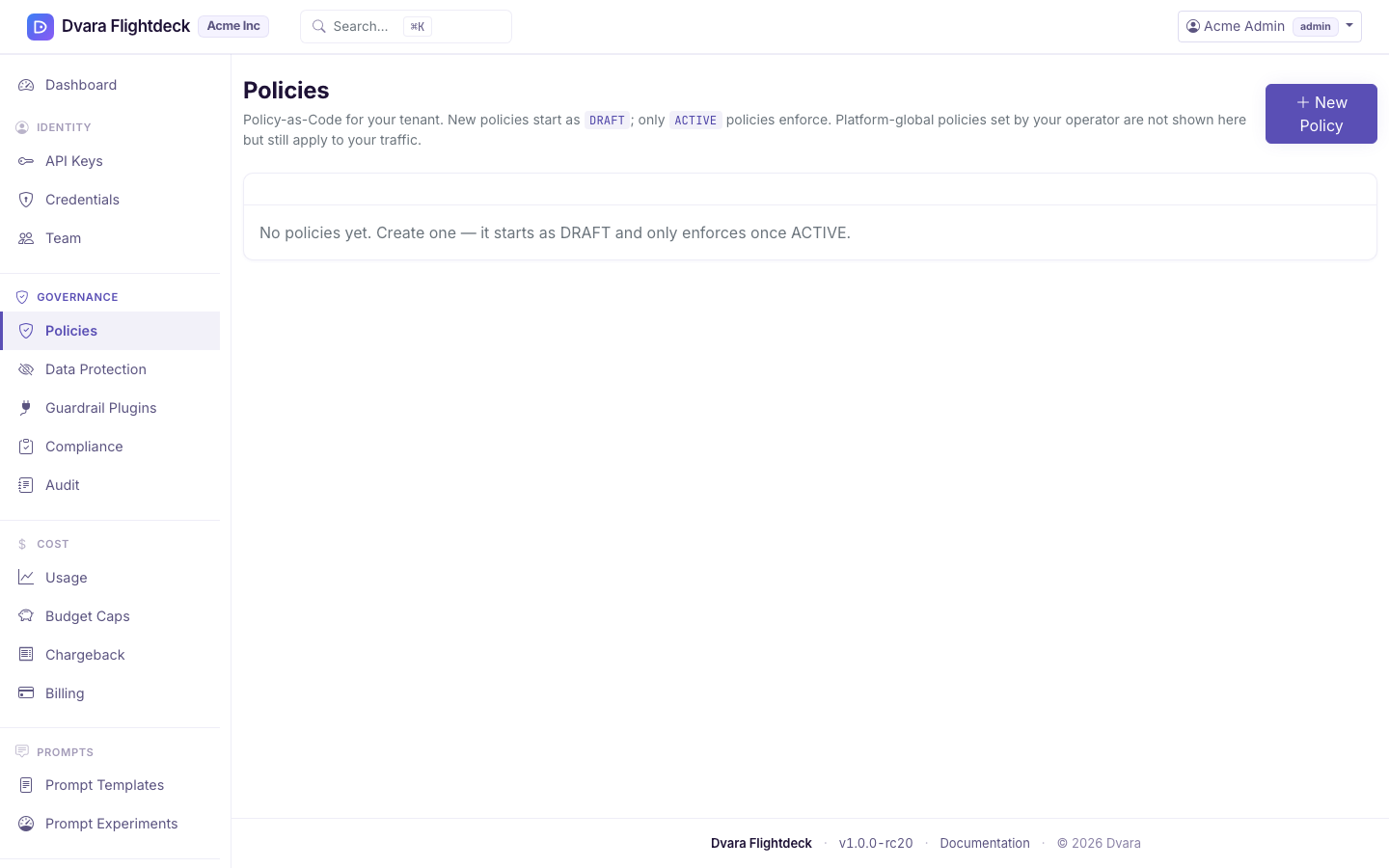
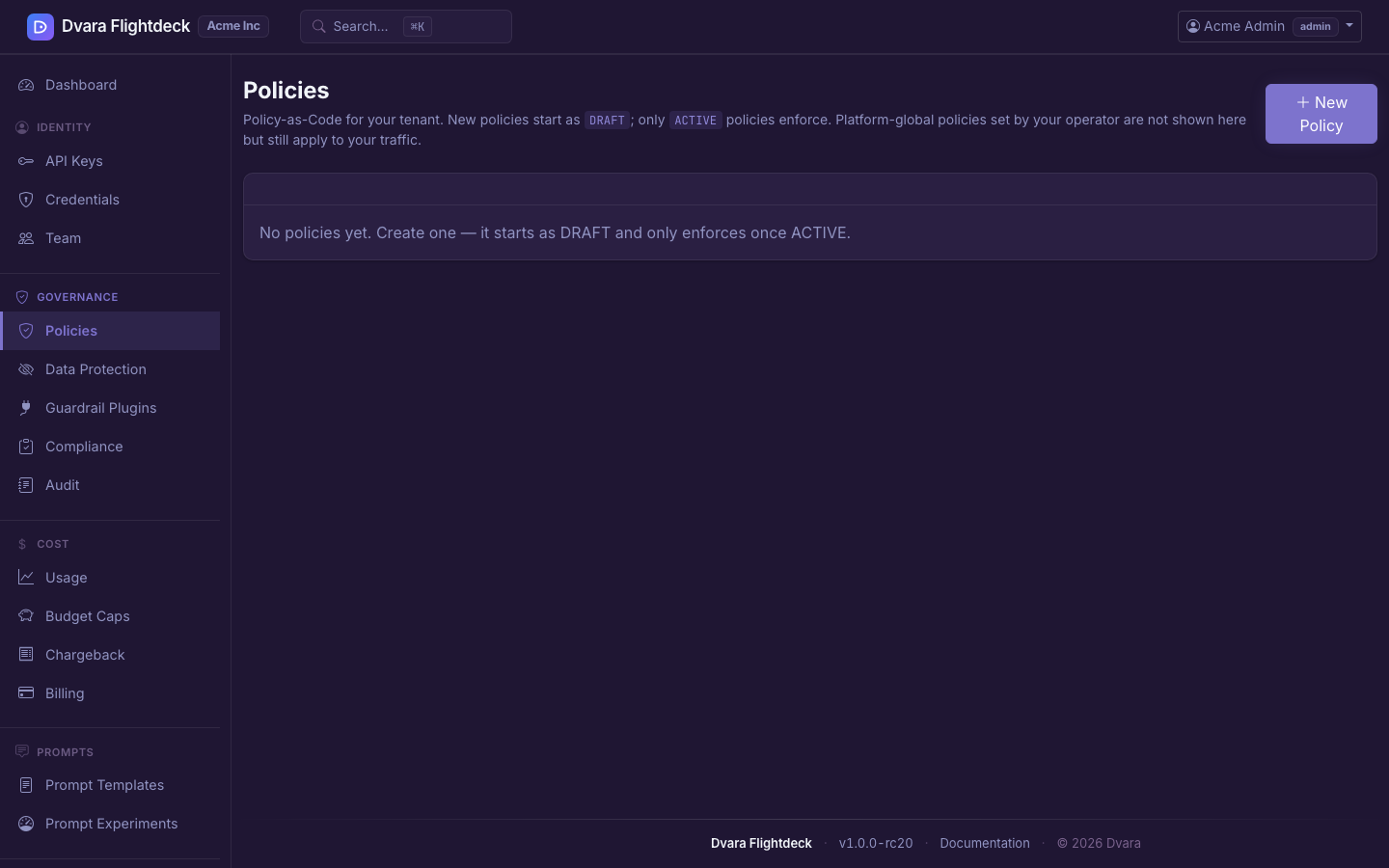
Figure 1. The Policies list. Status, version, and last-updated columns let you spot active versus shadow versus draft at a glance.
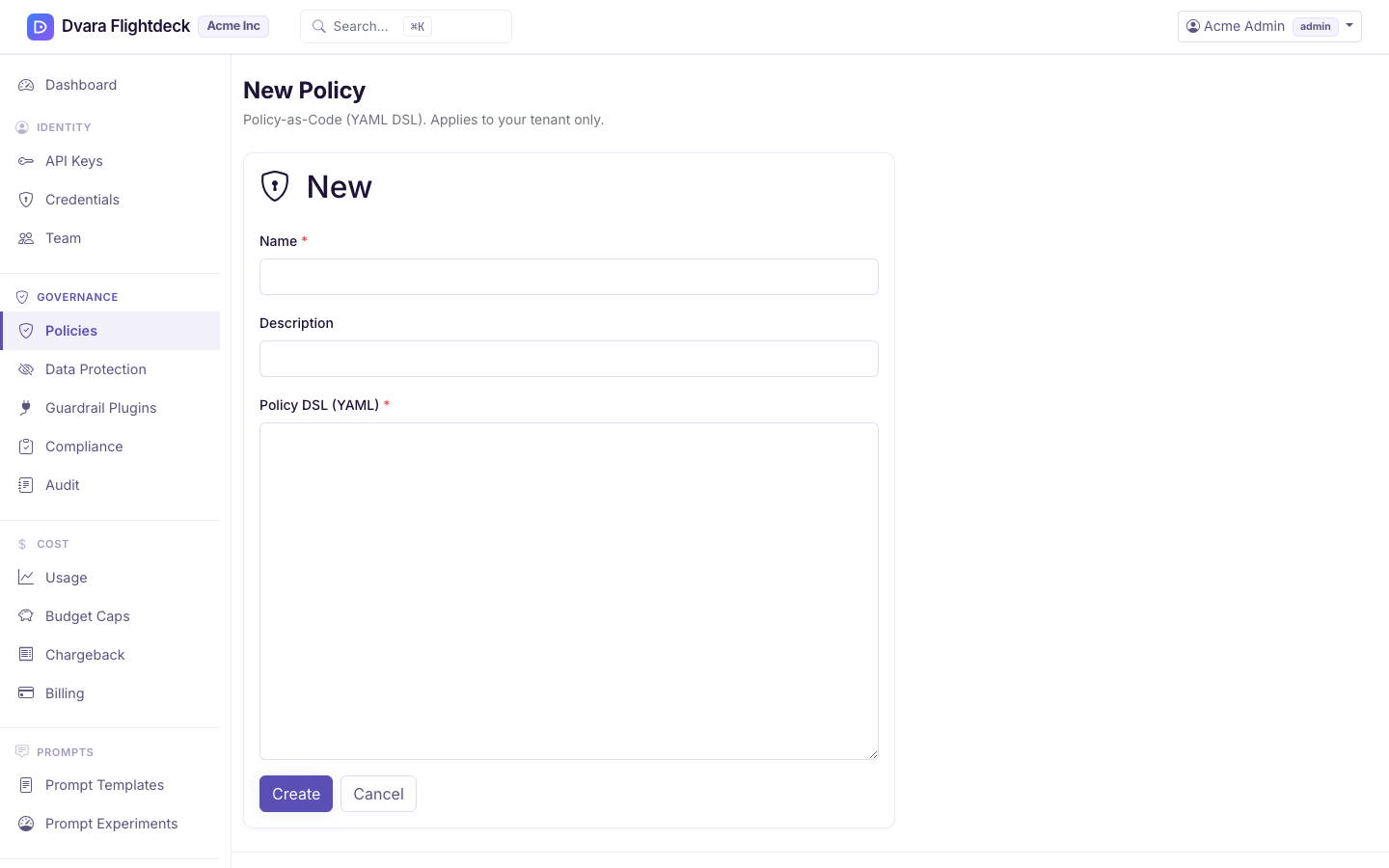
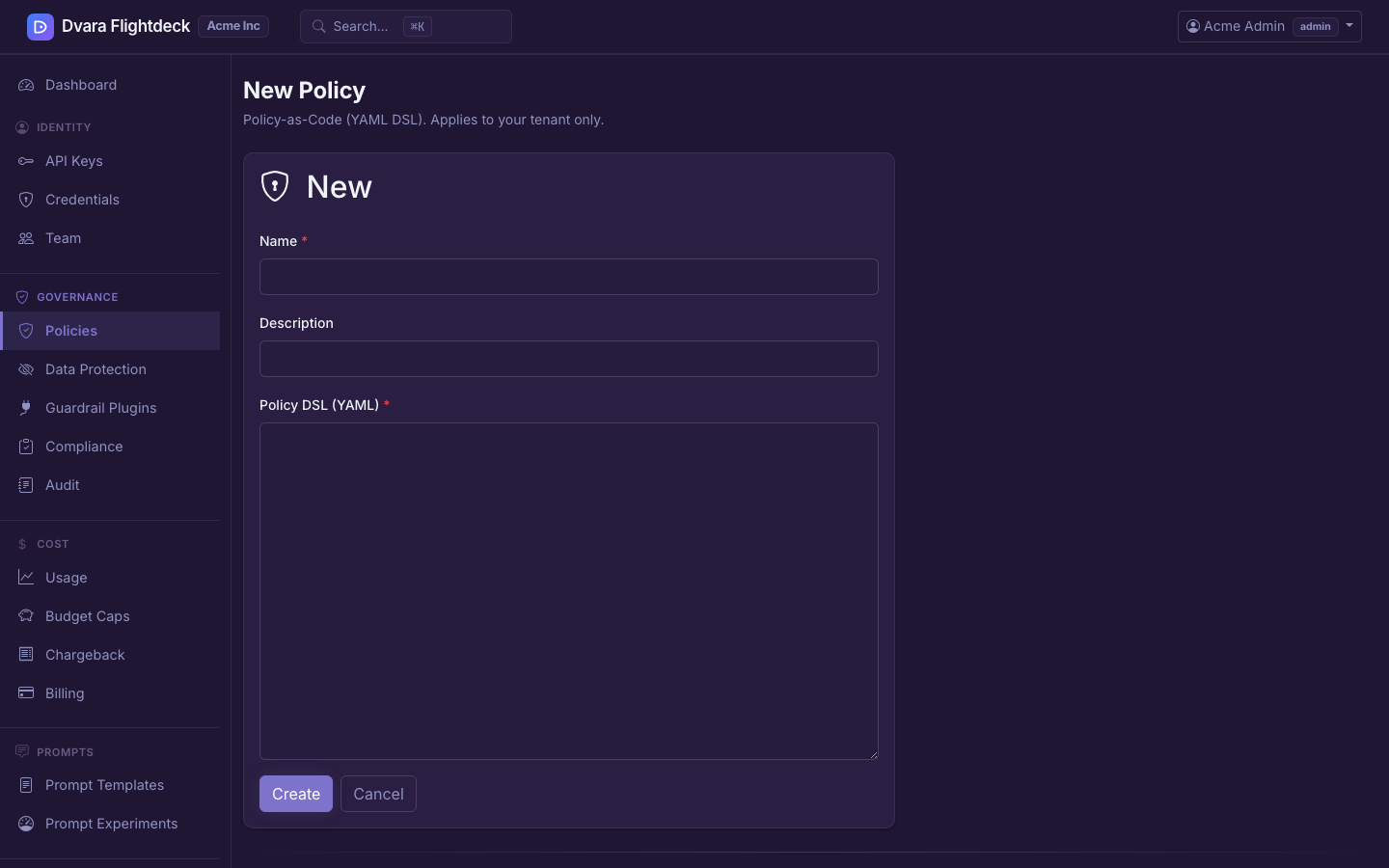
Figure 2. The New Policy form. The YAML editor validates structure as you type; submit lands the policy in DRAFT.