Read usage, search the audit log, and run compliance reports
The audit trail is the single source of truth for what happened in your workspace — who acted, what changed, what the data plane decided, when. Usage is the live financial lens on the same data; compliance reports are how you turn either of those into something an auditor will accept.
Sign in as any tenant role. The audit log and compliance reports work even when the gateway-connected indicator is red. Token usage and cost numbers do not refresh while it is red — they reflect the last data the data plane delivered.
Read this month's usage and cost
Open Portal → Usage. The page shows tokens (input + output) and cost broken down by model, by provider, and over time. Numbers are scoped to your workspace and update on every successful data-plane response.
The display value is in your workspace's billing currency. Usage rows include the API key prefix and any cost tags the request carried; that is what lets you split the same workspace's spend by team, project, or environment without creating separate workspaces.
When the gateway-connected indicator is red, the latest data is stale. Refresh the page after the indicator turns green again.
Search the audit log
Open Portal → Audit. Filter by:
- Event type — pick from a dropdown of every event DVARA emits. Each portal page lists the events its actions emit; the list scales to the catalog as a whole.
- Date range — any window. The audit store keeps events on the retention schedule your operator has configured (typically 90 days for prompt-bearing events, longer for structural ones).
Click a row to expand the full event payload. Common starting points:
POLICY_DENIED— what your active policies have rejectedBUDGET_CAP_HARD— requests rejected for crossing a hard budget capGUARDRAIL_BLOCKED— guardrail violations the data plane stoppedPII_DETECTED/PII_REDACTED/PII_OUTPUT_LEAK— PII findingsPROVIDER_CREDENTIAL_ROTATED— credential rotations (carries lineage to the previous credential)TENANT_PII_CONFIG_UPDATED/TENANT_GUARDRAIL_CONFIG_UPDATED— every change you make on the data protection page lands here
The audit store is immutable by convention — the portal exposes no update or delete path for audit events. Every row is signed and chained; tampering with the trail breaks the chain on the next verification pass.
What the "gateway connected" indicator means here
Two different stores back this page, and they are independent of each other:
- The audit log writes to the same database the portal uses. It does not depend on the data plane. Even when the indicator is red, every change you make on portal pages still produces an audit event, and the search still returns everything in real time.
- Usage and cost are produced by the data plane. When the indicator is red, the data plane is not posting new usage rows, so the numbers freeze. They catch up automatically when the indicator turns green again.
Generate a SOC2, HIPAA, or GDPR report
Open Portal → Compliance → Generate. Pick:
- The report type —
SOC2,HIPAA, orGDPR. - The date range — typically the previous calendar quarter for SOC2, the relevant window for an incident-driven HIPAA review, or an arbitrary range for GDPR data-subject requests.
The report aggregates the audit trail and configuration state for your workspace into a formatted PDF. It pulls from your tenant's audit events, your policies, your tenant settings, and the integrity verification of the audit chain itself for that window.
The PDF is generated server-side and stored alongside the metadata. It is a point-in-time snapshot — once generated, the numbers cannot drift.
Download or delete a past report
Every generated report has a PDF download. Old reports stick around until you delete them; delete is admin-only.
What every action writes to the audit trail
| Action | Audit event |
|---|---|
| Generate a compliance report | COMPLIANCE_REPORT_GENERATED (carries report_type) |
| Delete a compliance report | COMPLIANCE_REPORT_DELETED |
Browsing usage and searching the audit log are read-only and not audited. PDF and CSV report downloads are also not audited — the generation event is the audited record.
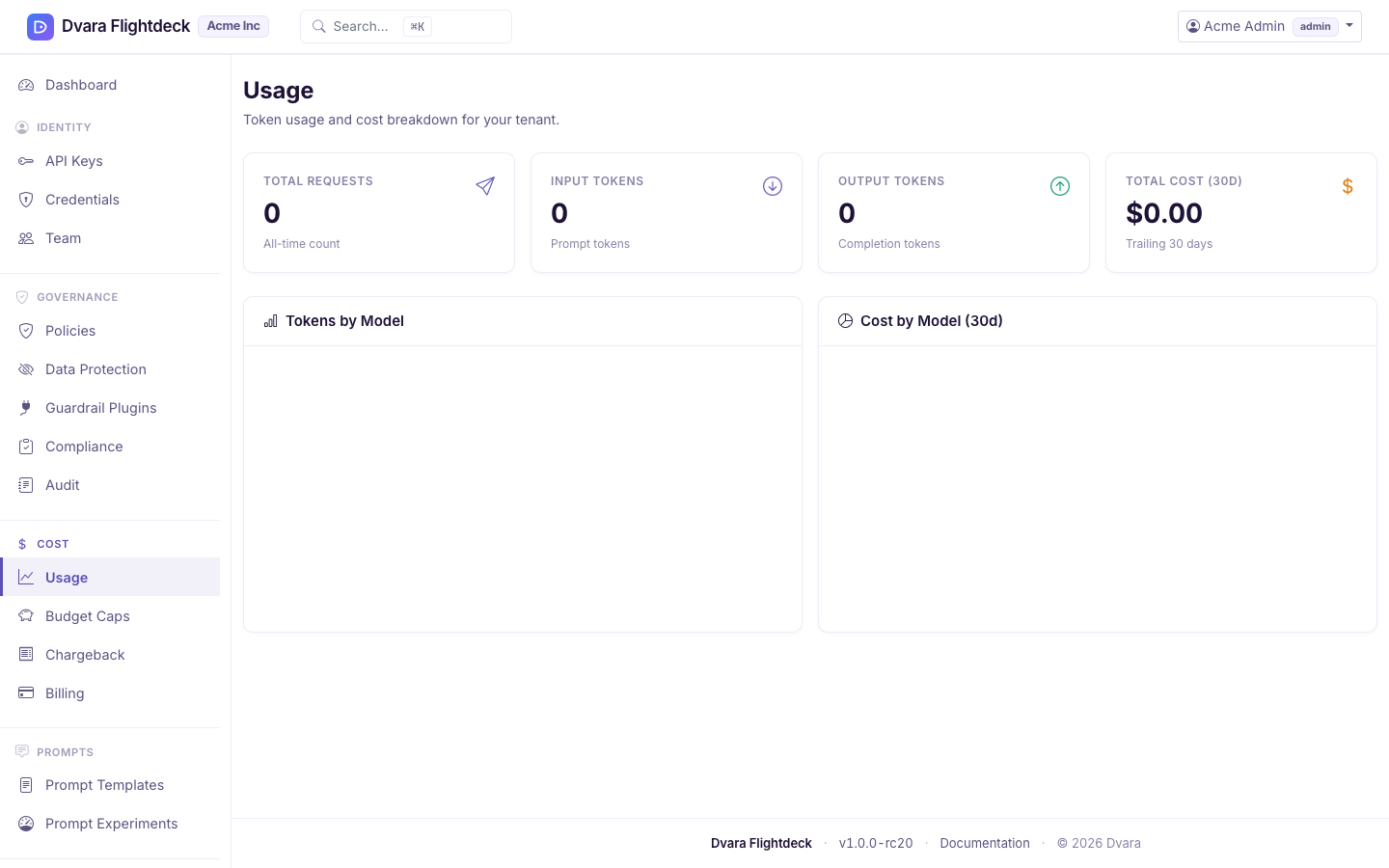
Figure 1. The Usage page. Tokens (input + output) and cost break down by model, by provider, and over time.
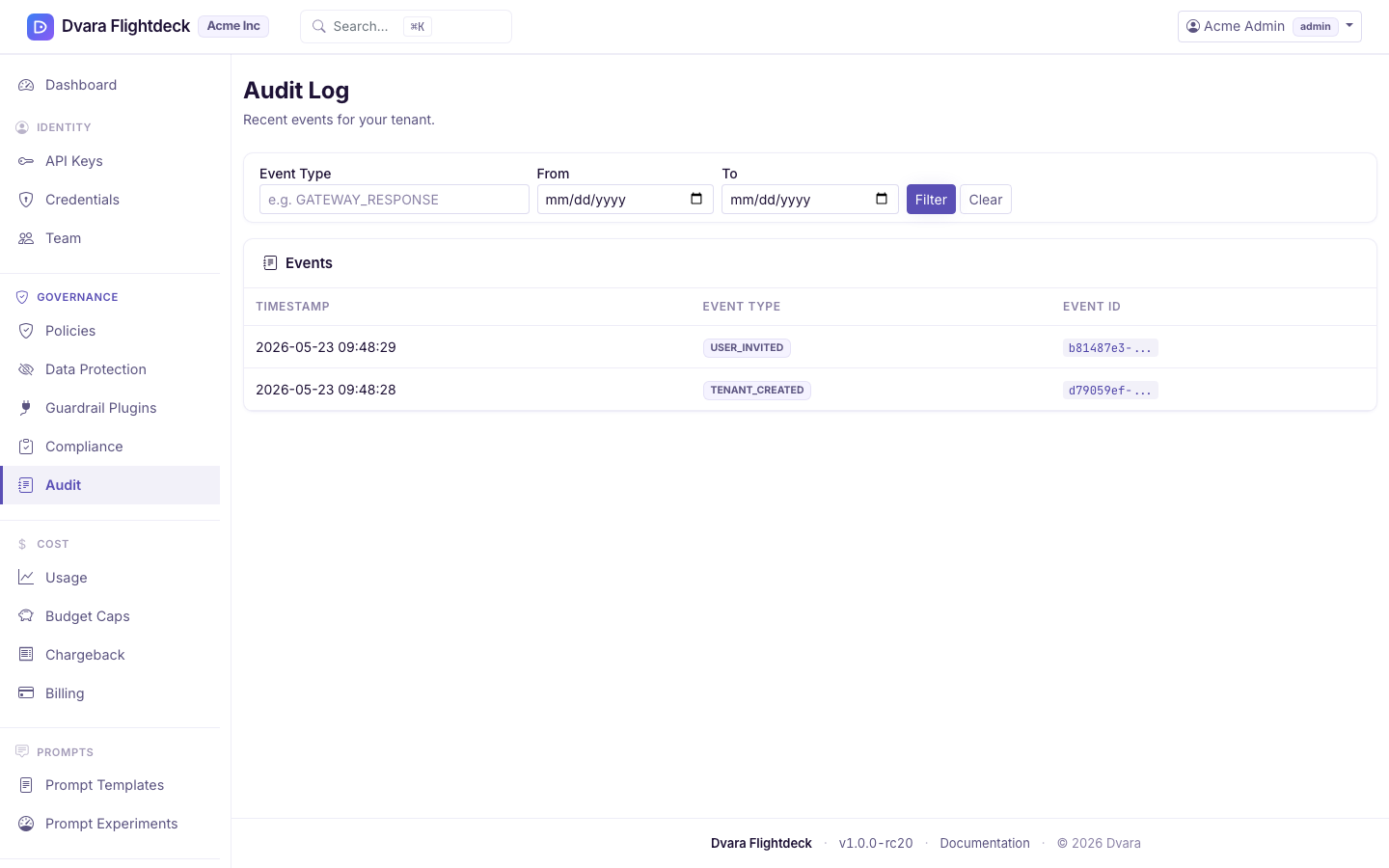
Figure 2. The Audit log. Filter by event type to inspect every governance decision and every configuration change.
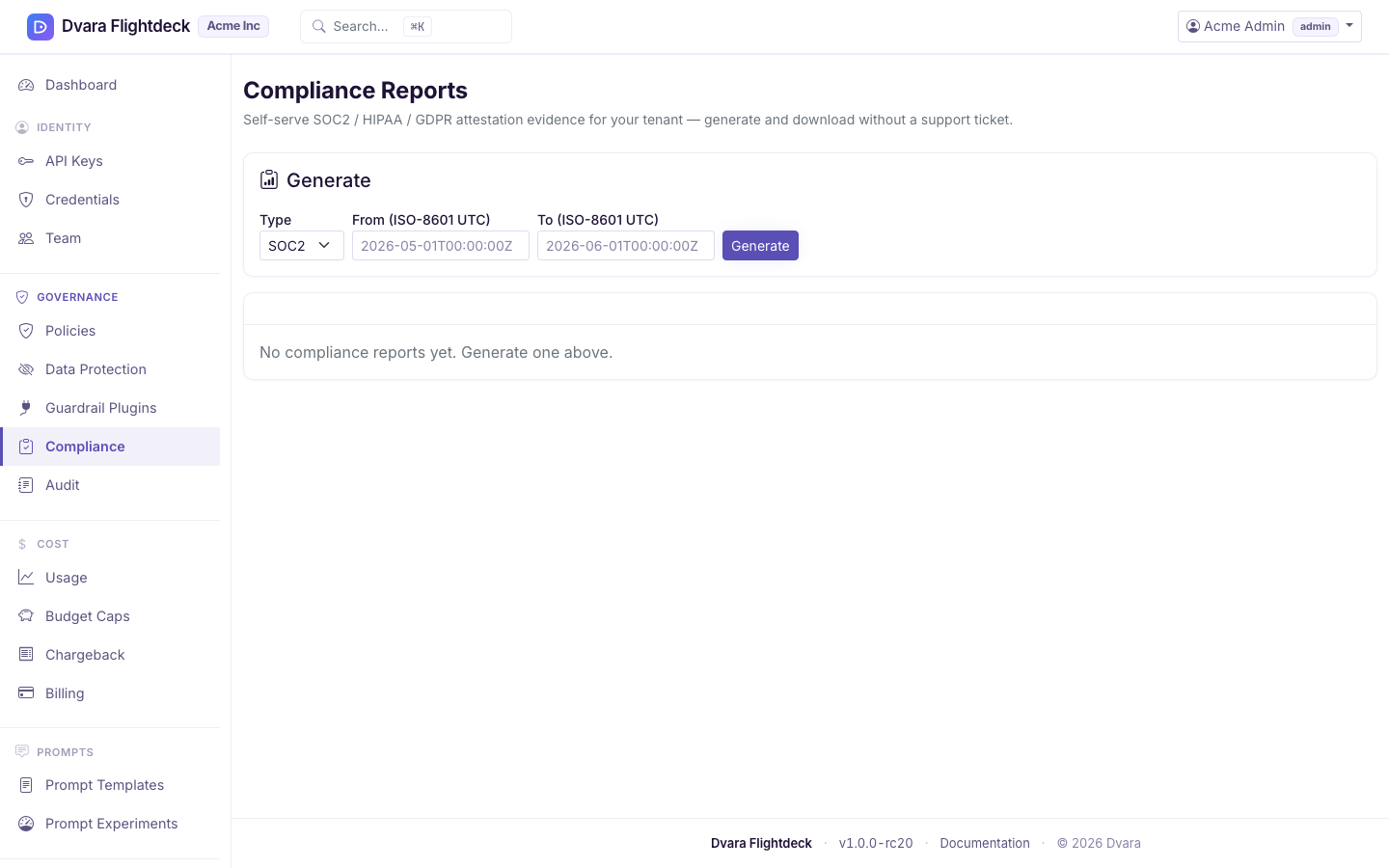
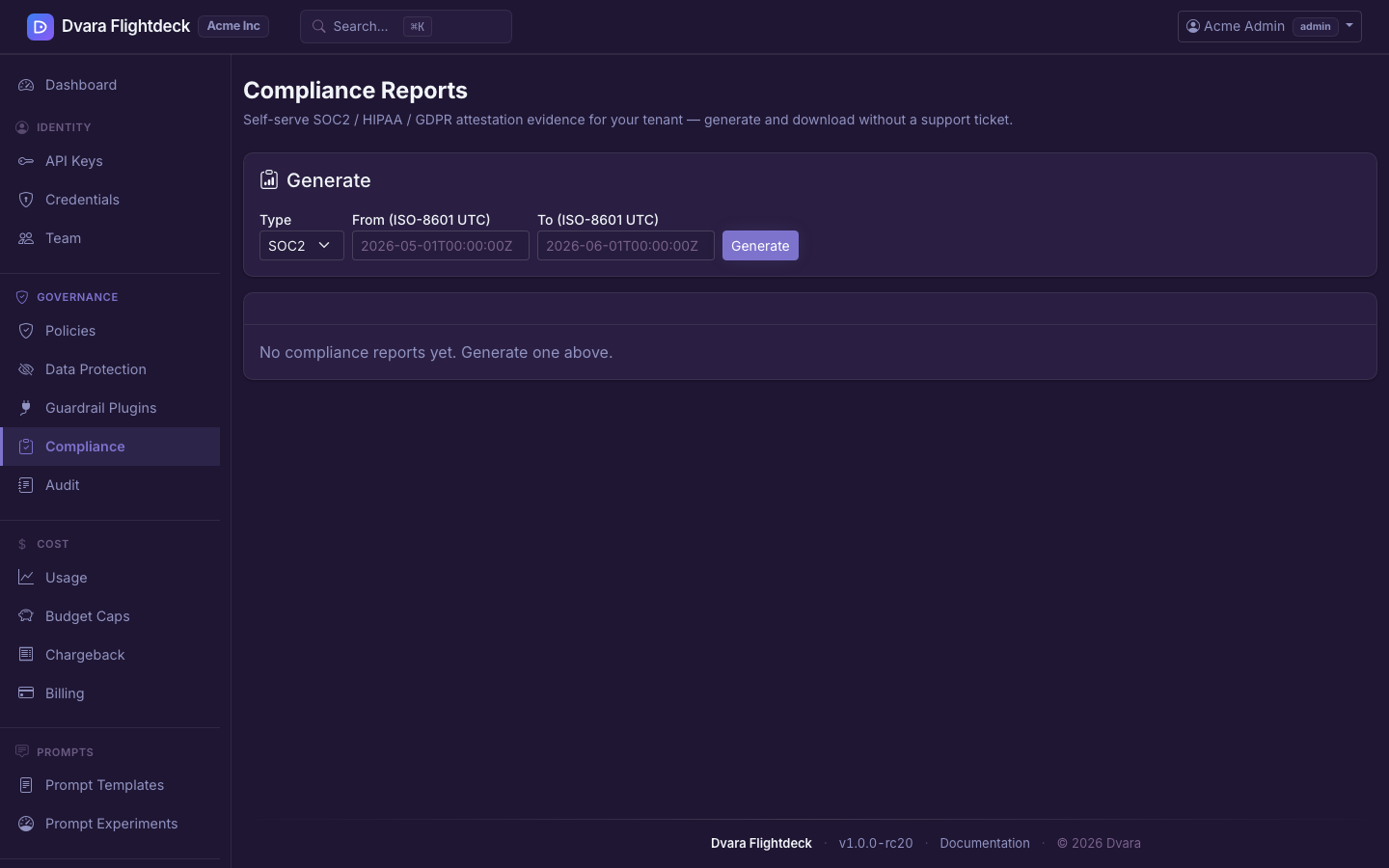
Figure 3. The Compliance page. SOC2, HIPAA, and GDPR reports aggregate the audit trail and configuration state into a PDF snapshot.