Subscribe to events with webhooks
Webhooks are how your workspace gets notified the moment something happens — a policy denies a call, a budget cap fires, a credential rotation completes. Every webhook is signed with HMAC-SHA256 so the receiver can verify the payload genuinely came from DVARA.
Sign in as a tenant admin or developer. Webhook subscriptions are stored in the portal database, so this page works regardless of the gateway-connected indicator — but events are produced by the data plane, so deliveries only fire when the data plane is processing traffic.
Pick the events you care about
Each subscription has a name, a URL, an HMAC secret, a list of event types, and an enabled flag. Start small — subscribe to one or two event types you actually plan to act on, not the whole catalog.
Good first subscriptions:
POLICY_DENIED→ Slack or PagerDuty: "we just blocked a call, here is what."BUDGET_CAP_HARD→ on-call channel: "we hit a hard budget cap, traffic is failing."PROVIDER_CREDENTIAL_ROTATED→ security channel: "someone rotated upstream credentials."
The full catalog is the same one shown in the audit log filter — every event you can search you can also subscribe to.
Add a webhook URL
- Open Portal → Webhooks → Add webhook.
- Give it a name (e.g.
slack-policy-denied), paste the receiver URL (must be HTTPS in production), pick event types, generate or paste an HMAC secret, and enable it. - Submit.
Which URLs are rejected, and why
The form rejects URLs that point at network ranges that should never receive a workspace's events:
- Loopback (
127.0.0.0/8,::1) - Private RFC1918 (
10.0.0.0/8,172.16.0.0/12,192.168.0.0/16) - Link-local (
169.254.0.0/16,fe80::/10) - Cloud-metadata services (notably
169.254.169.254) - IPv6 unique-local (
fc00::/7) - Carrier-grade NAT (
100.64.0.0/10) - Anything that is not
http://orhttps://
This is server-side egress validation — there is no way to submit a webhook pointing at these ranges from the portal, and it closes a class of attacks where a tenant might try to coerce the gateway into reaching internal infrastructure.
If you get a rejection on a URL you expect to be valid, the most common cause is a DNS name that resolves into one of these blocked ranges. Use a routable, public endpoint (a hosted webhook receiver, your own ingress over HTTPS) instead.
Send a test event
Click Test on any webhook to fire a synthetic event through the real delivery pipeline. The portal records whether the receiver returned 2xx, the latency, and any error message; you see all of it inline.
The test event is synthetic — it is not subscribed to your actual traffic. Use it to confirm the receiver is up, the signature verifies, and your handler runs end-to-end. Once it passes, real events flow on their own as the data plane and the portal produce them.
Read the delivery history
Open the webhook and click Deliveries. The list shows every attempt: which event, what HTTP status, the response time, the response body excerpt, and the attempt number (deliveries retry with exponential backoff on 5xx failures). Failed deliveries that exhaust retries land in a "failed" bucket you can filter on.
The delivery log is bounded in size — old entries age out on a retention schedule your operator has configured.
Rotate the signing secret
Open the webhook, click Edit, paste a new HMAC secret, submit. The new secret takes effect on the next delivery. Coordinate with the receiver before you submit — there is no grace overlap on the signing secret.
The secret never appears in clear text in the audit trail. If you want to roll a secret without a coordinated cutover, the safest path is to add a second webhook with the new secret, switch the receiver over, and delete the old subscription.
What every action writes to the audit trail
| Action | Audit event |
|---|---|
| Add a webhook | WEBHOOK_CREATED |
| Edit a webhook | WEBHOOK_UPDATED |
| Delete a webhook | WEBHOOK_DELETED |
| Send a test event | WEBHOOK_TESTED (carries event_type, success, optional error) |
The HMAC secret is never included in any audit payload.
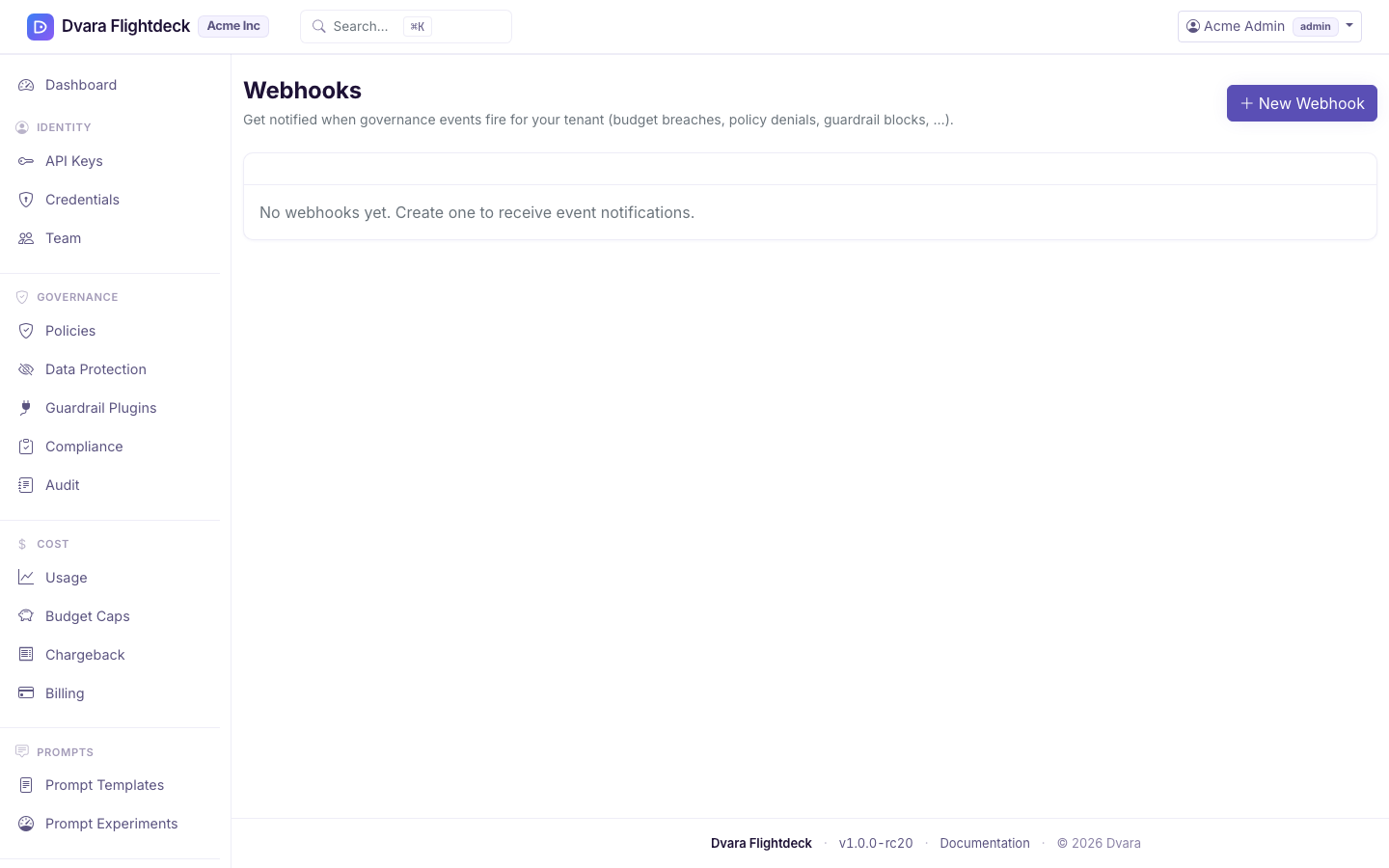
Figure 1. The Webhooks page. Register a subscription, send a test event, and inspect the delivery log.