Managing your account
Not included in DVARA Open Source.
Everything below is self-service after you sign in. Flightdeck applies workspace roles: admin has full workspace access, developer can create keys, and viewer is read-only.
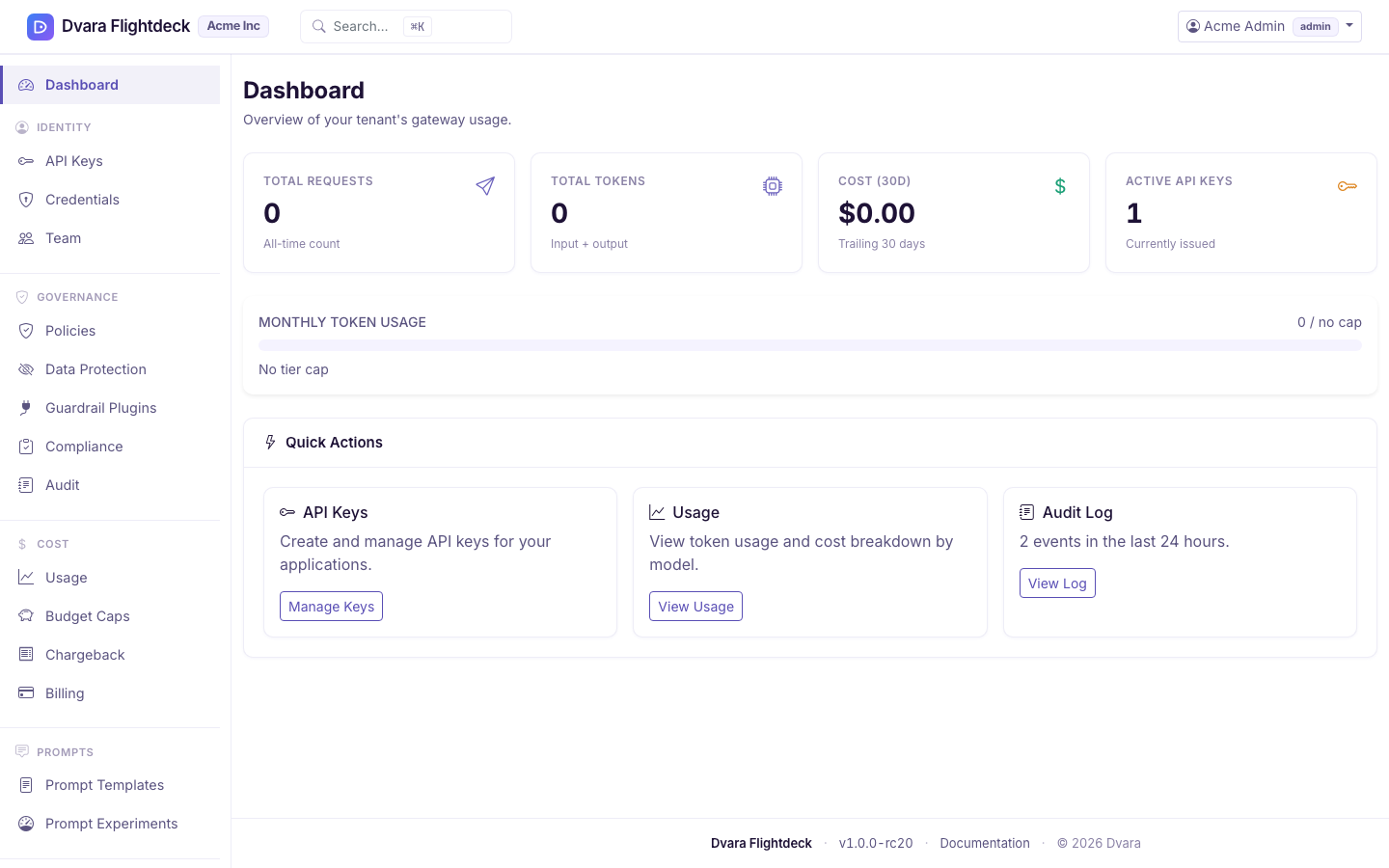
Create your first API key
DVARA never issues an API key automatically — you create them yourself, so a key only ever exists because someone deliberately made it.
- Go to API Keys, create a key, and copy it. The plaintext key is shown once — store it in your secret manager immediately. The workspace form has no scope selector in 1.8, so keys created there are unrestricted.
- Use it as
Authorization: Bearer <key>against your endpoint. See the Quickstart for the first call. - Revoke a key any time (admin only). Revocation is immediate.
Ask a platform operator to create the key when you need to restrict it to one or more LLM operation families. The complete behavior is in Authenticate gateway calls.
Bring your own provider keys (BYOK)
Add your own OpenAI / Anthropic / etc. credentials under Credentials. They're encrypted at rest and scoped to your workspace. Rotation with a grace-period overlap is supported.
Invite your team
Under Team (admin only), invite teammates with a workspace role (admin, developer, viewer). Each invitee gets their own setup-link email and sets their own password — the same confirm-by-email step as signup.
Watch usage and cost
Usage shows token usage and spend for your workspace, with per-model breakdowns (it combines the token-usage and cost-by-model views on one page). Budgets and policies are managed in their own workspace sections — see Budgets & chargeback and Workspace policies. For data-protection posture (PII enforcement and guardrails), see Configure PII protection and guardrails.
Billing
Self-managed and managed-hosting installs are licensed annually. Billing is handled with your operator or account team, not in Flightdeck.
Close or recover your workspace
An admin can schedule deletion from the workspace danger zone. The workspace
is suspended immediately but remains fully recoverable until the displayed
purge date. An active DVARA Cloud subscription blocks the request.
The complete workflow, including impact counts, exports, recent sign-in, retained evidence, and cancellation, is in Delete and recover a workspace.