License & Operations
Not included in DVARA Open Source.
This page covers operational surfaces in the DVARA Flightdeck: personal access tokens, guardrail plugin management, license monitoring, and health probes.
/providers is now a 302 redirect to /credentials. Provider activation is visible directly in the credentials list — every entry shows which provider it serves and which scope (platform-default or workspace-scoped) it covers, and the resolution source (database / vault / environment) is documented in Credentials & BYOK. The previous per-provider resolution-source view has been removed.
Personal access tokens
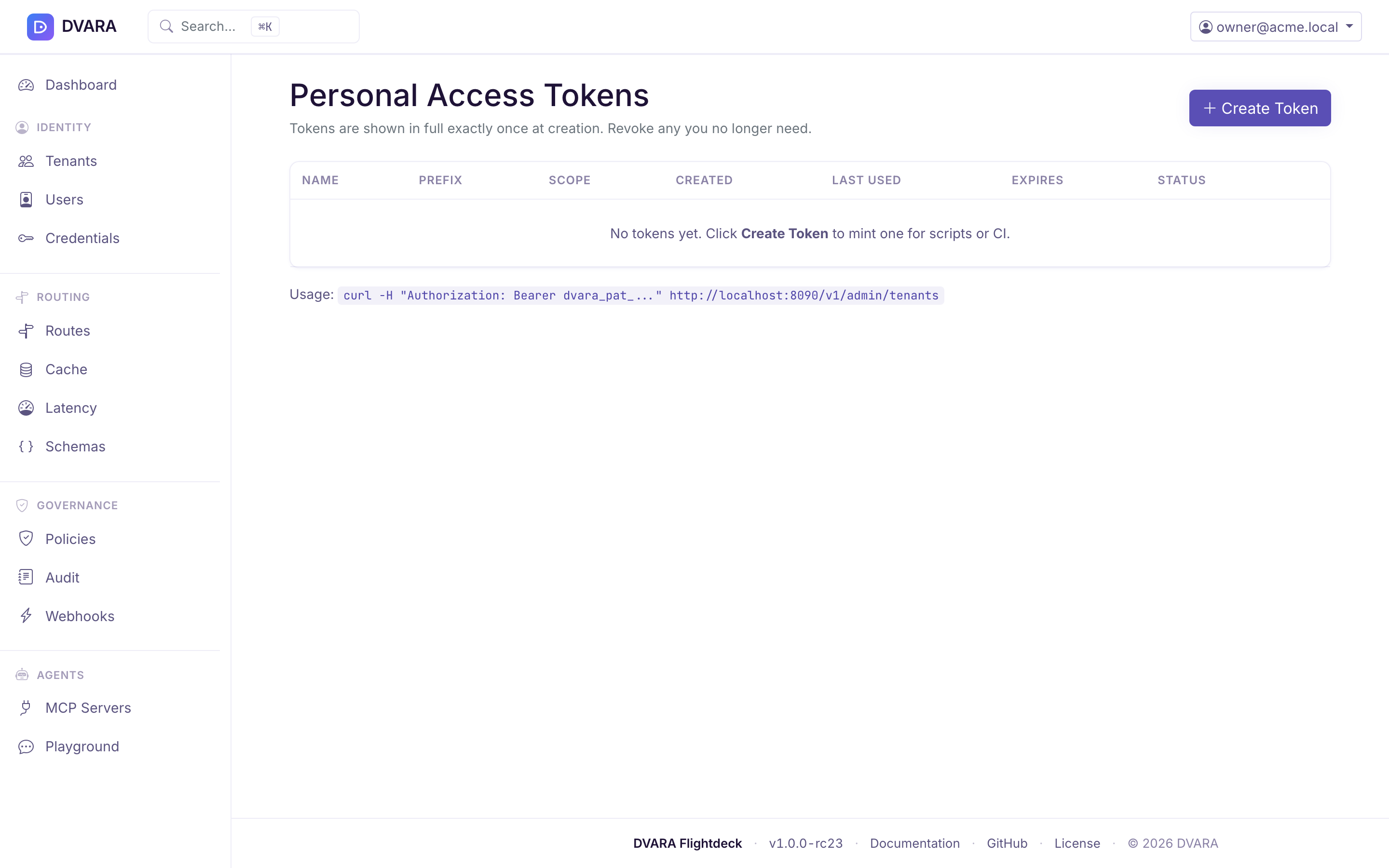
Open the user menu (top-right corner) and select Access Tokens to manage personal access tokens (PATs) for API automation.
PATs use the dvara_pat_ prefix followed by a random identifier. The raw token is displayed exactly once at creation — copy it immediately, as it cannot be retrieved again. Only a SHA-256 hash is stored.
Creating a token
Click Create Token, provide a name and optional expiry date. Scopes are set automatically from your current roles. The new token appears in a one-time alert with a Copy button.
Token table
| Column | Description |
|---|---|
| Name | Human-readable label |
| Prefix | First 20 characters of the token (dvara_pat_ab...) |
| Created | Creation timestamp |
| Last Used | Last authentication timestamp, or "Never" |
| Expires | Expiry date, or "Never" |
| Status | Active, Expired, or Revoked |
Revoking a token
Click Revoke next to any active token. Revocation is permanent — revoked tokens cannot be reactivated. You can only see and revoke your own tokens.
Usage
A PAT authenticates a script to the DVARA Flightdeck as the user who minted it, carrying that
user's roles. It is not valid on the data plane — that uses a workspace gw_ API key.
There is no administrative REST API to point a PAT at: /v1/admin/** was removed in 1.7.0. See
GitOps export and import for the supported bulk-configuration workflow.
PATs work across both Flightdeck role scopes. Every create and revoke emits a PAT_CREATED / PAT_REVOKED audit event.
Guardrail plugin management
Navigate to /guardrail-plugins in your browser. This page manages external guardrail plugin definitions — the webhook endpoints that run alongside built-in detectors in the composite guardrail chain.
RBAC: Requires owner or policy-admin role. Secret rotation requires owner.
Plugin list
The table shows all platform-global and workspace-scoped plugins with:
| Column | Description |
|---|---|
| Name | Plugin identifier |
| Scope | Platform badge (global) or workspace ID |
| URL | Webhook endpoint |
| Timeout | HTTP timeout in milliseconds |
| Fail Mode | OPEN (return empty on failure) or CLOSED (throw exception on failure) |
| Status | Enabled or Disabled |
| Updated | Last modification timestamp |
The table auto-refreshes every 10 seconds. Use the Workspace dropdown to filter by scope.

Creating a plugin
Click New Plugin and provide:
- Name — unique identifier
- URL — webhook endpoint
- HMAC Secret — signing secret for request authentication (encrypted with AES-256-GCM before storage)
- Timeout (ms) — HTTP call timeout (default 5000)
- Fail Mode —
OPENorCLOSED - Workspace — leave blank for platform-global, or select a workspace for workspace-scoped
DVARA_ENCRYPTION_MASTER_PASSWORD must be set for secret encryption. The form shows an error if it is not configured.
Rotating a secret
Click Rotate to replace the HMAC signing secret. The old secret is permanently replaced and the change takes effect across all pods on their next config-version poll (a few seconds).
Audit events
Every mutation emits a GUARDRAIL_PLUGIN_CREATED, GUARDRAIL_PLUGIN_UPDATED, GUARDRAIL_PLUGIN_ROTATED, or GUARDRAIL_PLUGIN_DELETED audit event.
For fleet-wide configuration transfer, see GitOps export and import. For guardrail plugin concepts, see ML & Plugin Guardrails.
License status
This is the runtime view. To request, apply, or renew a license, see Get and apply a license.
Open the user menu in the top-right and click License to open the license page (also reachable directly at /license). Only the owner role can set or replace the licence here.
The top of the page shows where the install stands: no licence, a valid licence with its licensee and expiry date, or an expired licence. Without a valid licence it also shows the workspace count against 3. With no licence at all it shows this month's governed calls against 100,000. From 1.8.6, with a valid licence, it shows this month's governed calls with no limit, and links to the monthly usage report.
With a licence stored, the page shows its details and runtime status:
- Licensee — name of the license holder
- License type —
TRIALorPRODUCTION - Expiry date — license expiration with days remaining
- Runtime status badge — color-coded:
VALID(green) — more than 30 days remainingEXPIRING_SOON(yellow) — ≤ 30 days remainingGRACE_PERIOD(orange) — expired, within 14-day grace periodDEGRADED(red) — expired beyond the 14-day grace period
- Renewal instructions — displayed when the license is expiring or expired
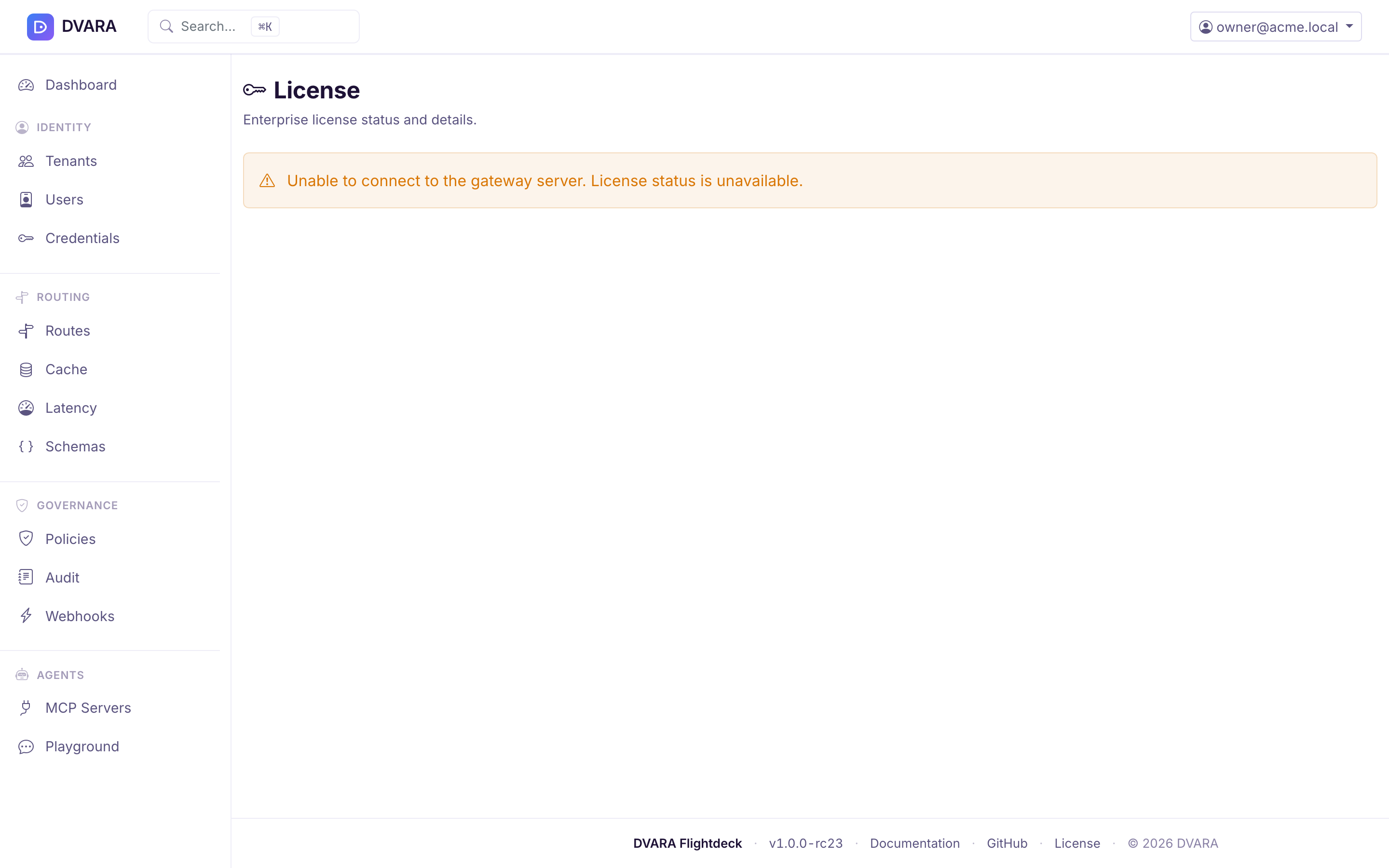
Flightdeck reads the licence from its own store, not from a Gateway, so the page works while a Gateway is unreachable. Saving a licence here takes effect in Flightdeck at once and on each Gateway pod with its next configuration bundle. No restart is needed. The Gateway reports the same state on its /actuator/license endpoint, which requires Authorization: Bearer $DVARA_ACTUATOR_API_KEY. The Open Source distribution does not expose this endpoint.
Flightdeck also shows the licence state on every page:
- Without a licence, a bar reads "Non-production licence". For platform roles it also shows the workspace count against 3 and this month's calls against 100,000, with a link to get a licence.
- Before expiry, owners see "Licence expires in N days" in Flightdeck from 30 days out.
- After expiry (from 1.8.3), every signed-in user sees a banner with the expiry date that says traffic is not affected.
What DEGRADED blocks: no traffic. From 1.8.2, /v1/*, /mcp/* and /a2a/* all keep serving after the grace period. An expired licence counts governed calls but never refuses one, keeps your existing workspaces, and refuses a new workspace above 3. From 1.8.3, compliance reports generated after the grace carry "Expired licence" in the footer. Until 1.8.2, DEGRADED refused /mcp/* and /a2a/* with 402 LICENSE_EXPIRED.
posture and license.status are different fieldsRead posture and status from /actuator/license. posture is DEVELOPMENT with no licence and PRODUCTION with one, valid or expired. status reports current licence health. Both follow the stored licence while the Gateway runs. A Gateway whose licence passed its grace therefore reports posture: PRODUCTION and status: DEGRADED, and serves every plane.
Health probes
The DVARA Flightdeck exposes health endpoints designed for Kubernetes probes:
| Endpoint | Purpose |
|---|---|
GET /actuator/health/liveness | Kubernetes liveness probe |
GET /actuator/health/readiness | Kubernetes readiness probe (application state and database connectivity) |
The readiness probe checks Flightdeck's application state and database connectivity. It does not include the Gateway connection. A disconnected Gateway appears in Flightdeck's System Status and live operational panels while Flightdeck remains ready for control-plane work.
See Check System Status and recover from errors for Gateway and provider states, correlation IDs, safe support evidence, and deployment-specific recovery steps.
The Helm chart wires these up automatically:
livenessProbe:
  httpGet:
    path: /actuator/health/liveness
    port: http
readinessProbe:
  httpGet:
    path: /actuator/health/readiness
    port: http
startupProbe:
  httpGet:
    path: /actuator/health/liveness
    port: http
Audit event stream
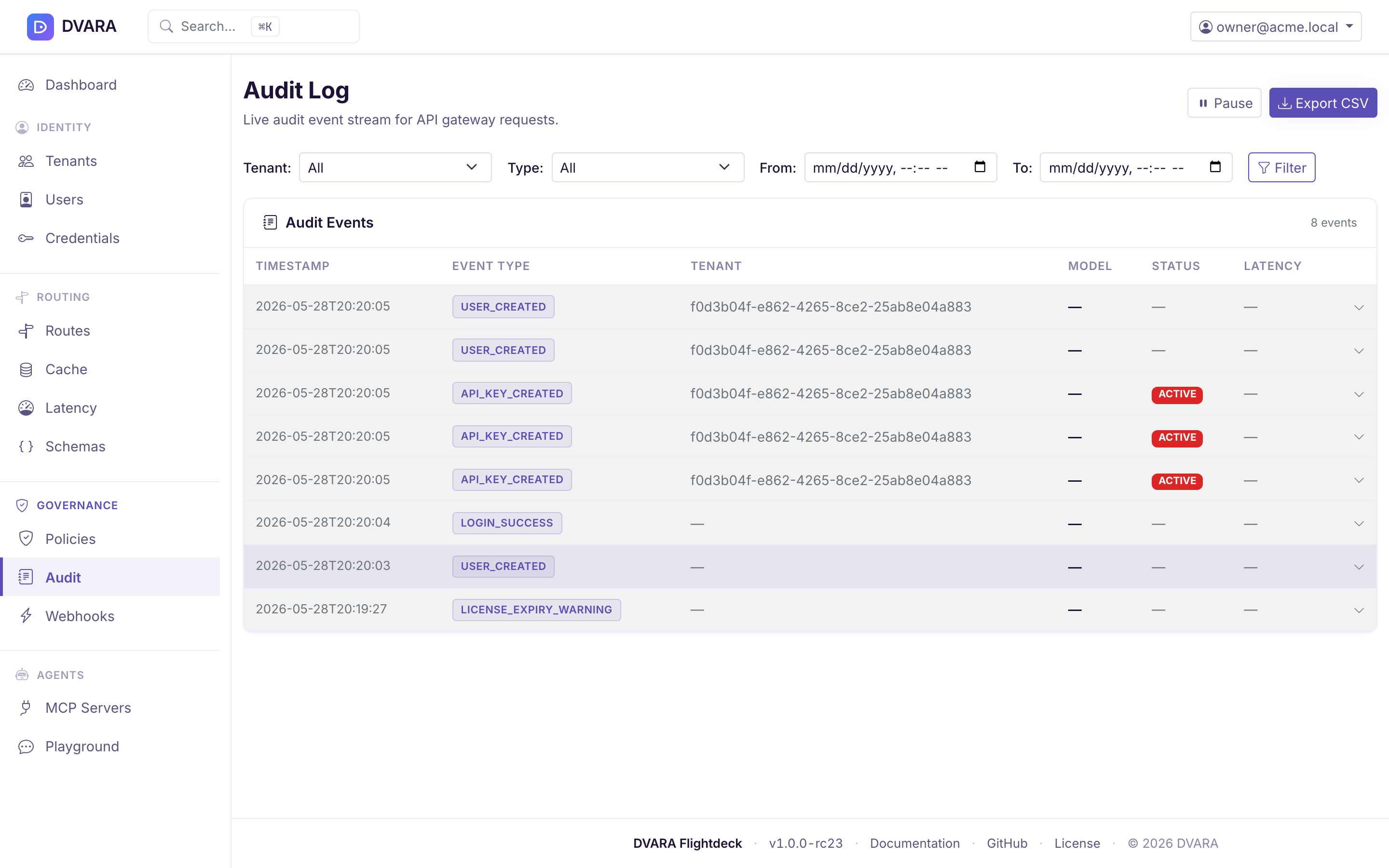
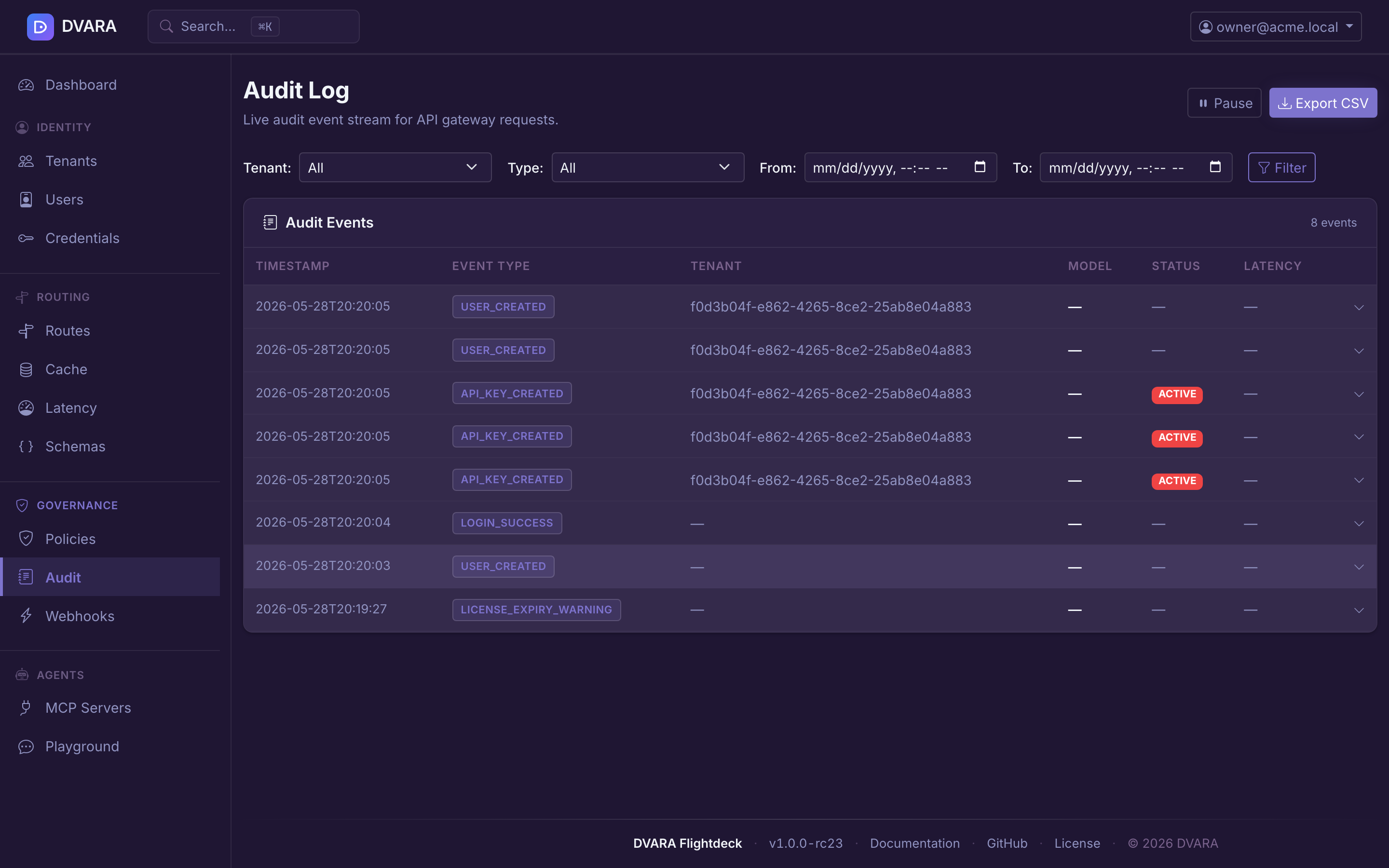
The sidebar's Governance → Audit page (documented in more detail under Governance) is the third operational surface. It exposes every append-only event written to the audit chain — policy decisions, authentication events, config imports, license transitions, and more — with a live-polling table (3-second refresh), click-to-expand event detail, and CSV / JSON exports (/audit/export, CSV by default and JSON with ?format=json). An export needs approval from a second authorized user before the original requester can download it.
From 1.8.4 a From or To date the page cannot read, such as not-a-date or 08/17/2026, is refused on that field. The message stays under the field, and the table lists nothing and says why, including on its 3-second refresh. Before 1.8.4 the page dropped the date and listed every row. The audit export already refused an unreadable date with a 400.