Setup & Login
Not included in DVARA Open Source.
This page walks through getting the DVARA Flightdeck running, creating the initial owner account, and picking an authentication mode for production.
Starting the DVARA Flightdeck
With Docker
From 1.8.2 two single docker run commands are no longer enough. The Gateway has no database: it enrols with Flightdeck, reads its configuration from Flightdeck, and ships its records to Flightdeck, which needs PostgreSQL. Use the Compose stack below. The images are ghcr.io/dvarahq/dvara-gateway:1.9.0 and ghcr.io/dvarahq/dvara-flightdeck:1.9.0; see Deploy with Docker Compose for what each service needs.
With Docker Compose
The quick-start stack in dvara-examples brings up the database, the LLM Gateway, and the DVARA Flightdeck together:
cd dvara-examples/docker-compose/quick-start
cp .env.example .env
# set OPENAI_API_KEY and every secret .env.example lists,
# including DVARA_ENROLMENT_SECRET; add a licence later on the License page
docker compose up -d

# UI at http://localhost:8090/
# Server at http://localhost:8080/
See Docker Compose Setup for the full set of topologies.
With Kubernetes / Helm
# values.yaml
flightdeck:
  enabled: true
  replicaCount: 1
  image:
    repository: ghcr.io/dvarahq/dvara-flightdeck
  resources:
    requests:
      cpu: 100m
      memory: 256Mi
    limits:
      cpu: 1
      memory: 512Mi
Health probes are auto-configured by the chart — see Kubernetes / Helm for the full deployment guide.
First-run setup
On first boot with the built-in auth mode, the DVARA Flightdeck redirects any anonymous visitor to /setup so you can create the initial owner account. This one-time flow is disabled after the first user exists.
- Open http://localhost:8090 — you'll be redirected to
/setup - Enter email, name, and password
- Sign in at
/loginwith your new credentials
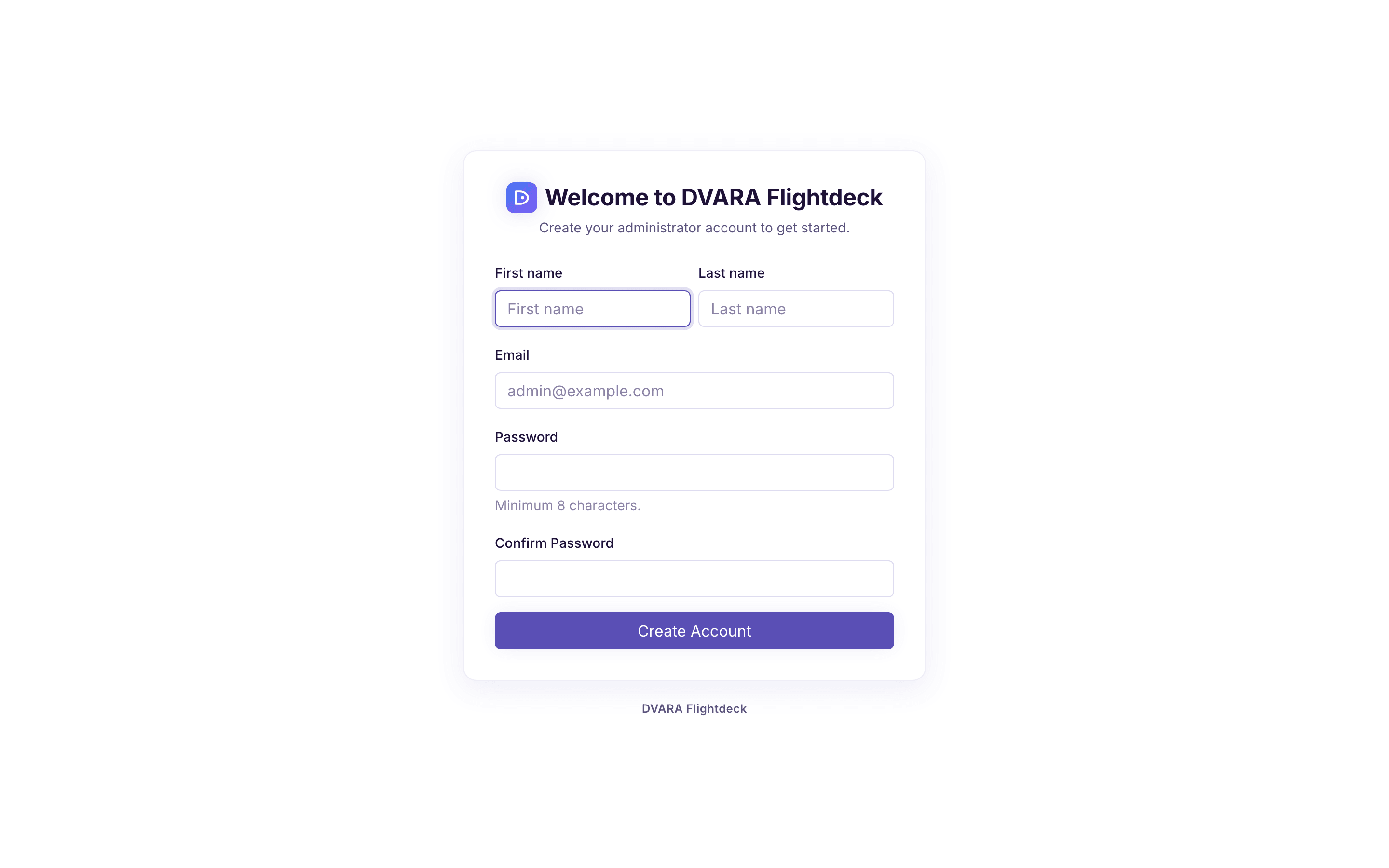
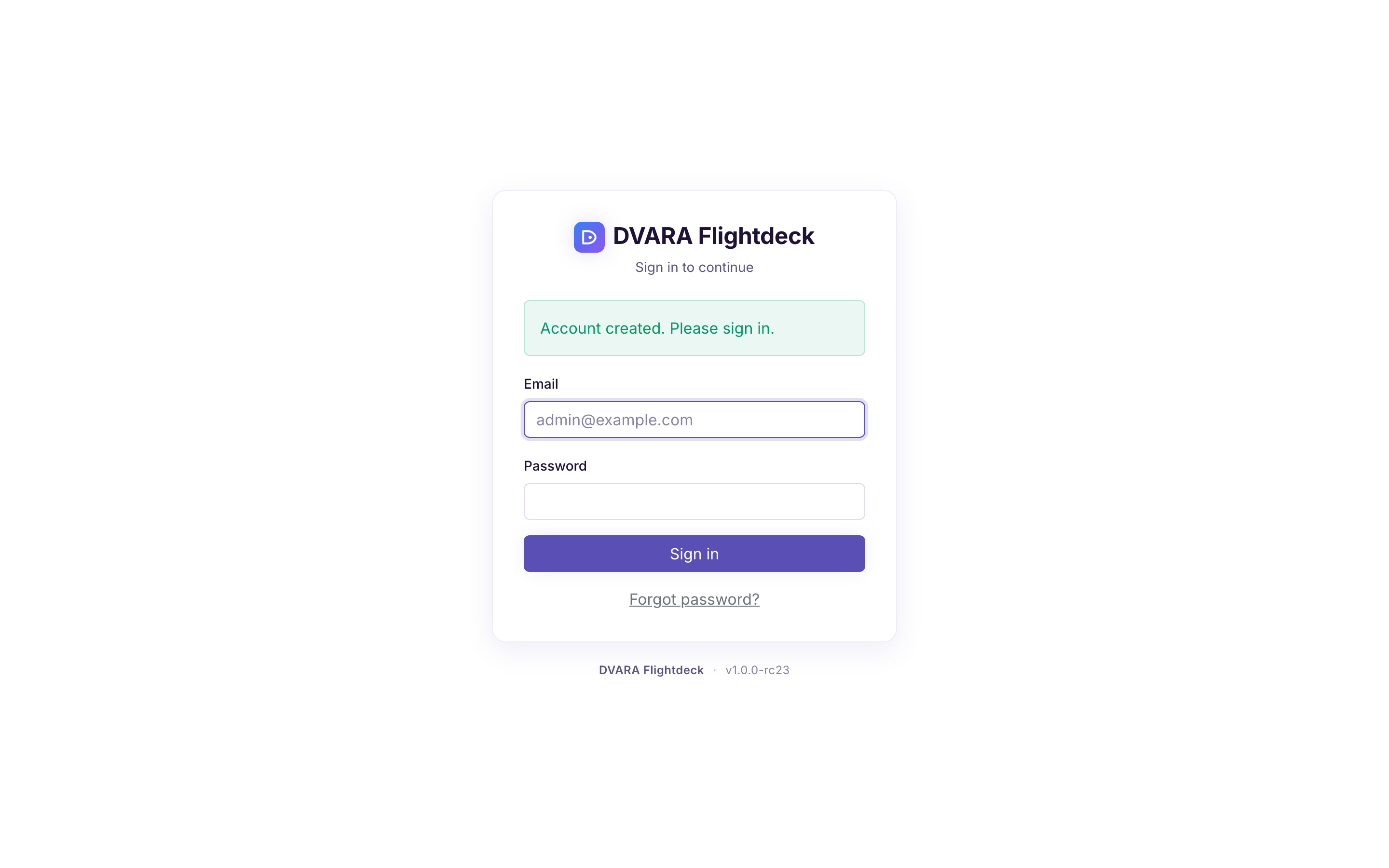
The owner has full platform access — workspaces, routes, policies, budgets, users, and all other configuration. Invite additional users later from the Users page.
Authentication modes
By default the DVARA Flightdeck uses built-in email/password authentication. For production, you have three choices:
| Mode | When to use | Config required |
|---|---|---|
| Built-in (default) | Local dev, small teams, no existing IdP | None — works out of the box |
| OIDC | Existing Keycloak, Okta, or Azure AD | DVARA_FLIGHTDECK_SECURITY_OIDC_ISSUER_URI |
| SAML 2.0 | Enterprise SSO (ADFS, Okta SAML, Azure AD) | DVARA_FLIGHTDECK_SECURITY_SAML_METADATA_URL |
OIDC and SAML are mutually exclusive — configuring both causes startup to fail. The OIDC + SAML property reference lives in the configuration table below; per-IdP step-by-step guides are not included here.
These settings configure one identity provider for the whole self-managed installation.
With built-in authentication, a successful password reset ends every existing
Flightdeck session for that user, revokes every active personal access
token, and writes PASSWORD_RESET. The user signs in again with the new
password and creates replacement tokens as needed.
Disabling authentication for local development
For purely local tinkering, you can turn off admin authentication entirely by setting:
  dvara-admin:
    environment:
      DVARA_FLIGHTDECK_SECURITY_ENABLED: "false"
Never use this in production. The data plane still requires API keys regardless of this setting.
Enabling OIDC
When dvara.flightdeck.security.oidc.issuer-uri is set, the DVARA Flightdeck redirects anonymous users to the external IdP for browser-based OAuth2 login. Automation tools obtain JWTs via the client credentials grant and pass them as Authorization: Bearer <token>.
  dvara-admin:
    environment:
      DVARA_FLIGHTDECK_SECURITY_ENABLED: "true"
      DVARA_FLIGHTDECK_SECURITY_OIDC_ISSUER_URI: https://keycloak.example.com/realms/dvara
      DVARA_FLIGHTDECK_SECURITY_OIDC_AUDIENCE: dvara-admin
      DVARA_FLIGHTDECK_SECURITY_OIDC_ROLE_CLAIM: realm_access.roles
| Property | Env Var | Purpose |
|---|---|---|
dvara.flightdeck.security.enabled | DVARA_FLIGHTDECK_SECURITY_ENABLED | Enable authentication (default: true) |
dvara.flightdeck.security.oidc.issuer-uri | DVARA_FLIGHTDECK_SECURITY_OIDC_ISSUER_URI | OIDC discovery endpoint of your IdP |
dvara.flightdeck.security.oidc.audience | DVARA_FLIGHTDECK_SECURITY_OIDC_AUDIENCE | Expected JWT audience claim |
dvara.flightdeck.security.oidc.role-claim | DVARA_FLIGHTDECK_SECURITY_OIDC_ROLE_CLAIM | JWT claim containing user roles (default: roles) |
RBAC roles
When security is on, RBAC is enabled by default (dvara.flightdeck.security.rbac.enabled=true). Six built-in roles split into three platform and three workspace scopes:
| Role | Scope | Typical user |
|---|---|---|
owner | Platform — full access to everything | Platform lead, CTO |
policy-admin | Platform — policies, routes, guardrails, MCP servers, approval queue | Security engineer |
billing-admin | Platform — pricing, costs, budgets, chargeback, compliance | Finance, FinOps |
admin | Workspace — full access within own workspace + user management | Team lead |
developer | Workspace — create API keys, view usage, dry-run policies | Application developer |
viewer | Workspace — read-only access within own workspace | Auditor, observer |
Roles are assigned in the Users page and mapped from JWT claims at login. The catch-all rule requires owner for any admin path not explicitly granted to another role, so new endpoints are locked down by default.
Setting dvara.flightdeck.security.rbac.enabled=false falls back to simple authenticated() checks — any valid JWT grants full access.
Workspace scoping
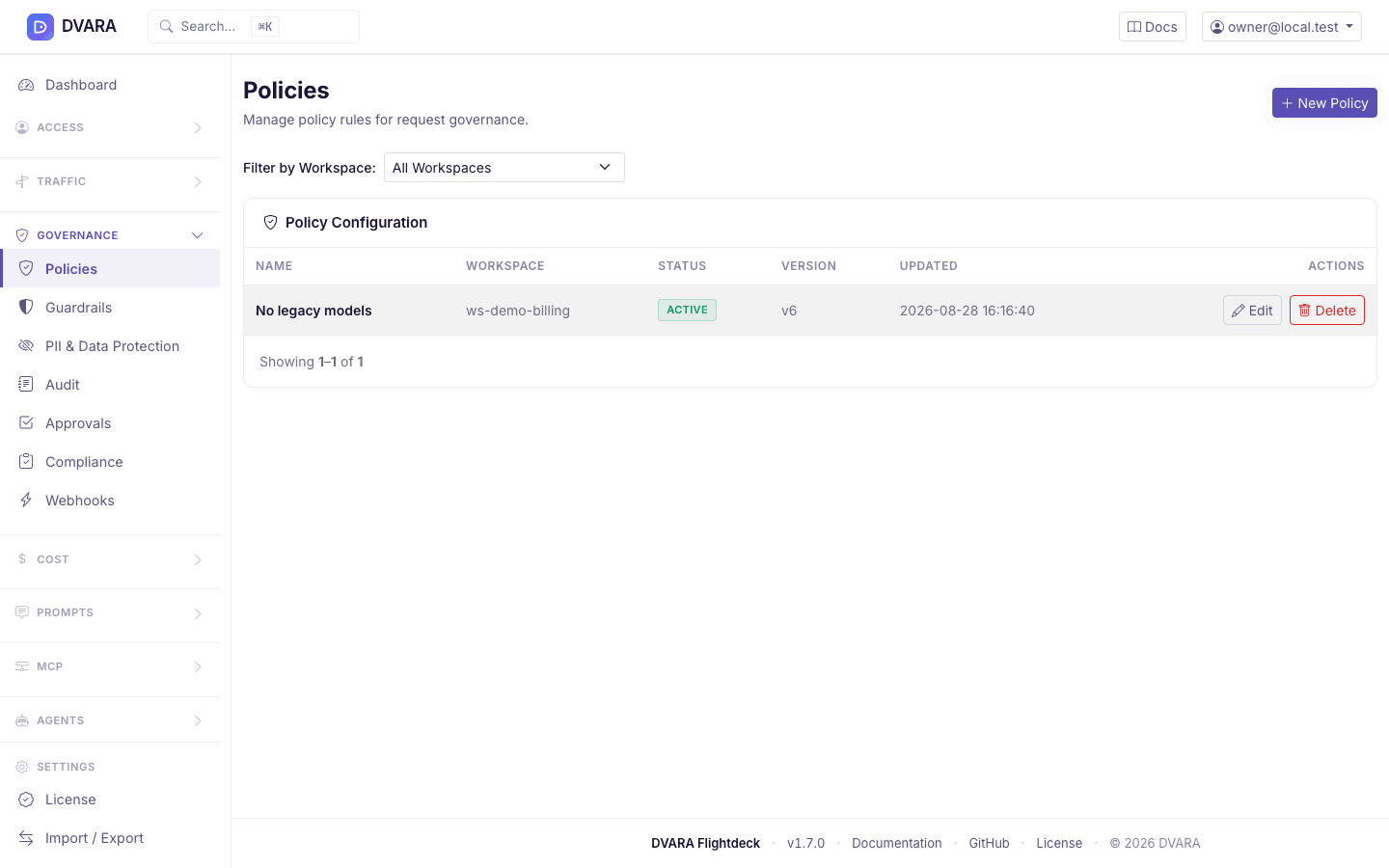
Most list pages (workspaces, policies, routes, MCP servers, users, costs, budgets, sessions) include a Workspace dropdown filter. When RBAC is active, users can only see and modify resources that their assigned role permits. Workspace-scoped API calls accept a ?workspace_id= query parameter.
Admin server configuration
| Property | Env Var | Default | Description |
|---|---|---|---|
dvara.flightdeck.gateway.url | DVARA_FLIGHTDECK_GATEWAY_URL | http://localhost:8080 | LLM Gateway URL (for dashboard metrics + health check only) |
dvara.actuator.api-key | DVARA_ACTUATOR_API_KEY | (empty) | Shared-secret Bearer used by DVARA Flightdeck for the Gateway's /actuator/gateway-status and Enterprise /actuator/license endpoints. Set the same value on the Gateway. Generate with openssl rand -base64 32. Must differ from DVARA_ACTUATOR_METRICS_API_KEY. |
dvara.actuator.metrics-api-key | DVARA_ACTUATOR_METRICS_API_KEY | (empty) | Distinct shared-secret Bearer used by the DVARA Flightdeck when it scrapes the LLM Gateway's /actuator/prometheus endpoint. Must differ from DVARA_ACTUATOR_API_KEY — a leaked metrics-scrape token must not unlock the gateway-status surface. Generate independently with openssl rand -base64 32. |
The Enterprise /actuator/license endpoint returns operator metadata such as posture, licence ID, licensee, type, expiry, and status. It never returns the raw licence envelope. /actuator/gateway-status returns runtime health and configuration metadata without licence or posture fields. Provider credentials, encryption material, and the audit HMAC secret are not returned by either endpoint.
The Open Source distribution exposes /actuator/gateway-status but not /actuator/license.
| dvara.flightdeck.gateway.connect-timeout-ms | — | 5000 | Connection timeout (ms) |
| dvara.flightdeck.gateway.read-timeout-ms | — | 10000 | Read timeout (ms) |
The earlier property family gateway.server.* / gateway.control-plane.* (and the matching GATEWAY_SERVER_* / GATEWAY_CONTROL_PLANE_* env vars) was removed in 1.0.0-GA per the env-var namespace rename. Use the dvara.flightdeck.gateway.* properties / DVARA_FLIGHTDECK_GATEWAY_* env vars above. A startup probe WARNs at boot whenever a legacy GATEWAY_* env var is still set, so operators redeploying a stale .env see the migration hint loudly.
The DVARA Flightdeck and the LLM Gateway are decoupled — the DVARA Flightdeck only talks to the LLM Gateway for live dashboard metrics and provider health. All other admin operations read and write the DVARA control plane store directly.