Tenants & Users
The DVARA Flightdeck combines two closely related surfaces: tenants (the logical isolation unit for data, keys, and billing) and users (human operators with RBAC roles). Both live under the sidebar's Identity section.
Tenant management
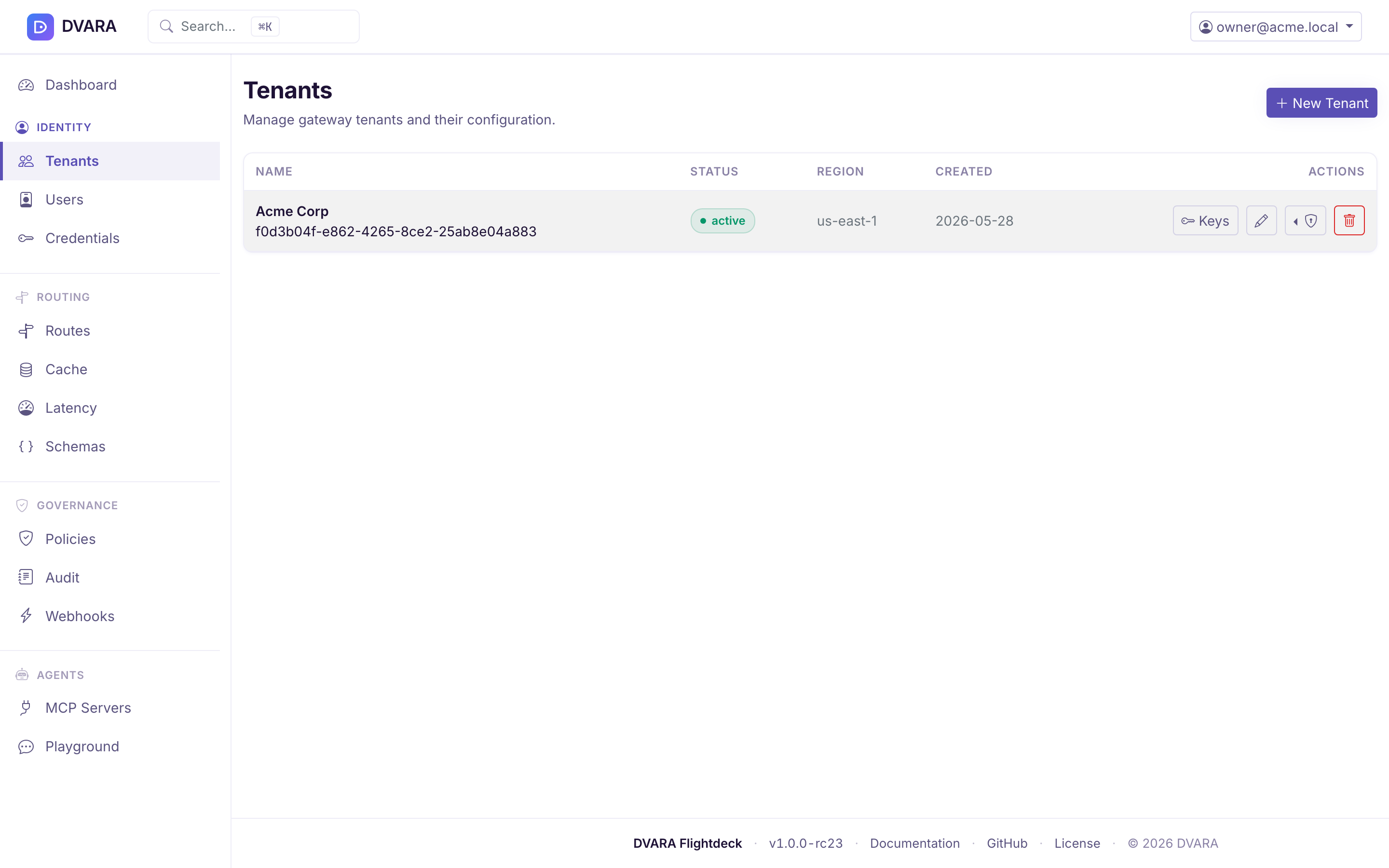
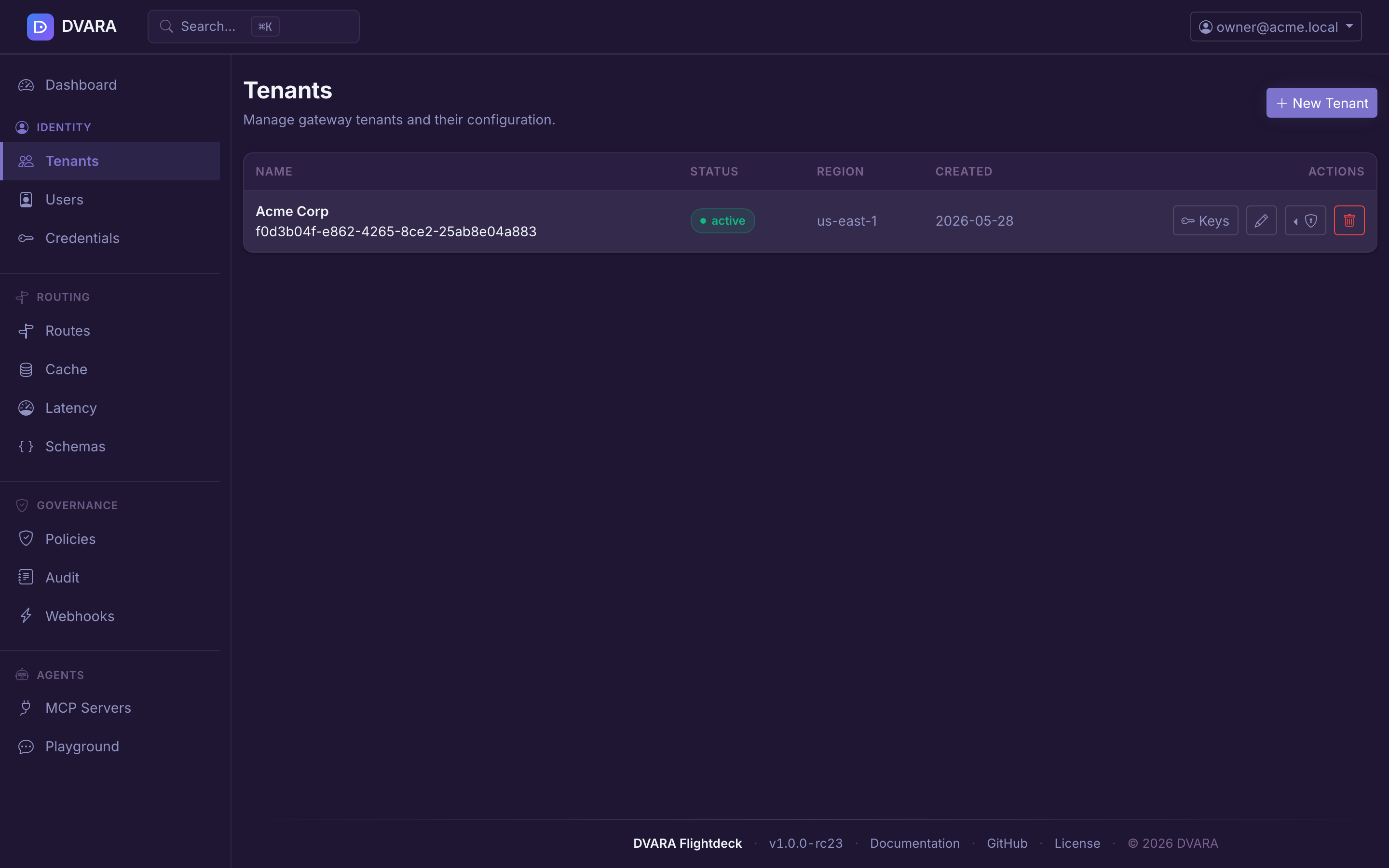
Open Identity → Tenants in the sidebar.
Tenant list
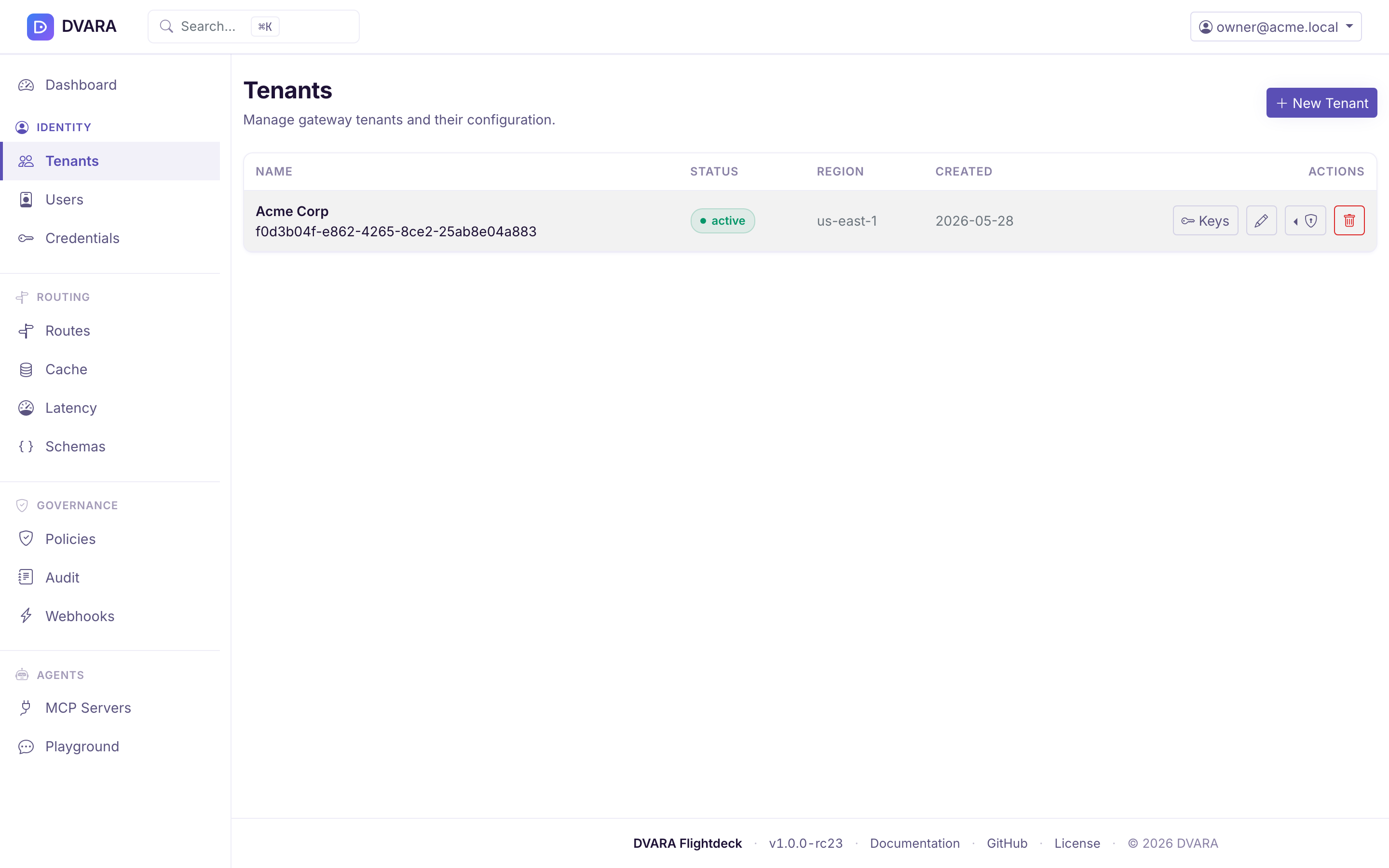
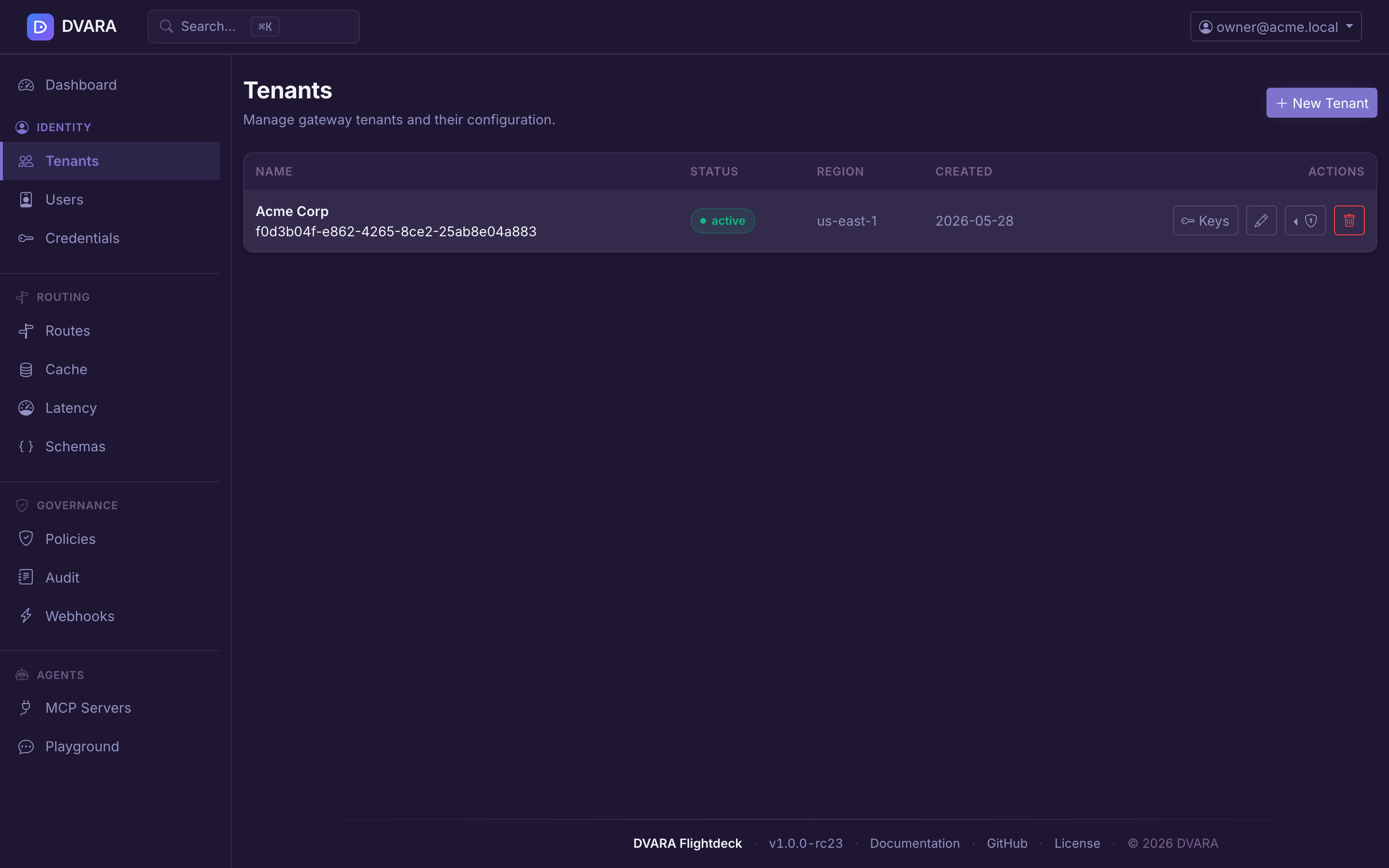
Displays every tenant with name, status badge (active / suspended), region, and creation date. Auto-refreshes every 10 seconds.
Create / edit tenant
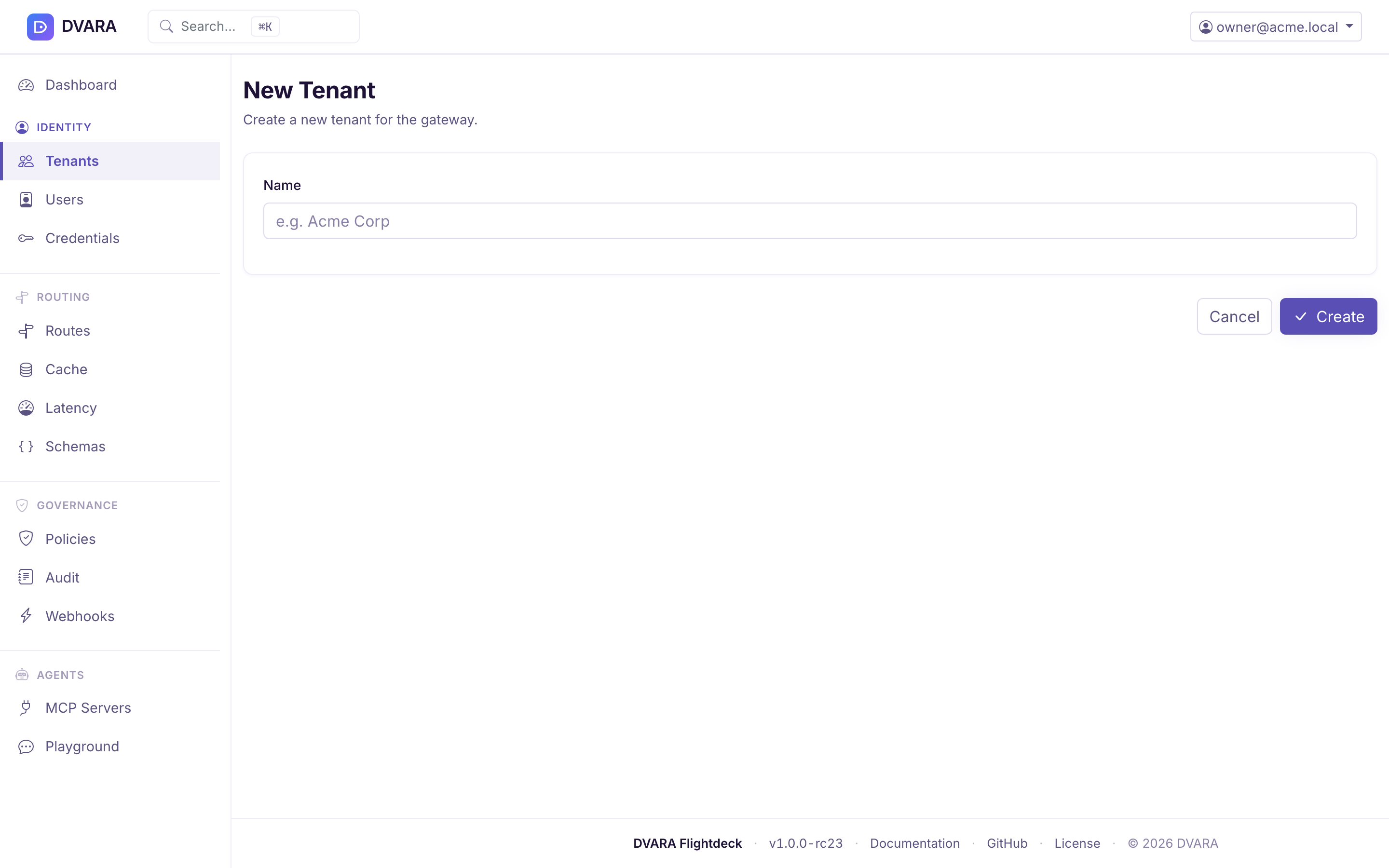
Click New Tenant to create a tenant. Click Edit on any row to update an existing tenant. The form is organized into four tabs:
- Basic — name, region, status (active / suspended), priority tier (standard / premium / bulk)
- PII & DLP — per-tenant overrides for
pii.enabled,pii.action(BLOCK / REDACT / LOG), andpii.scan-responses - Guardrails — per-tenant overrides for
guardrail.enabled,guardrail.action(BLOCK / FLAG / LOG),guardrail.risk-score-threshold(0.0–1.0),guardrail.max-input-tokens, andguardrail.max-messages-per-request - Built-in PII Filters — multi-select checkboxes for the 22 in-process embedded PII filter types in the default-enabled set: SSN, passport, drivers license, credit card, IBAN, bank routing, bitcoin, currency, phone, phone extension, email, IP, MAC, URL, street address, ZIP, state abbreviation, date, age, VIN, tracking, physician name. Leave all unchecked to inherit the gateway default (all 22 deterministic filters auto-enabled; 8 additional dictionary-based filters like first name / surname / city are off by default and only enabled when explicitly listed here). Requires
dvara.llm-gateway.guardrail.embedded.enabled=trueto take effect.
Form values are validated server-side: invalid actions, out-of-range thresholds, non-positive token caps, or unknown built-in filter names are rejected with a field-named error and no save. Blank fields clear the corresponding metadata key (revert to inherit default).
Updates are non-destructive: metadata keys not exposed in the form (e.g. approval.required-tools, agentic.loop-detection.*, cost.downgrade-rules) are preserved across edits. The same metadata can also be set via the Automation API for IaC pipelines.
Every save emits a TENANT_CREATED (on create) or TENANT_METADATA_UPDATED audit event with a diff ({key, old, new}) of every changed key. Deletes emit TENANT_DELETED.
Automation API alternative
For Terraform, CI/CD, and other programmatic tooling, the same metadata is editable via PUT /v1/admin/tenants/{id}:
curl -X PUT https://admin.example.com/v1/admin/tenants/acme-corp \
  -H "Authorization: Bearer $DVARA_PAT" \
  -H "Content-Type: application/json" \
  -d '{
    "metadata": {
      "pii.action": "REDACT",
      "guardrail.action": "BLOCK",
      "embedded.enabled-filters": "SSN,CREDIT_CARD,EMAIL_ADDRESS"
    }
  }'
The API merges into existing metadata — keys not included in the request are preserved.
API key management
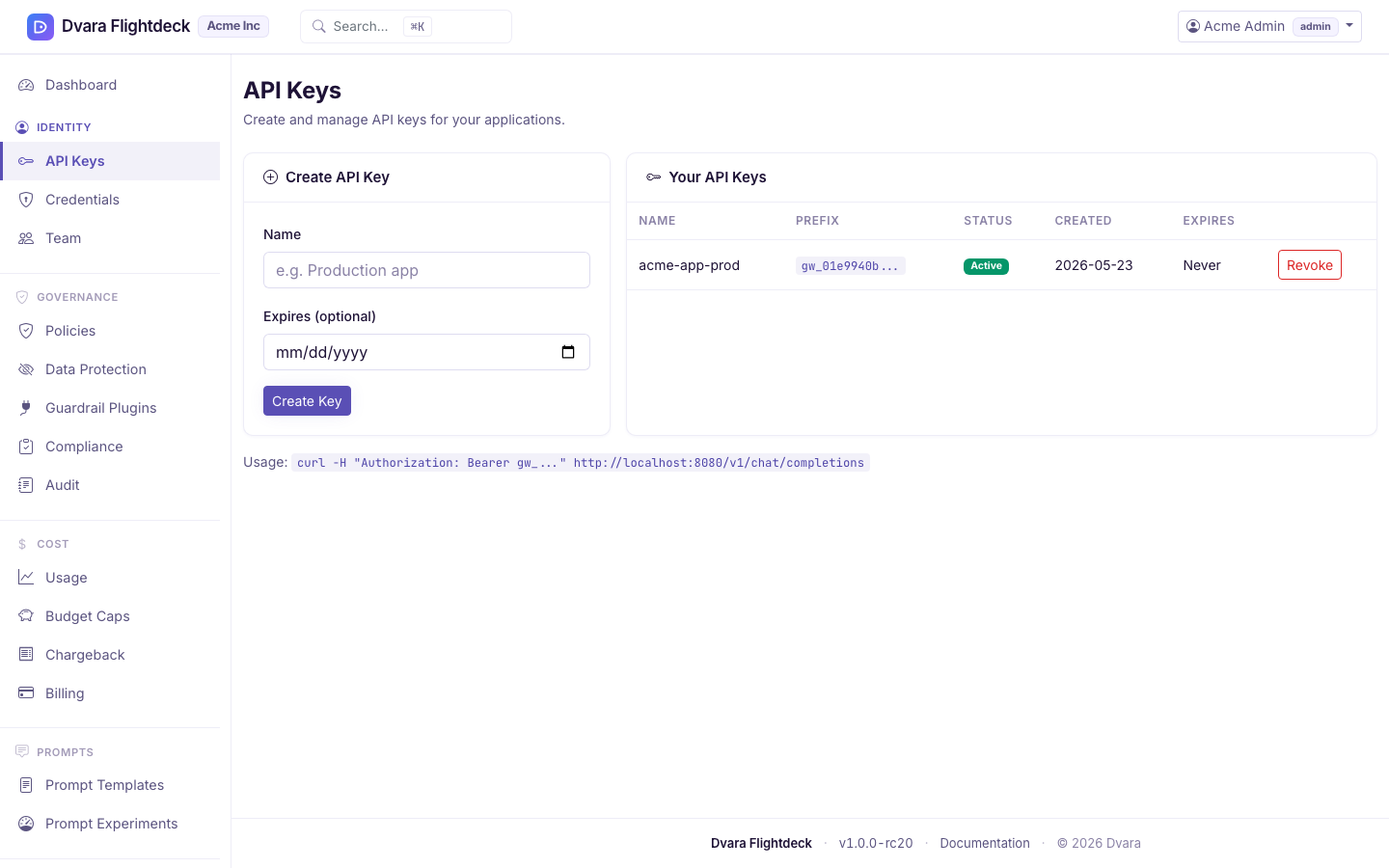
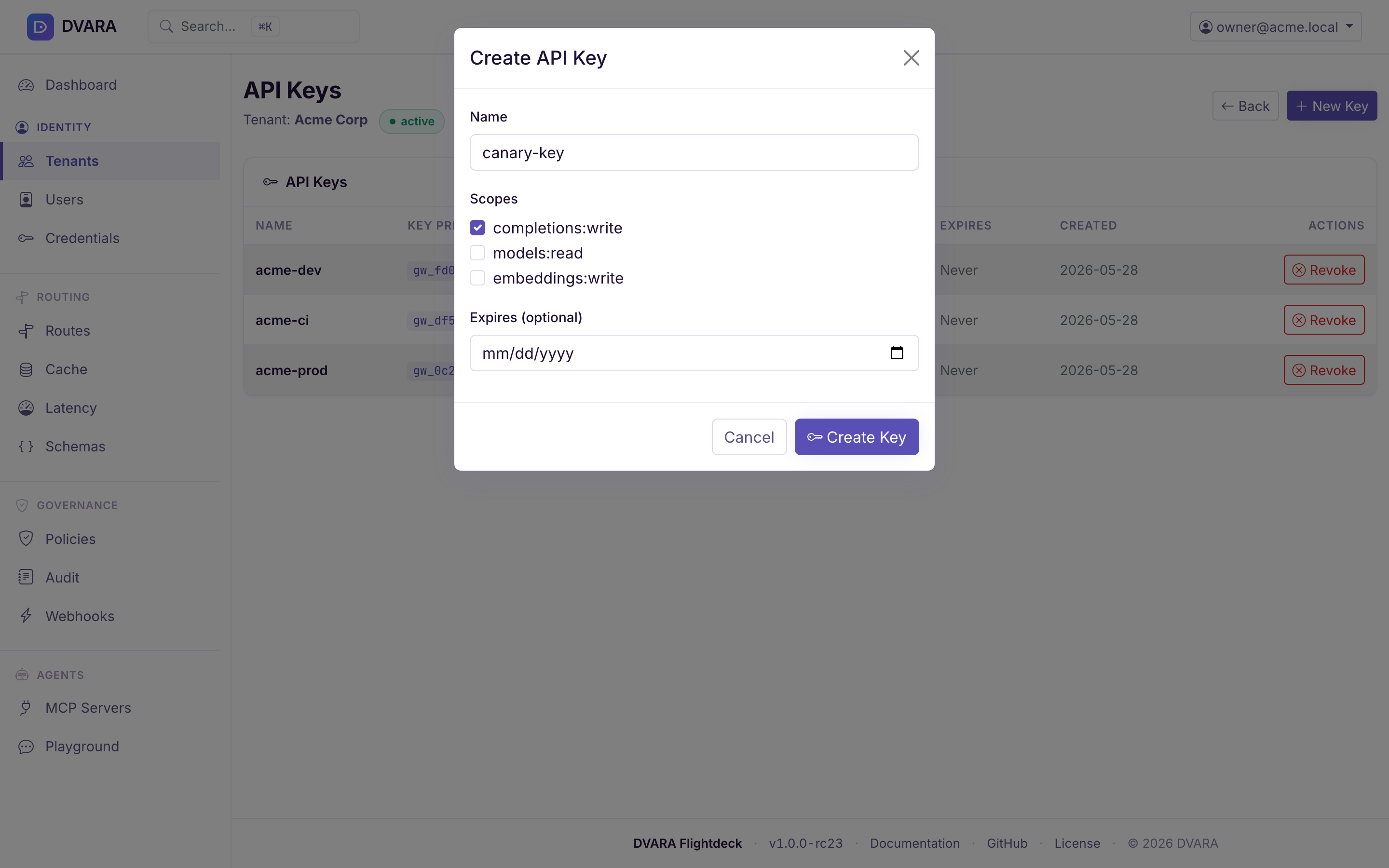
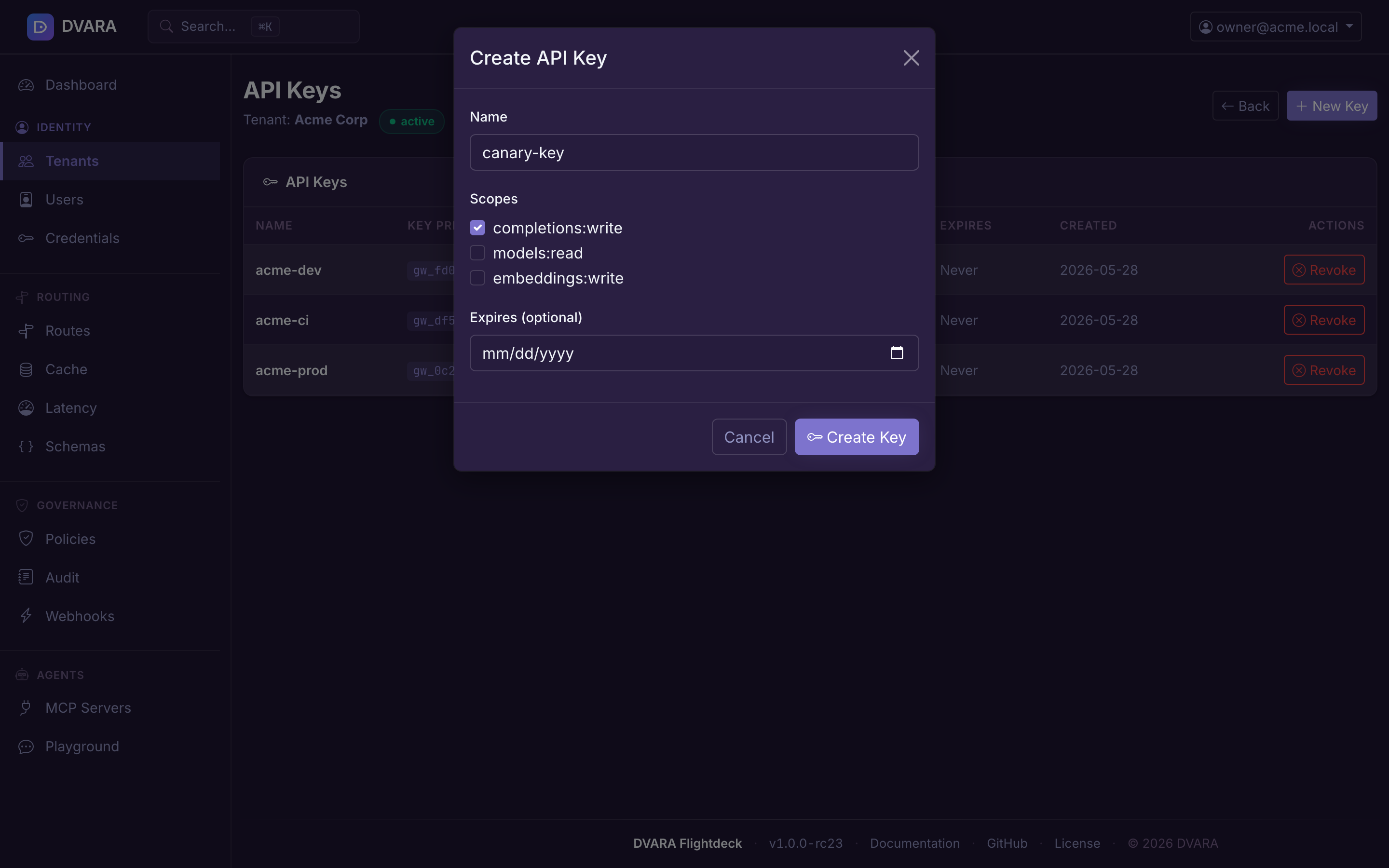
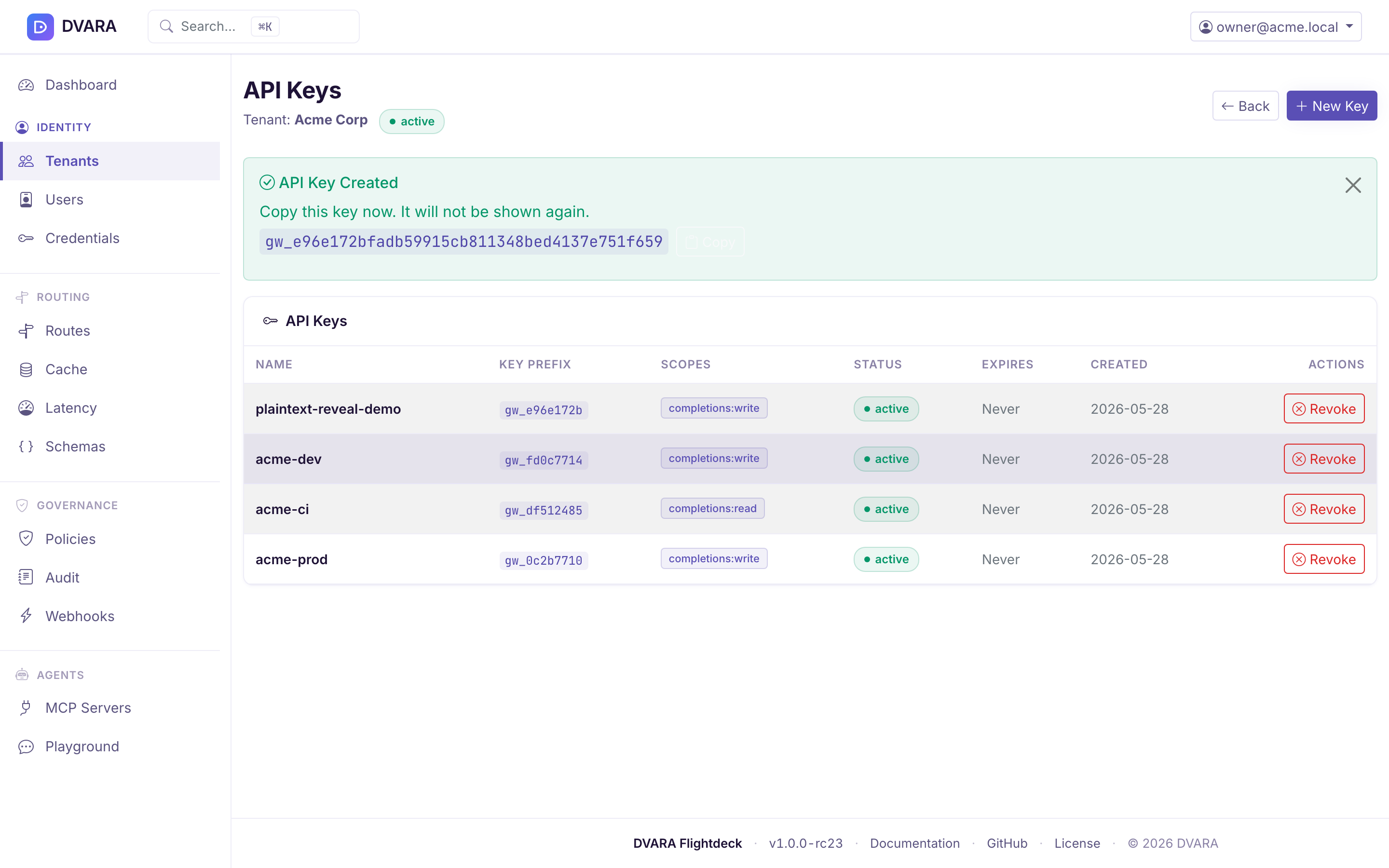
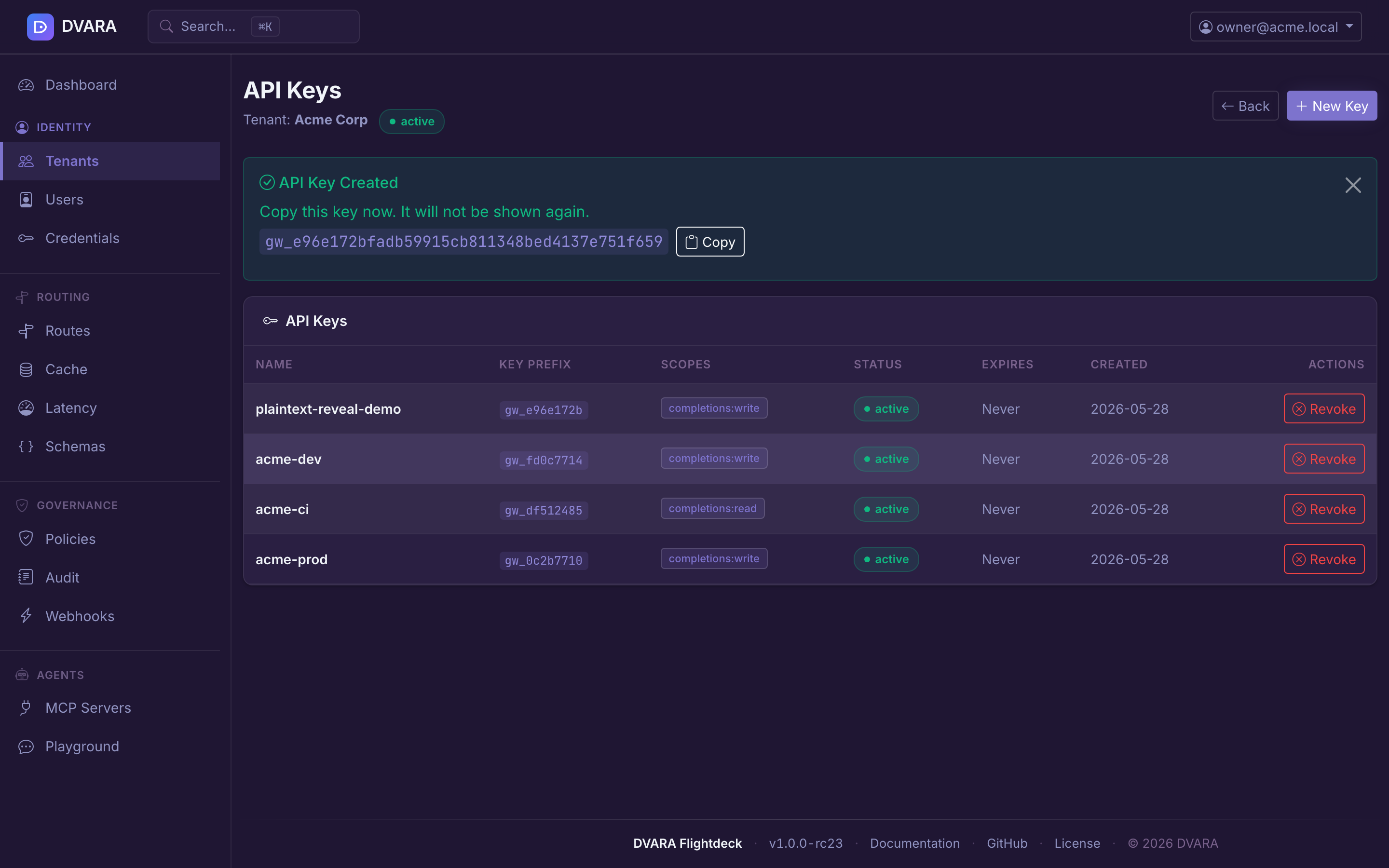
Click Keys on a tenant row to manage that tenant's API keys.
- Key list — name, masked key prefix (
gw_xxx…), scopes, status, expiry, and creation date. Auto-refreshes every 10 seconds. - Create key — click New Key to open the modal. Pick a name, scopes (multi-select), and optional expiry. The full plaintext key is shown exactly once after creation with a copy button — it cannot be retrieved again.
- Revoke key — click Revoke on any active key. Requires confirmation. Revocation is immediate and irreversible; the key status flips to
REVOKEDand the cached entry is evicted on every gateway instance, so subsequent requests fail fast across the whole fleet.
User & role management
Open Identity → Users in the sidebar (owner only).
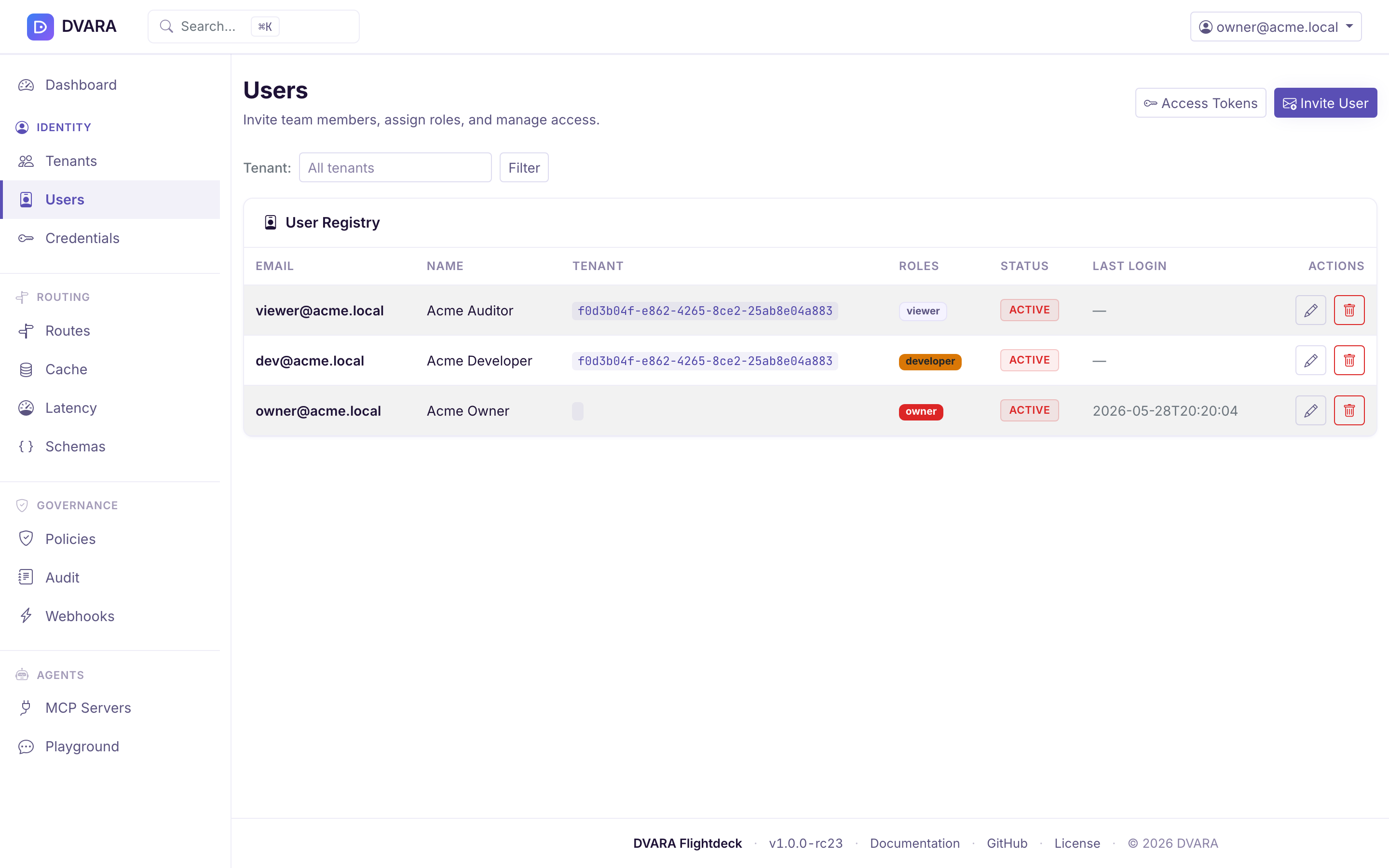
User list
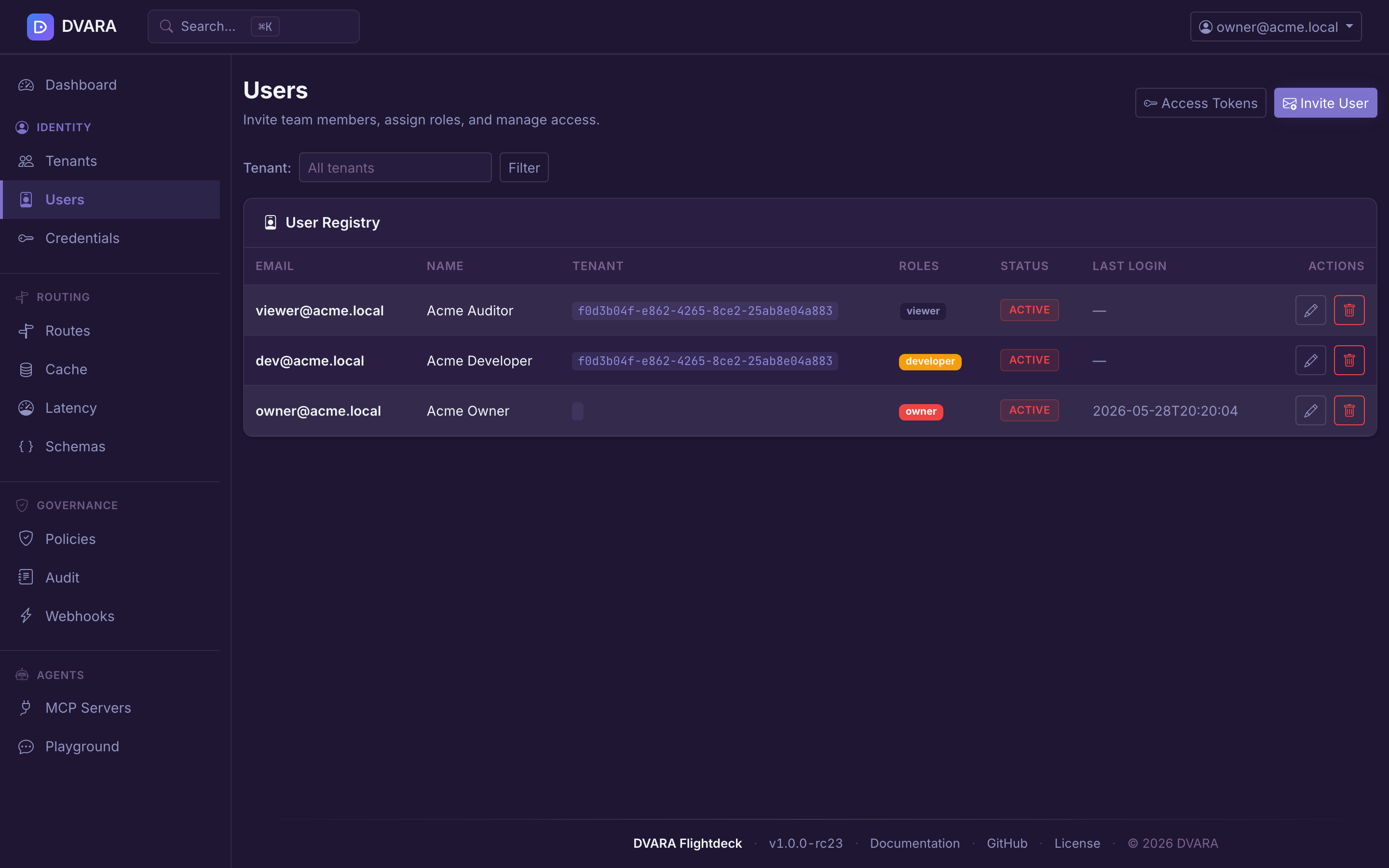
Lists every user with email, name, tenant, roles (as badges), status (ACTIVE / SUSPENDED / DEACTIVATED), last login, and creation date. Auto-refreshes every 10 seconds. Use the Tenant dropdown filter to narrow the list.
Create user
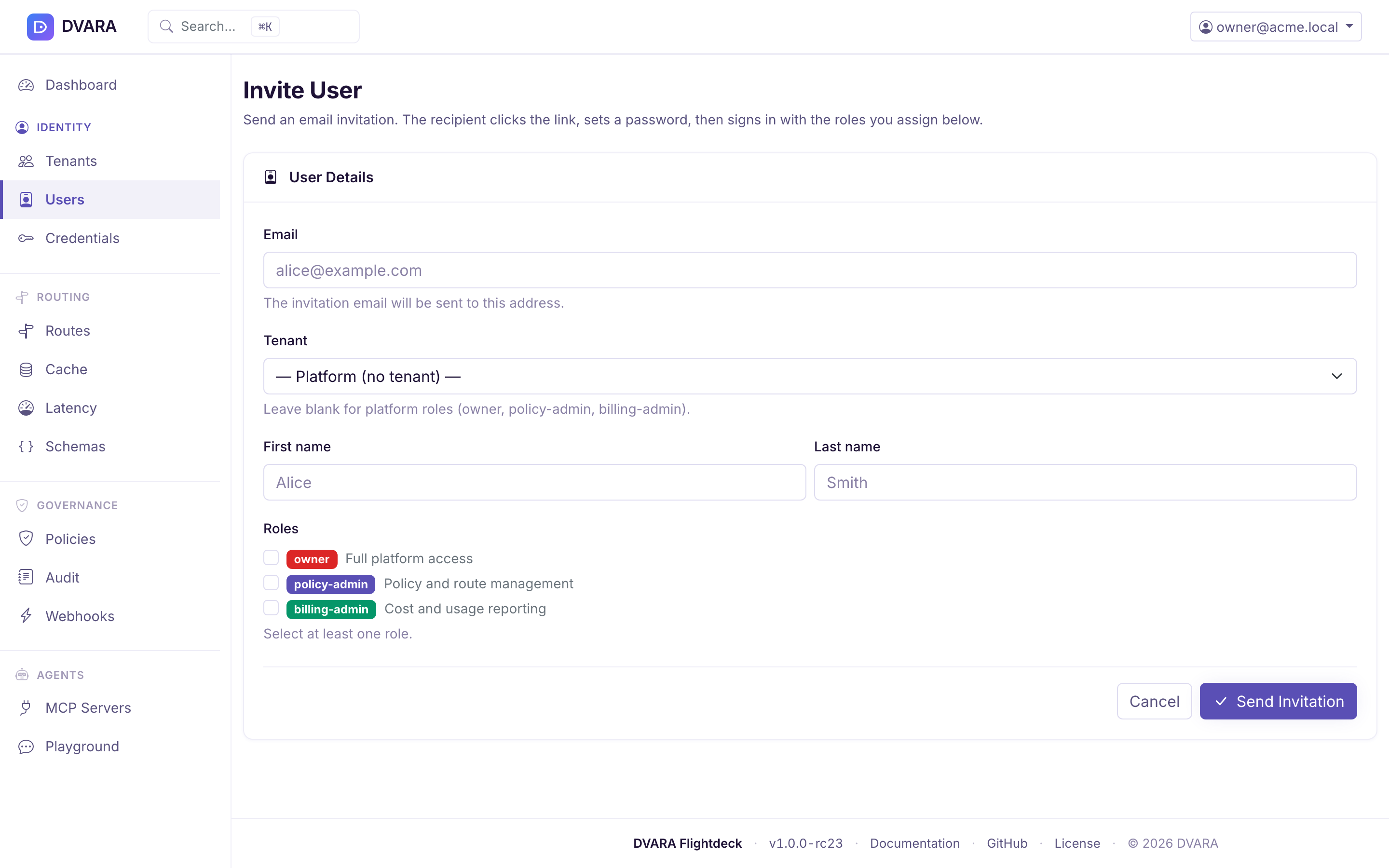
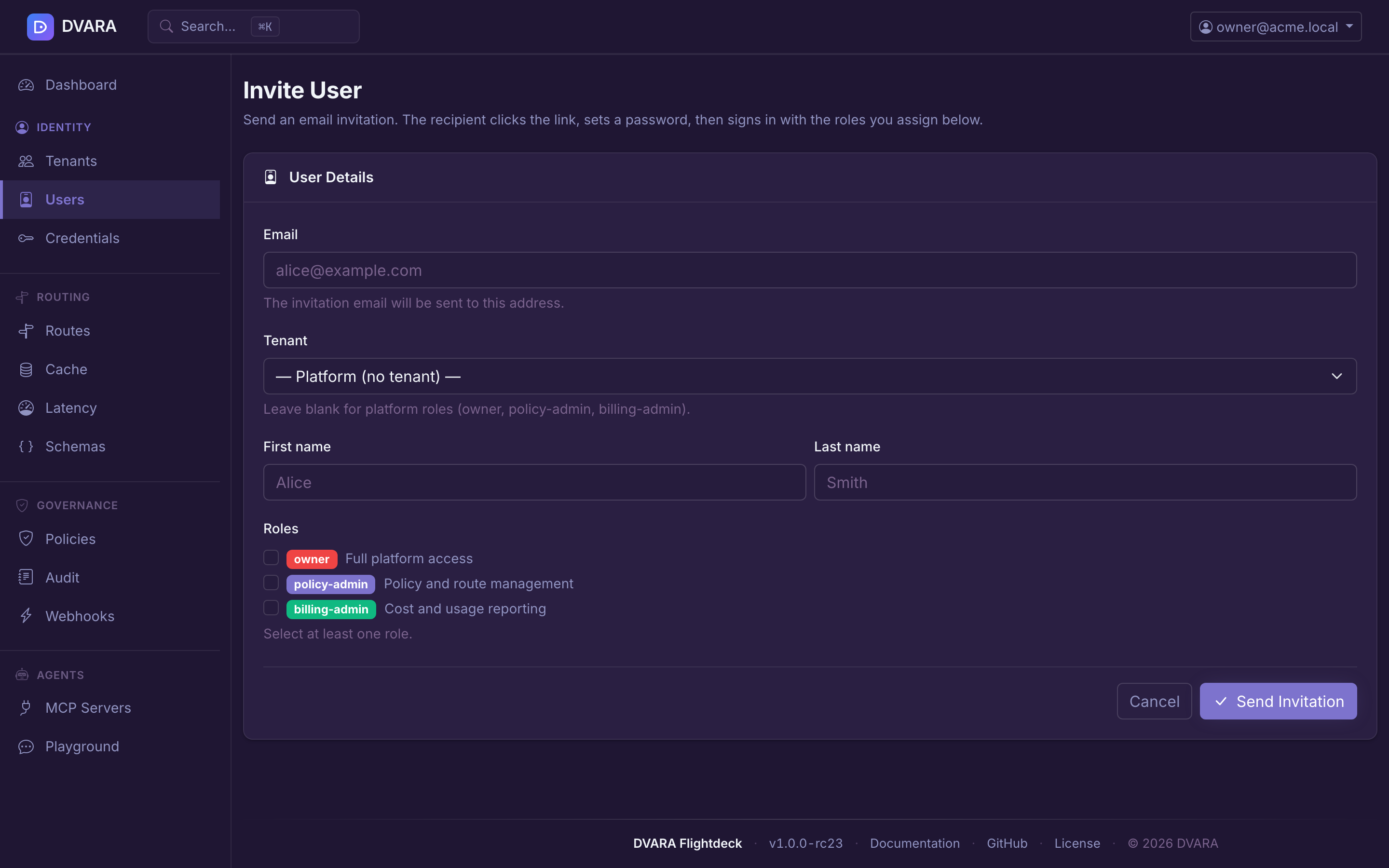
Click Invite User to open the invite form. In built-in-auth mode this sends an email with a password-setup link; in OIDC / SAML mode it creates a user record the IdP will bind to on first login.
- Email — unique per tenant; where the invitation is delivered
- Name — display name (optional)
- Tenant ID — the tenant this user belongs to. Leave blank for platform roles.
- Roles — checkbox list for any mix of built-in roles
The six built-in roles and their scopes are documented in Setup & Login → RBAC roles. Platform roles (owner, policy-admin, billing-admin) operate across all tenants; tenant roles (admin, developer, viewer) are scoped to a single tenant. Mixing platform and tenant roles on one user is disallowed.
For the full invitation walkthrough — tenant create → invite admin → /register → portal hand-off — see Onboarding a Tenant.
Edit user
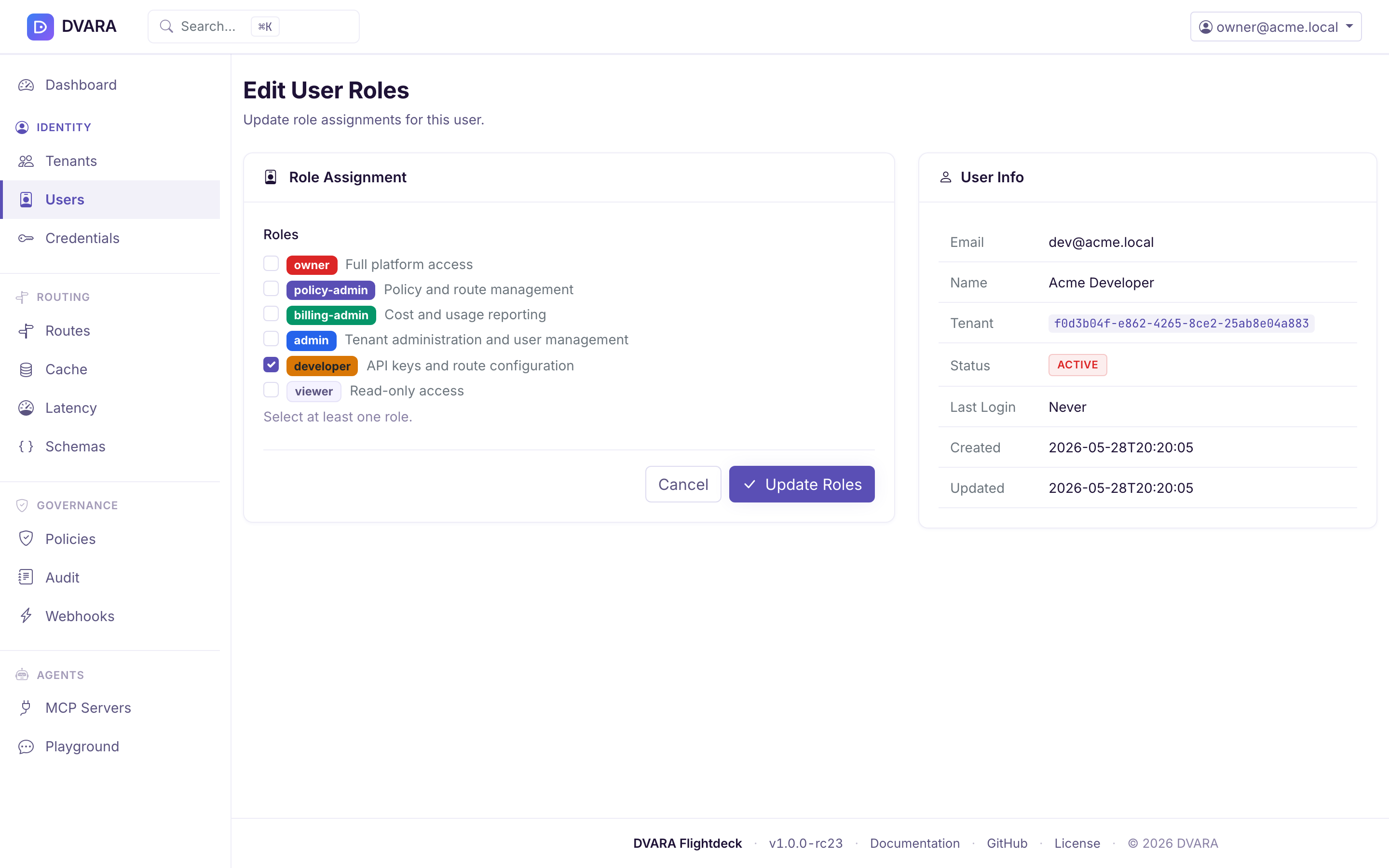
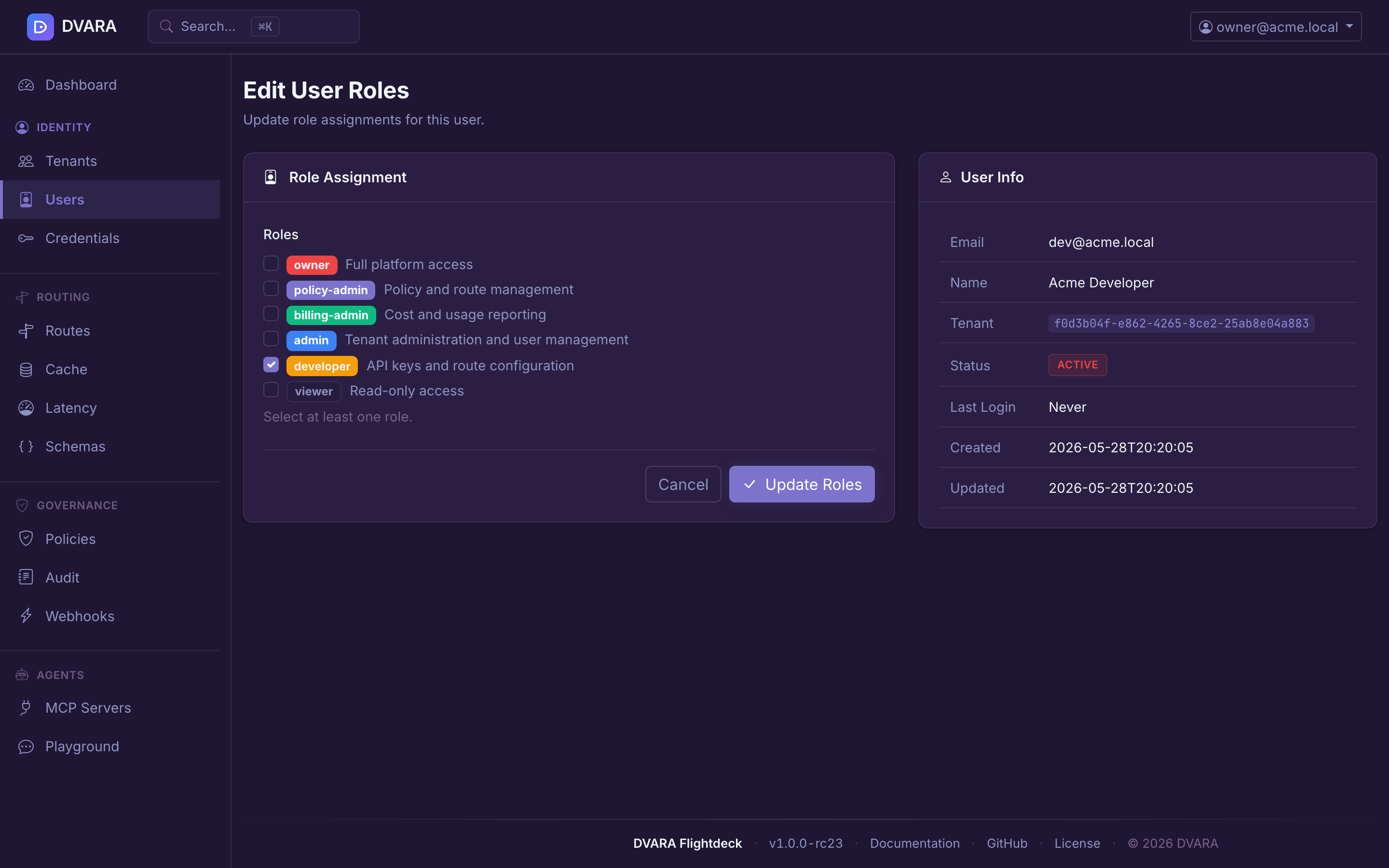
Click Edit on any row to update the user's roles. Email, name, and tenant are displayed as read-only. Role changes take effect on the user's next request — no logout required.
Delete user
Click Delete to remove a user. Requires confirmation. Any API keys owned by the deleted user's tenant remain valid until explicitly revoked — user deletion and key revocation are separate operations.
Tenant self-service portal
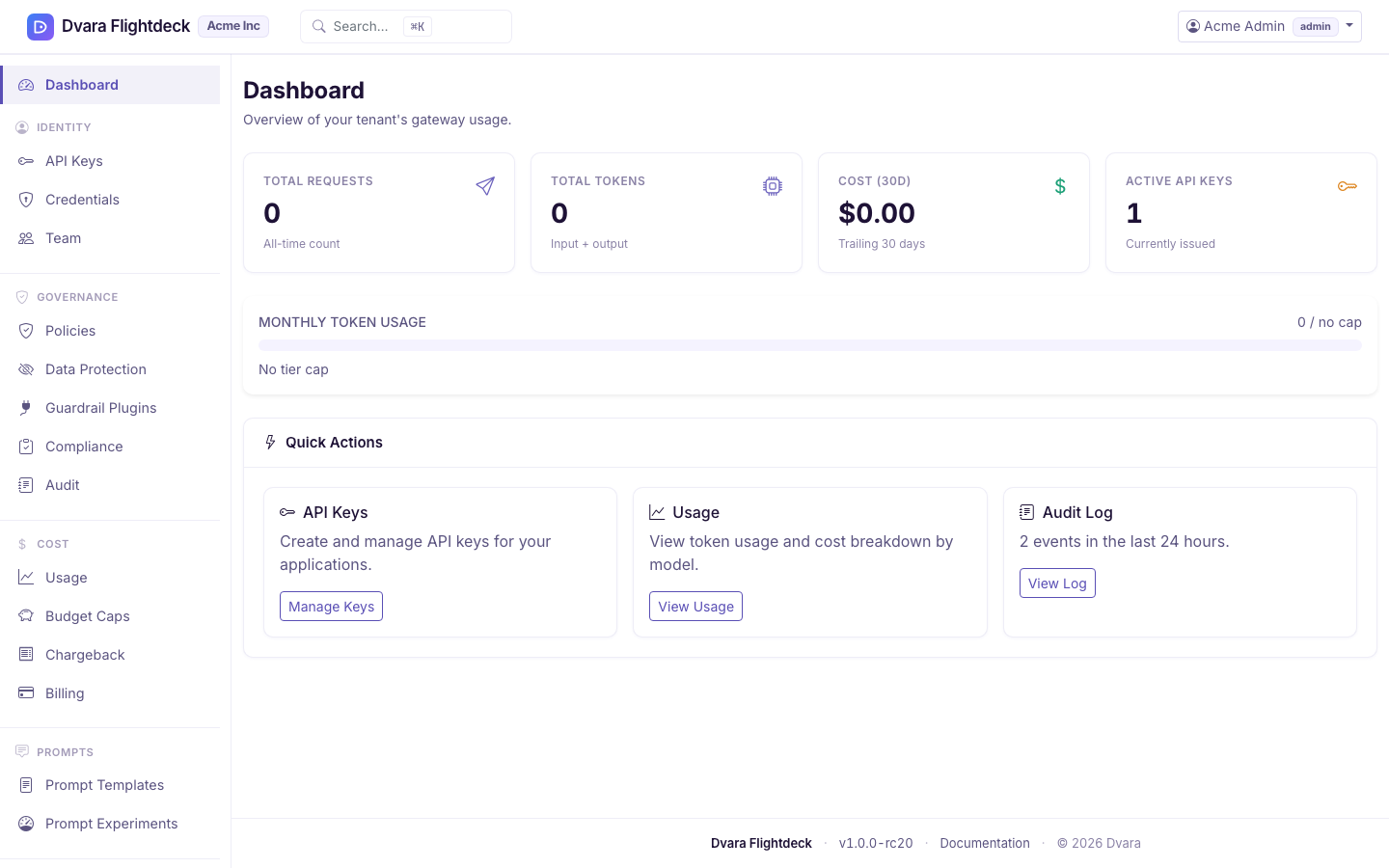
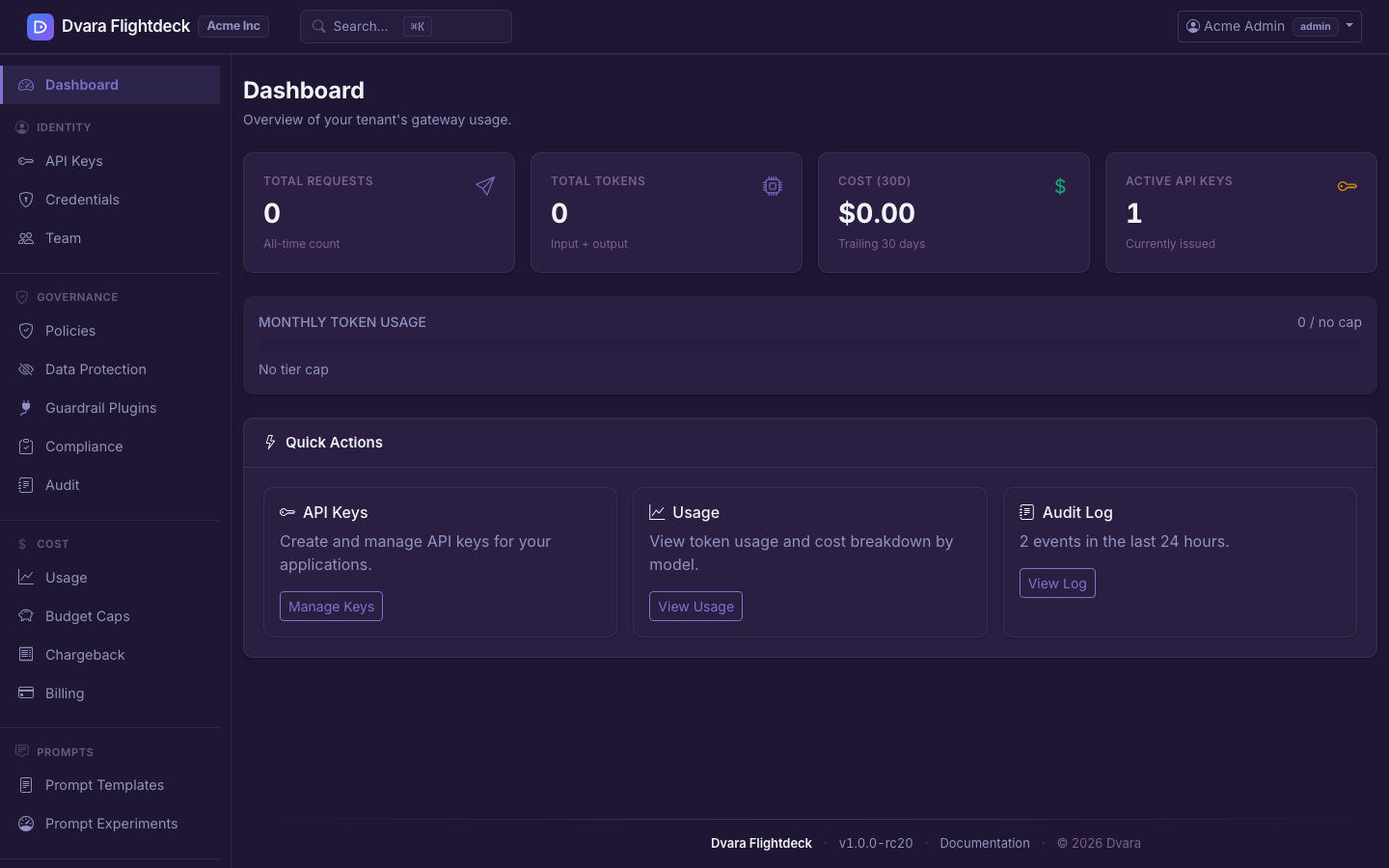
Tenant-role users (admin, developer, viewer) are automatically redirected after login to the tenant portal at /portal instead of the platform dashboard at /. The portal is scoped to the user's own tenant and provides:
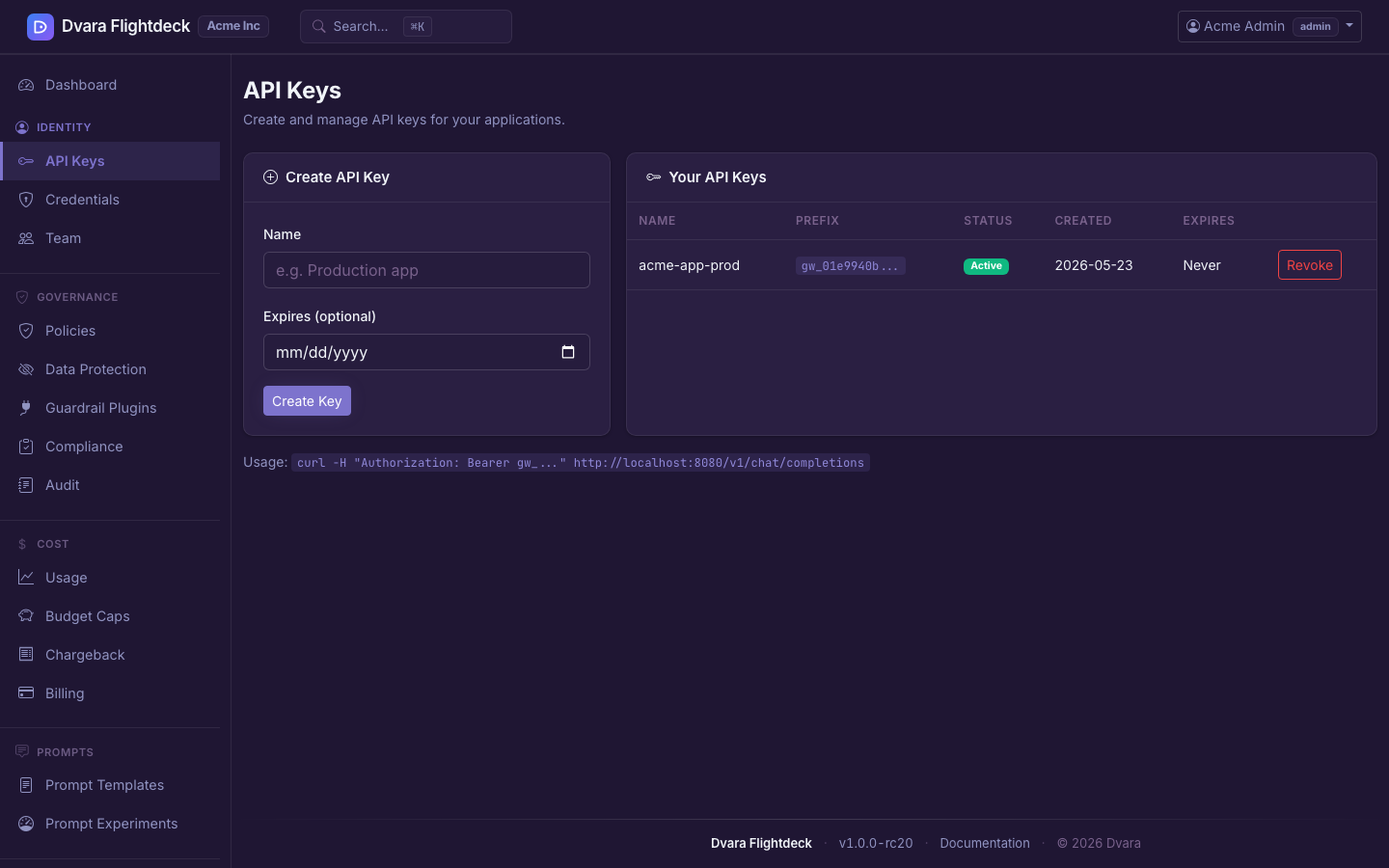
- API key management (create / revoke, role-gated)
- BYOK provider credentials (AES-256-GCM encrypted at rest)
- Token usage and cost visualizations
- Tenant-scoped audit logs
- Team management (tenant
adminonly) — see Onboarding a Tenant for the end-to-end invitation flow including the portal hand-off - Guardrail plugin management (
/portal/guardrail-plugins) — tenant-scoped plugin CRUD foradminanddeveloperroles;viewergets read-only access. Plugins created here are scoped to the tenant automatically. Platform-global plugins are not shown but still apply to the tenant's traffic.
Role capability matrix within the portal:
| Capability | owner | admin | developer | viewer |
|---|---|---|---|---|
| View dashboard / usage / audit | All tenants | Own tenant | Own tenant | Own tenant |
| Create API keys | Any tenant | Own tenant | Own tenant | No |
| Revoke API keys | Any tenant | Own tenant | No | No |
| Manage team members | All tenants | Own tenant | No | No |
| Manage routes / policies | Yes | No | No | No |
| Manage own (TENANT) budget caps | Yes | Create / edit (admin + developer); delete (admin) | Create / edit | Read-only |
| Manage model pricing | Yes | No | No | No |