Cap your spend and generate chargeback reports
Not included in DVARA Open Source.
Cost governance in the DVARA Flightdeck is two pages, working together. Budgets decide what happens when spending crosses a threshold; chargeback reports are how your finance team gets the line-item breakdown they need at month-end.
Sign in as a workspace admin. Developers and viewers can inspect budgets but
cannot create, edit, delete, or approve them. Budgets evaluate every data-plane
request, so the gateway-connected indicator must be green for new caps to bind.
Read the budget caps that govern your workspace
Open Budgets in Flightdeck. The list shows every cap that applies to your workspace, in two flavours:
| Provenance | Who sets it | Can you change it? |
|---|---|---|
PLATFORM | The operator who runs DVARA | No — read-only, shown with a lock badge |
TENANT | A workspace admin, from this page | Yes, for a workspace admin |
Operator-set PLATFORM caps that govern your workspace are read-only here (shown with a lock badge); your own TENANT caps must sit at or below the tightest applicable PLATFORM cap.
Each cap has a period (DAY, WEEK, MONTH), a limit in USD, an optional soft limit as a percentage of the hard limit, and an enabled flag.
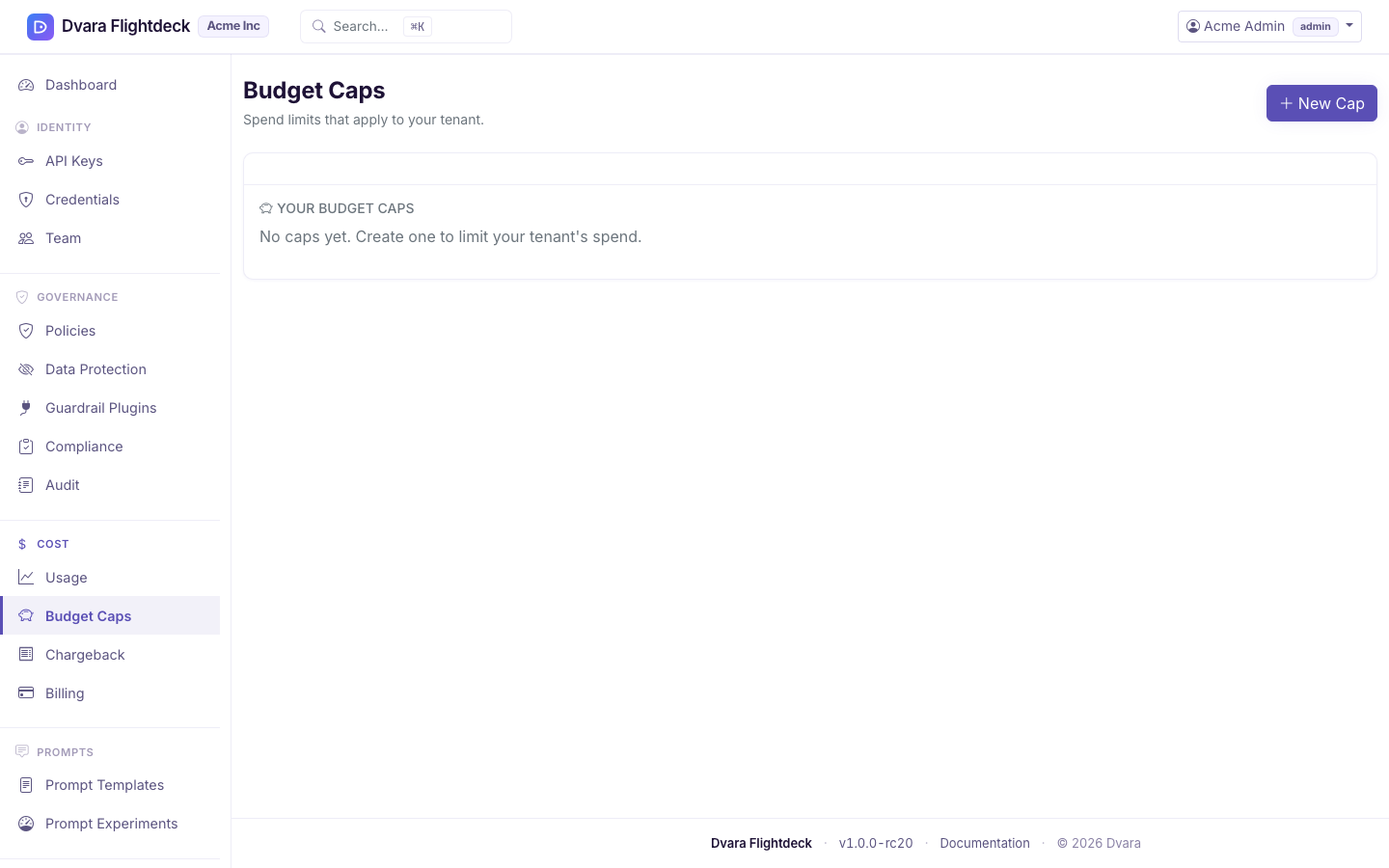
Add a workspace cap (you can only tighten, never loosen)
- Click Add cap.
- Pick a period and a USD limit. If the operator has set a ceiling cap on your workspace, your cap must be at or below it — you can tighten spend, you cannot escape an operator-imposed ceiling.
- Optional: set a soft limit (typical is
80%). Spend crossing the soft limit fires an alert but does not block traffic; spend crossing the hard limit rejects calls. - Submit the cap and a reason for approval.
- Ask a different workspace budget manager to review it under Governance → Approvals.
- After approval, return and create the exact cap before the 15-minute approval expires.
When no operator ceiling exists, your cap stands on its own. Budget evaluation is tightest-wins: the most restrictive enabled cap that matches a request governs that request's spend.
Creating or deleting a cap always needs two-person approval. Changing its period, hard limit, or enabled state does too; changing only its name or soft limit does not. The separate review keeps one workspace user from quietly removing or weakening a financial control. Approval covers the exact submitted values, so a cap changed in another session needs a new request.
Track current period spend
Each row shows period-to-date spend versus the hard limit, with a progress bar. The numbers update on every data-plane response — they're a near-real-time view of where you are in the period. Cross the soft limit and the row turns amber; cross the hard limit and it turns red. New calls fail with BUDGET_CAP_HARD (HTTP 402 Payment Required) until the period resets.
Generate a chargeback report
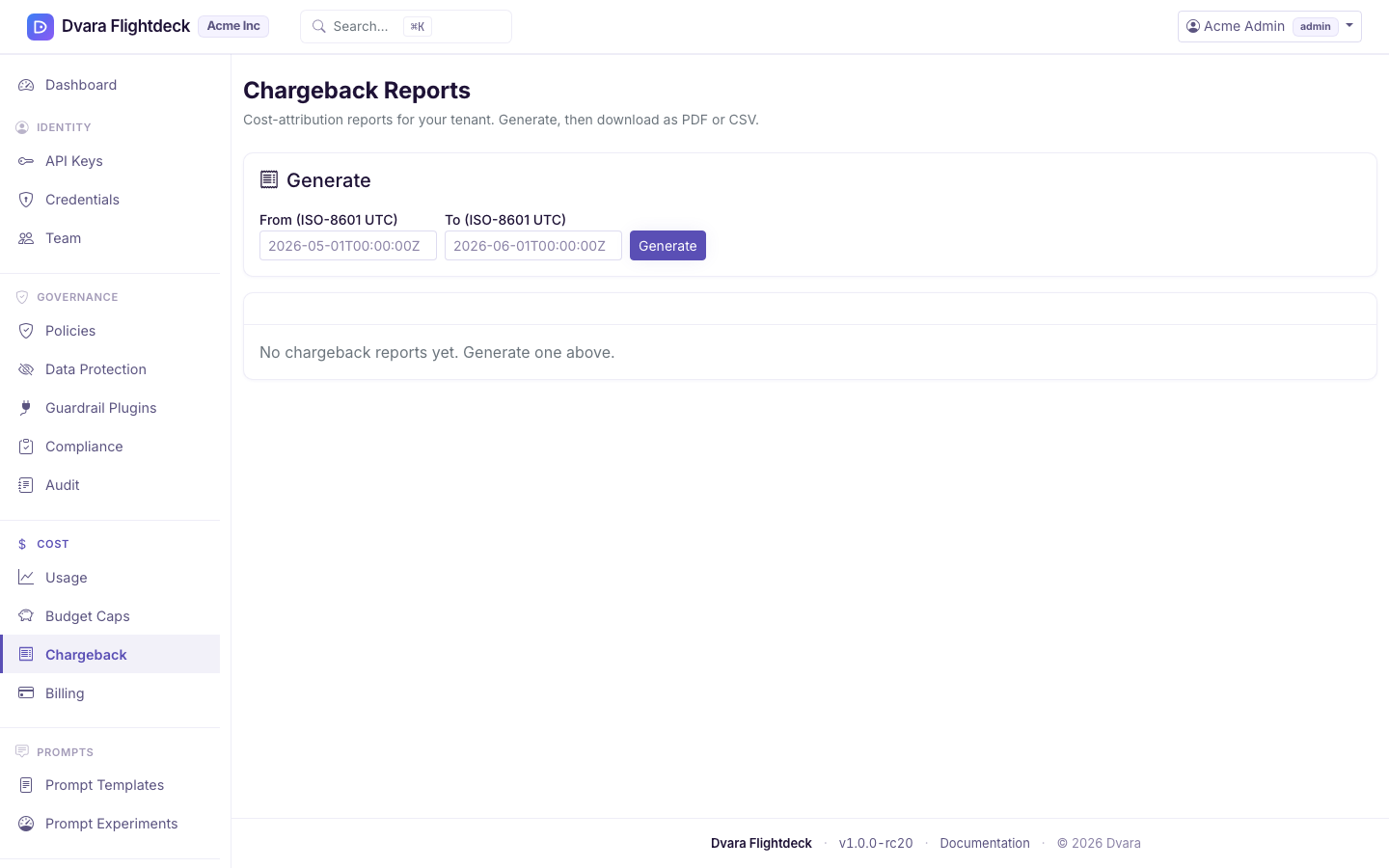
Open Chargeback → Generate, pick the date range (defaults to the previous calendar month), and submit. The report aggregates your workspace's spend by model, provider, API key, and any cost tags your applications passed along with their requests. API-key groups use the same opaque ID as usage, cost, budgets, and audit evidence; no bearer credential enters the report. It is a full snapshot — once generated, the numbers cannot drift.
Download PDF or CSV
Every generated report has a PDF download (formatted, ready to email a finance team) and a CSV download (line items for a spreadsheet or BI tool). Both downloads are read-only and not audited.
From 1.8.5 the model summary, and its CSV, add input, output, cached-input, cache-write and reasoning tokens as trailing columns. A spreadsheet keyed on column position keeps working. Each part is inside its total, so no total changes.
Old reports stick around until you delete them. Delete is admin-only.
What every action writes to the audit trail
| Action | Audit event |
|---|---|
| Create a workspace cap | BUDGET_CAP_CREATED (carries managed_by: TENANT) |
| Edit a workspace cap | BUDGET_CAP_UPDATED |
| Delete a workspace cap | BUDGET_CAP_DELETED |
| Cross the soft limit | BUDGET_CAP_SOFT (deduplicated within a cooldown window) |
| Cross the hard limit | BUDGET_CAP_HARD (one event per blocked request) |
| Generate a chargeback report | CHARGEBACK_REPORT_GENERATED |
| Delete a chargeback report | CHARGEBACK_REPORT_DELETED |
Report downloads are deliberately not audited — they read a file that was already produced and audited at generation time.