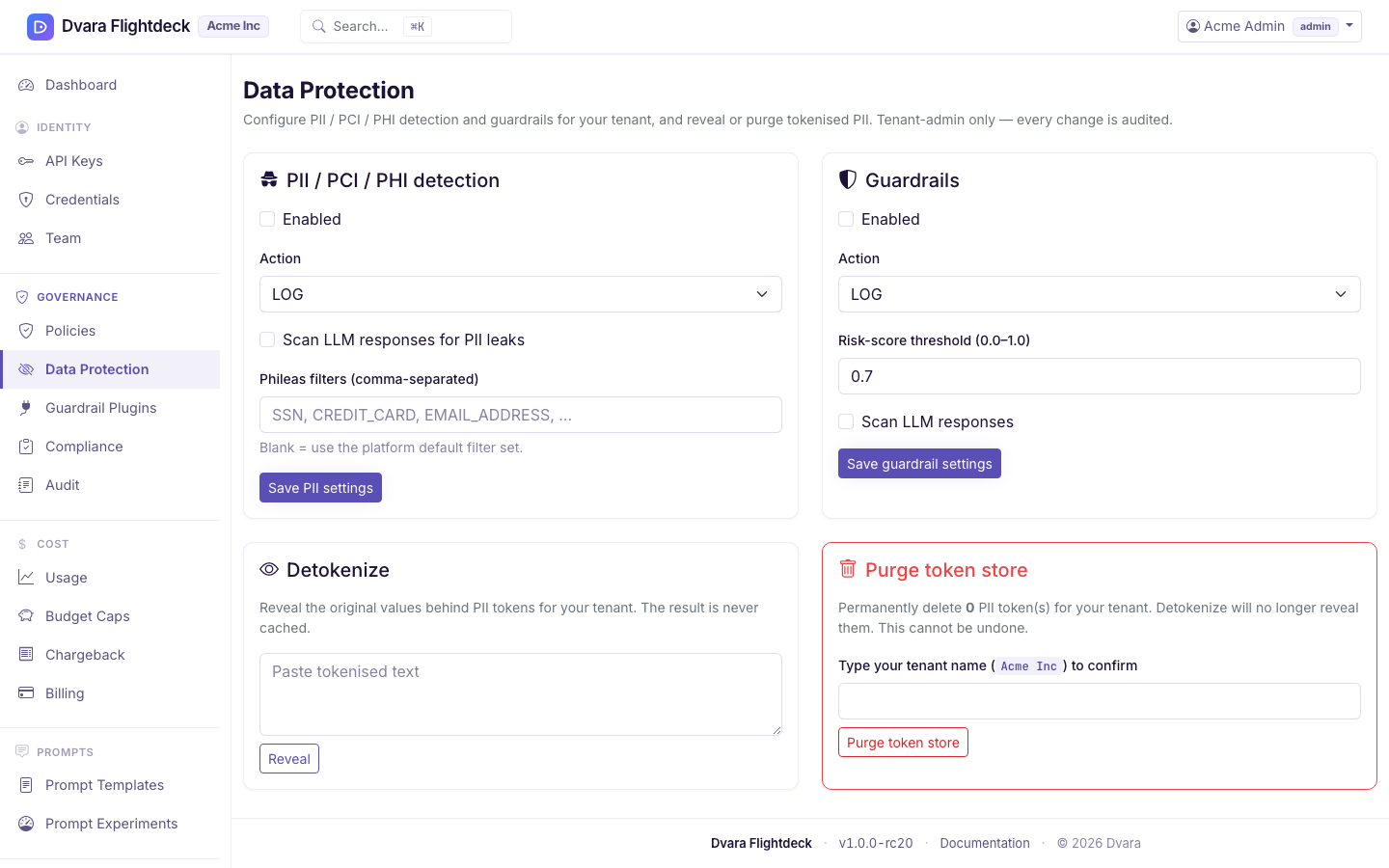
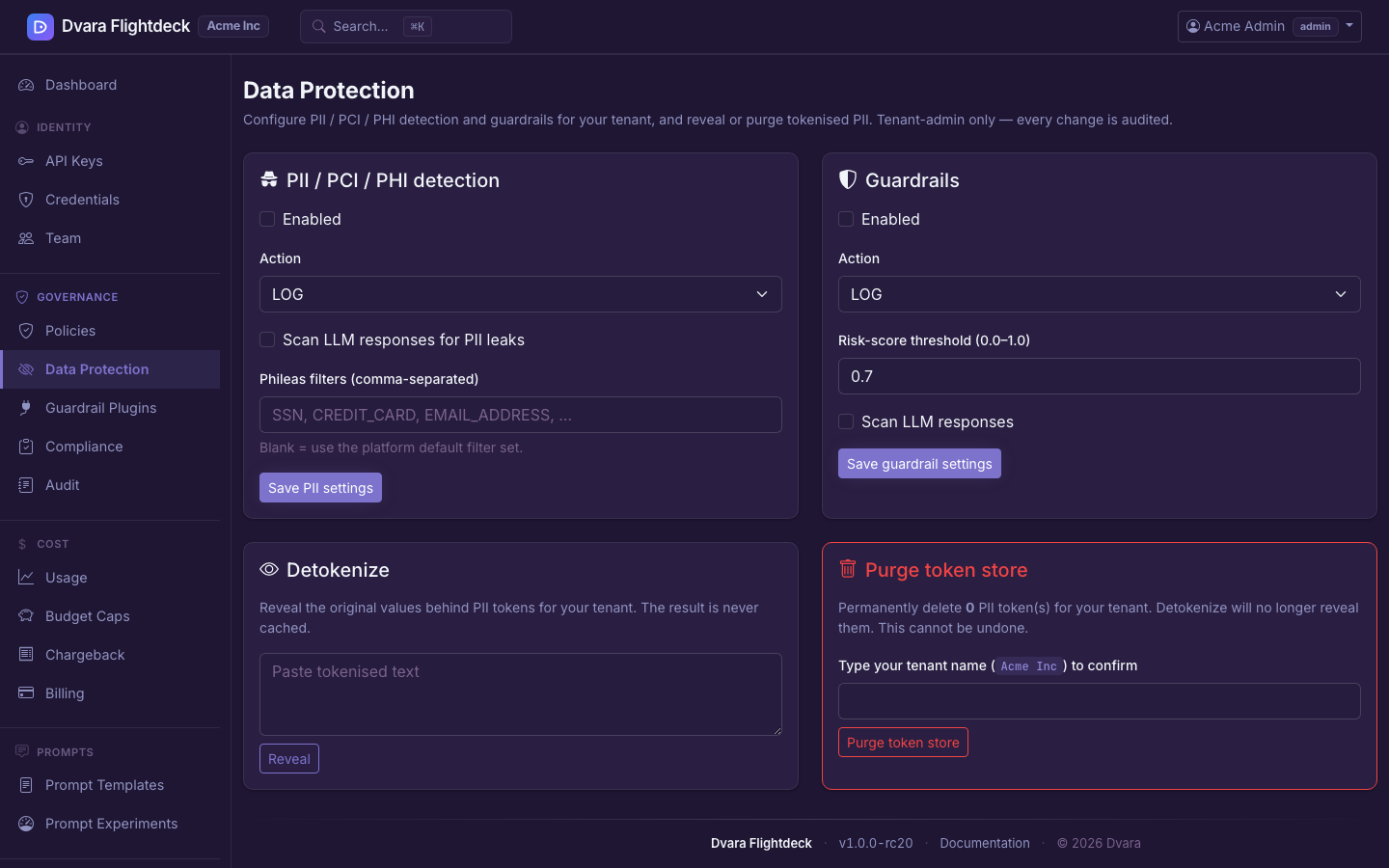
Configure PII protection and guardrails
The Enterprise platform runs these LLM controls without a licence key in the
Development posture. TOKENIZE also needs a working token store and key
material. A licence is required for Enterprise production use and for the MCP
and A2A planes.
Data protection in your workspace is governed under one posture — every PII detection and every guardrail decision flows into your tamper-evident audit trail. This page is the surface where you set that posture, and it is admin-only: developers and viewers cannot reach it.
Sign in as a workspace admin and confirm the gateway-connected indicator is green. Changes apply on the next data-plane request — there is no restart.
Choose what PII is detected, and what happens when it is
PII detection runs on every prompt before it reaches an upstream model, and on every response before it reaches your application. The choice you make on this page is what happens when something is found:
| Action | Behaviour |
|---|---|
LOG | Record the detection and pass the value unchanged. This is the default. |
BLOCK | Refuse a request before provider dispatch. Refuse a non-streaming model response with HTTP 400; end a blocked stream with finish_reason: content_filter. |
REDACT | Replace the value with an irreversible typed placeholder and store no original value. |
TOKENIZE | On provider-bound input, replace the value with a recoverable token. This requires a working token store and key material. |
Start with LOG while you measure detections. Use BLOCK when the request must
not leave your boundary, and REDACT when permanent removal is acceptable. Use
TOKENIZE only when an authorized workflow must recover a provider-bound value
later. Newly detected response PII is removed irreversibly under both REDACT
and TOKENIZE; DVARA does not mint recovery tokens for model output.
Pick the built-in PII filters that apply to your workspace
The filter editor lists 30 types supported by the optional Phileas scanner. Its complementary default set enables 14 types that do not duplicate the deterministic detector. Eight dictionary-based types are opt-in because they can match ordinary language, and eight types already covered by deterministic checks are not enabled twice.
Saving a filter choice does not install the scanner. The stock image does not include Phileas. These choices take effect only when an embedding application supplies that library and the operator enables the embedded PII scanner. Check the gateway startup log before relying on it.
The page also lets you add custom regex patterns with a label of your choice. Use these for in-house identifiers (a customer reference number, an internal employee id, an account number format you mint yourself). Test every custom pattern against representative samples before you set the action to BLOCK.
Tune the guardrail action and risk threshold
Guardrails sit alongside PII and cover what the model is allowed to say or be told: prompt-injection attempts, jailbreak patterns, content categories, MCP-tool injection, and any external guardrail plugin your operator has wired up. The same three actions apply (BLOCK / FLAG / LOG), with one extra knob:
- Risk threshold — a number between
0.0and1.0. Detections below the threshold are ignored, so you don't get paged on low-confidence findings.0.7is a reasonable starting point; lower it if you are missing real cases, raise it if false positives outweigh true ones.
Detokenize a tokenized value
Only TOKENIZE stores an original value. The Enterprise platform keeps it in a
workspace-scoped encrypted token store so an authorized workflow can recover
it later. REDACT stores nothing and cannot be reversed. In the Portal, a
workspace admin can paste tokenized text into the Detokenize panel and reveal
tokens belonging to that workspace.
The server resolves the token from the workspace-scoped store and returns the original value to your browser over the authenticated session — it is never logged. The audit trail records that you detokenized (the input length, the output length, whether anything changed, and your email as actor) — it never records the revealed text.
Use this sparingly. Every detokenize is reviewable, and a high rate is itself a signal worth investigating.
Automatic response detokenization (opt-in)
If your application needs the model's answer with request-minted tokens restored,
enable pii.auto-detokenize-response for the workspace. It is off by default,
works only with TOKENIZE on supported non-streaming responses, and restores
only tokens minted for that request. It never reverses REDACT or restores new
PII generated by the model. Restoration runs after the cache write, so the
cache does not receive the recovered value, and writes
PII_RESPONSE_DETOKENIZED evidence.
Purge every token in your workspace
The token store is bounded — it ages out tokens on its own retention schedule — but you can also drop everything in one step. This is a one-way operation: after a purge, any token that was outstanding can no longer be detokenized.
The purge form requires you to type your workspace name to enable the submit button. There is no "undo." Use it before handing off a workspace to a new owner or as part of a documented compliance retention cycle.
After purging, any tokenised PII that was still outstanding cannot be recovered. Applications that depend on detokenizing tokens issued before the purge will start to see opaque strings forever.
What every action writes to the audit trail
Every change on this page lands in the audit log with your email as the actor:
| Action | Audit event |
|---|---|
| Save the PII posture | WORKSPACE_PII_CONFIG_UPDATED (carries the before/after for the PII keys only — never for unrelated metadata) |
| Save the guardrail posture | WORKSPACE_GUARDRAIL_CONFIG_UPDATED (same shape, guardrail keys only) |
| Detokenize a value | PII_DETOKENIZE_REQUESTED (carries input_length, output_length, changed — never the revealed text) |
| Purge the token store | PII_TOKENS_PURGED (carries tokens_removed count) |
Data-plane detections write their own events, including PII_DETECTED,
PII_REDACTED, PII_TOKENIZED, PII_OUTPUT_LEAK, GUARDRAIL_BLOCKED, and
GUARDRAIL_FLAGGED. Filter the audit log
by event type to see what the detectors caught and what your posture did with it.